Usage


Usage |
|
| User Options > Screen saver |
This feature allows customers to have a screen saver – a function similar to what we can find on desktop PCs - that is automatically engaged when the turrets have been idle for a pre-configured period of time. This allows:
•Give a more personalized look to user's telephony system; •Reducing the Image Persistence effect that affects some turret displays.
This screen saver can work in two different modes:
Dimming the screen
The brightness of the screen decreases to a predefined value.
Using a custom image
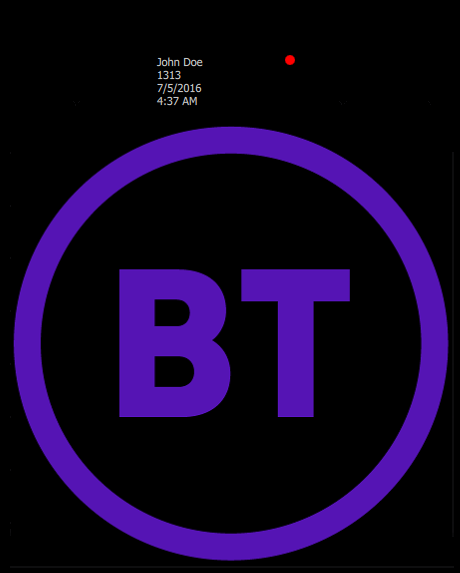
The screen becomes black, the only visible thing is a custom image. A custom image can be used when user is logged in and another when logged out to help distinguish between the two states. The image then moves periodically on screen at random positions.
Displaying missed in calls
When using a custom image as screen saver and user is logged in, the missed in calls logs will be display on the top of the image. See Call history entries for details about missed call logs information.
The following scenario illustrate which call logs can be visible on the screen saver: •User#1 is logged on. Screen saver is currently not visible. •Several missed in call are logged during user inactivity. •After some time, the screen saver is engaged and shows all the new missed in call logs. •User#1 comes back and disengages the screen saver. •User#1 opens the history panel and the history notification disappears. •After some times, the screen saver is engaged and shows no new missed in call logs. Consuming the history notification empty the new missed in call logs queue. Lines are not registered
When some of the user's lines are not successfully registered, the orange phone icon will be displayed on the top of the image
When all of the user's lines are not successfully registered, the red phone icon will be displayed on the top of the image
|