Wizard install


Wizard install |
|
| Solution Integration > Click To Dial from traders' desktop > Click To Dial from desktop app > Configure > Turret PC application setup |
Installation and configuration
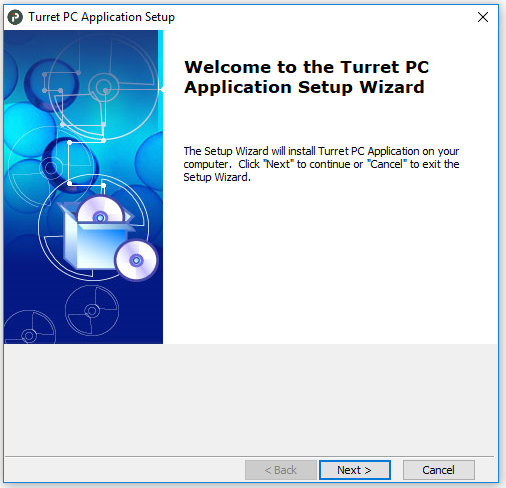
Basic configurationTo install the Turret PC Application, launch the setup.exe.
Click on "Next" to begin the setup.
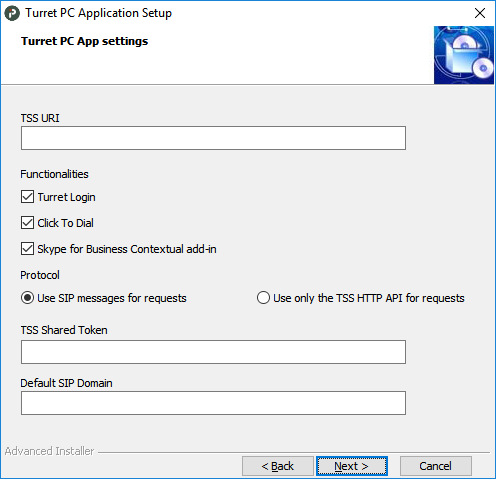
Enter the TSS URI and choose the features to install (at least one). You can install 3 functionalities: •Turret Login: Automatically login / logout the turret when the user log in / log out on the computer. It can also be logged on/logged out using right click on the Turret PC App icon inside task bar. •Click To Dial: Right click on the Turret PC App icon in task bar allow the user to initiate a new call. •Skype for Business Contextual add-in: Add an option inside the contextuel menu of the Skype for Business client on the workstation. When the user right click on a contact, he can place a call to this contact using the IP Trade turret.
Choose the protocol you want to use: •Use SIP messages for requests : Communicate directly with the Turret by SIP messages •Use only the TSS HTTP API for requests : Communicate using the TSS HTTP API.
Enter the TSS Shared token value. This value is used to secure the login API and must match the value configured in the TSS. Recommended for SfB: Enter a default SIP domain, this one will be used when no domain is specified and only if the setting "Ignore the domain in SIP URI received by Turret PC App" (application.tsp.ignoredomain) is set to false (see Turret configuration).
Then click on "Next" .
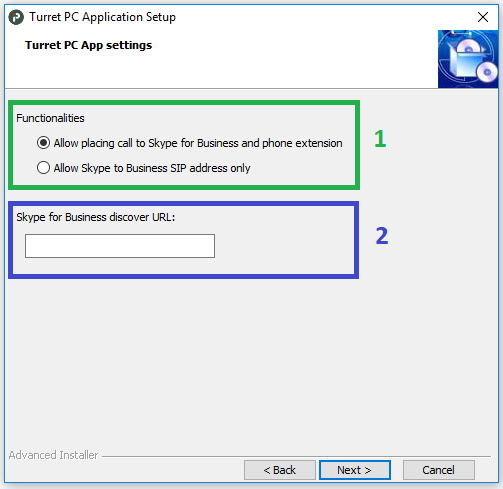
(Optional) Configure Skype for Business contextual add-inIf you want to add the Skype for Business contextual add-in, the following window will be displayed in order to configure the add-in.
1.The add-in can be used either to open the user business card in order to select a phone extension to call or directly place a call to the Skype for Business user SIP address. 2.Skype for business discover URL can be found as explained in the "Skype for Business" configuration section of this documentation. Finish the installation
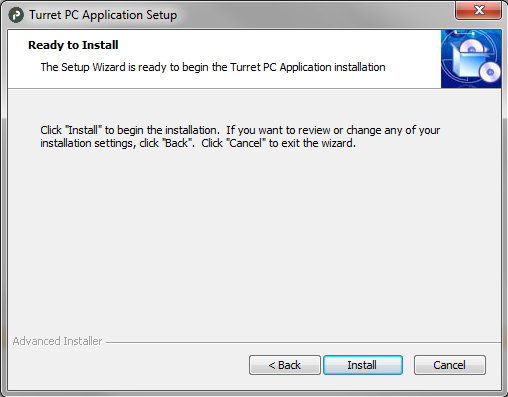
Click on "Install" to start the Turret PC Application installation.
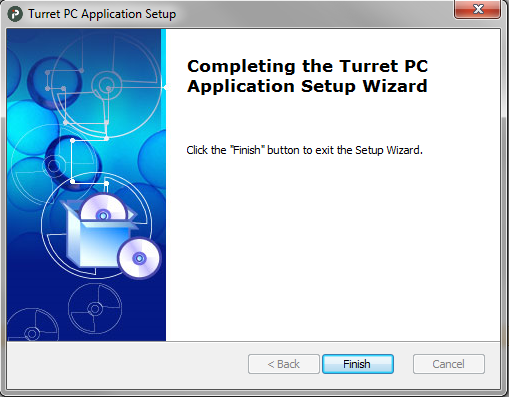
The Turret PC Application is now installed.
The application's configuration can be redefined to fit any specific need by editing configuration file (C:\Program Files (x86)\IP Trade\Turret PC Application\application.cfg) and set appropriate values for the following settings :
** If turretpcapp.setting.clicktodial is set to true, the setting profile.setting.authorizetsp must be set to true in turret user.
|