Configuration


Configuration |
|
| User Options > Peripheral devices > External Keyboards |
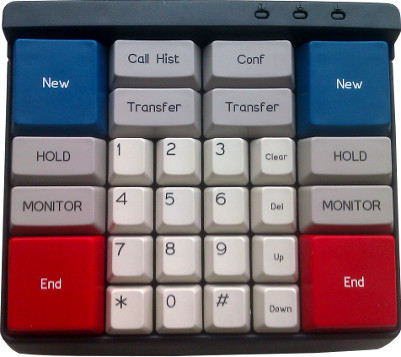
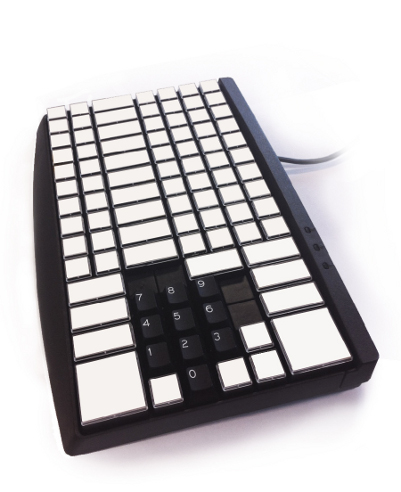
Two types of external keyboards are available.
External Keyboard 1
External Keyboard 2
A single configuration key allows using one of them with the turret:
Enabling this setting automatically generates several other settings on the turret in order to map each key to a specific action, according to a default configuration. This default configuration is enough to use most of the keyboard's functionnalities.
If you want to further customize the keyboard actions, see Configuration - advanced for details on how to customize the keyboard actions.
Warning : To use any external keyboard, the setting profile.setting.keyboard.external.enabled MUST be set to true. |
||||||||||