SBC Audio Codes TroubleShooting


SBC Audio Codes TroubleShooting |
|
| Solution Integration > Session Border Controllers > Audiocodes |
AudioCodes Virtual Edition SBC Trouble ShootingThe Audio Codes SBC has a number of built in diagnostics to help with problems
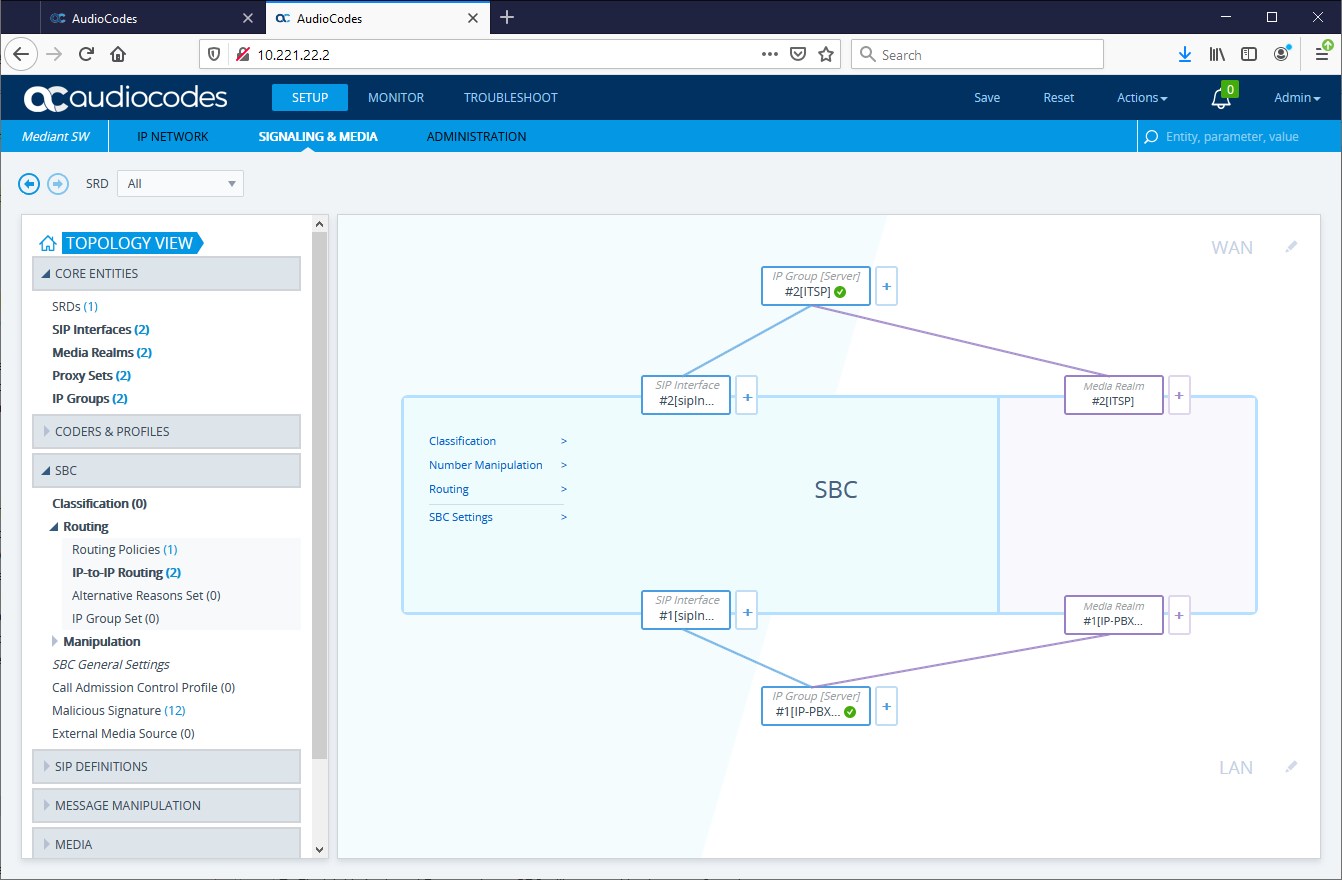
SBC Topology ViewLog on onto management interface and browse to Setup->Signaling and Media->Topology view
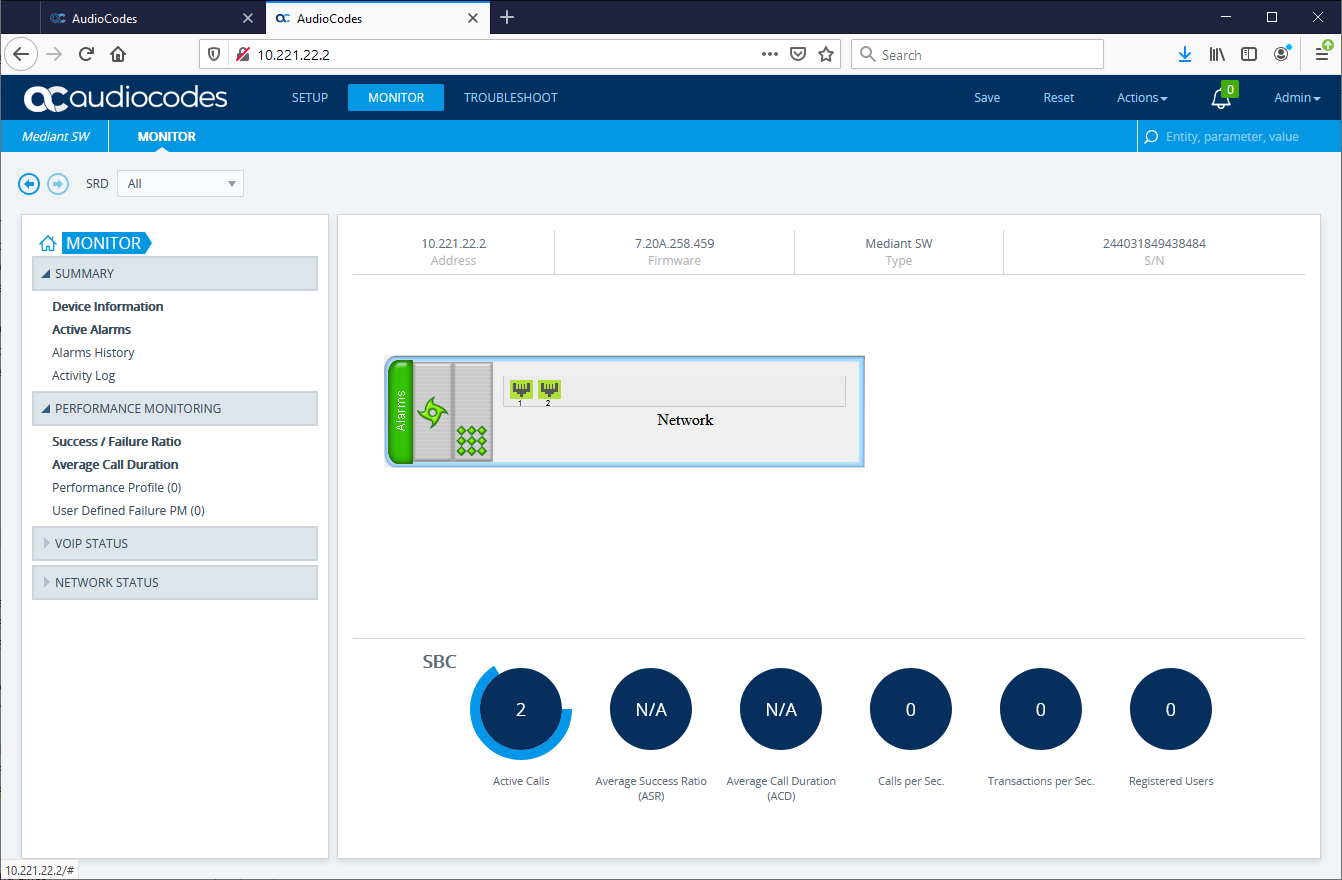
This screen allows the user to quickly see the statue of the connected interfaces and to see if they are responding to SIP OPTIONS SBC Monitor ViewLog on onto management interface and browse to Monitor->Monitor
This view allows you to see the state of calls present of the SBC to allow the user to check that the number of calls expected are in progress.or not.
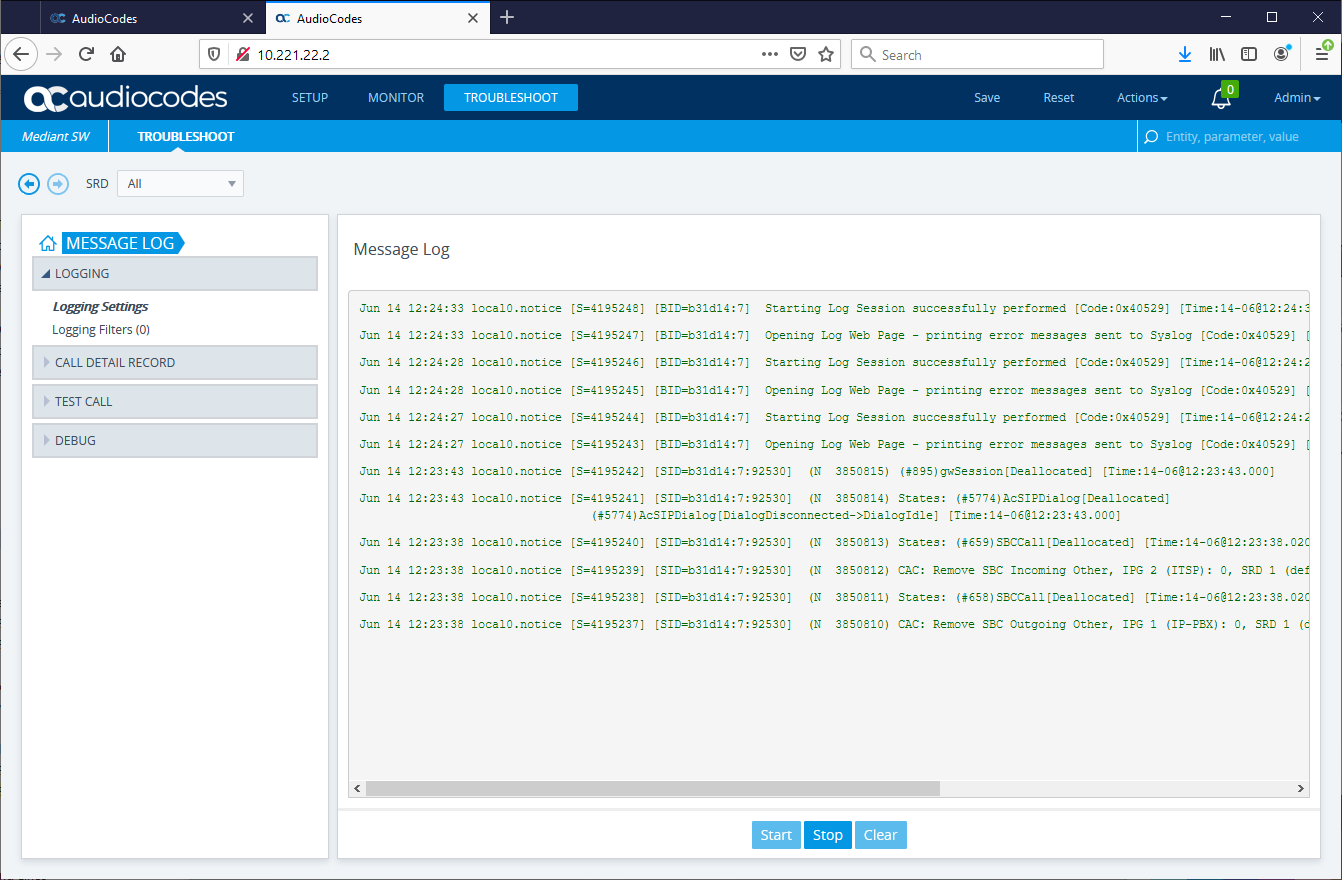
SBC Message LogLog on onto management interface and browse to Troubleshoot->Message Log
This view allows the user to see the internal message logs in real time to investigate errors or warnings.
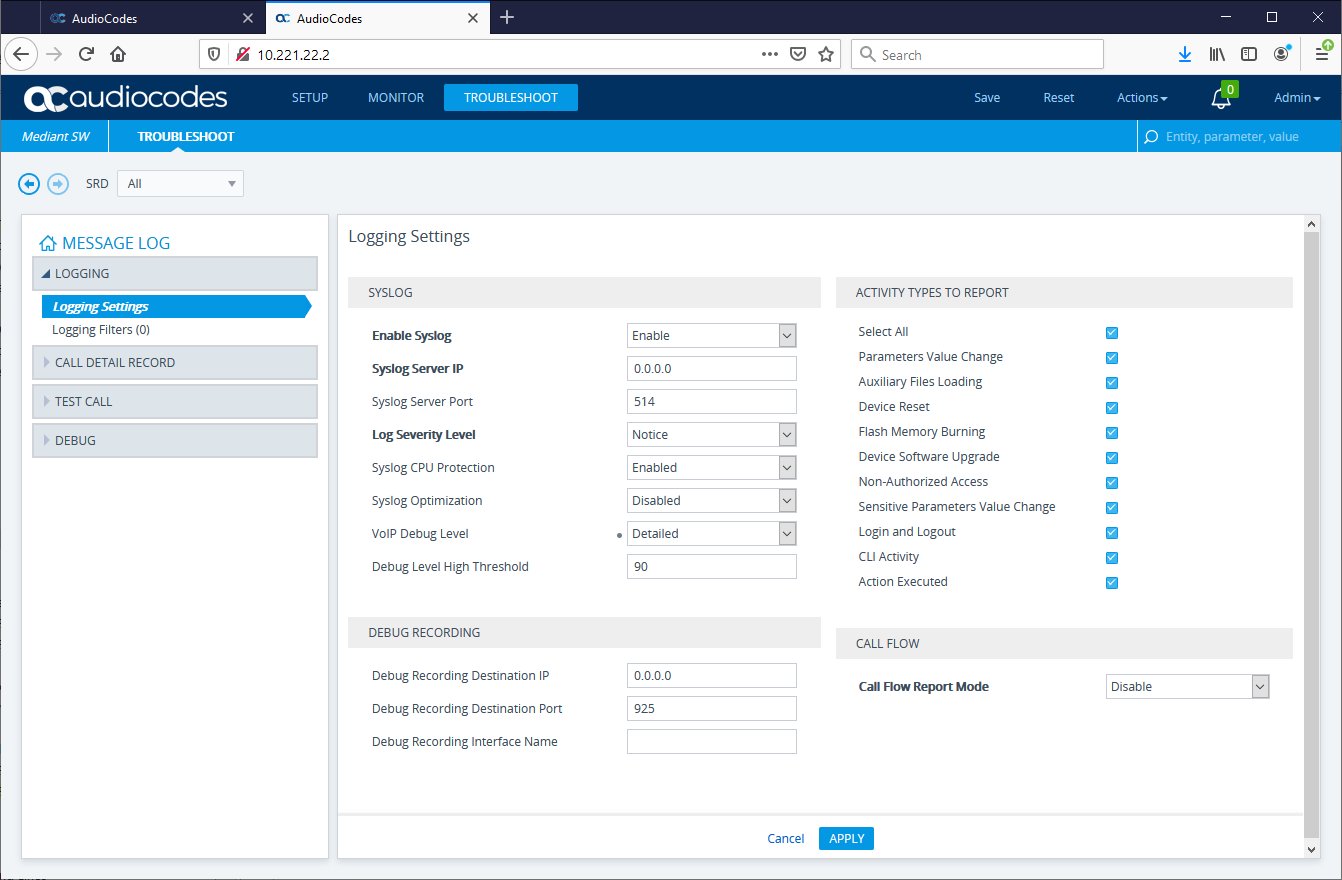
During troubleshooting it is useful to have access to the SIP flows between SBC and BTTrade and Carrier
To get these the log settings need to be edited to change the default Voip Debug to Detailed from Basic
note make sure to put back when investigations are complete
SBC Utility Syslog ViewerThe SBC comes with a syslog viewer tool which is a windows application to help in analysis of the logs. This can be found in the Utils folder on the BTExtranet as a self installing file AudioCodes-syslogViewer-setup.
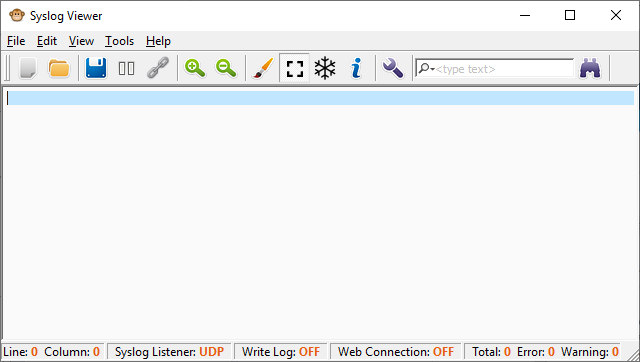
Once this has been downloaded and installed if run up will see the initial dialog box.
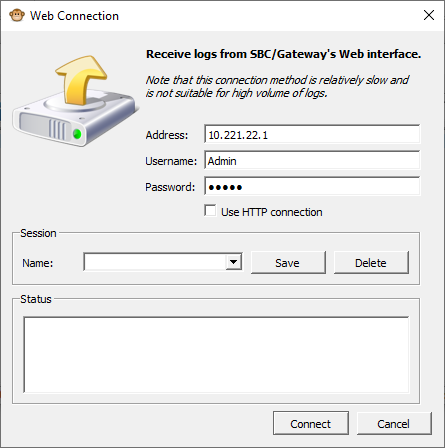
From here in file menu choose connect or hit the chain icon and then enter the IP address of the SBC to connect to.
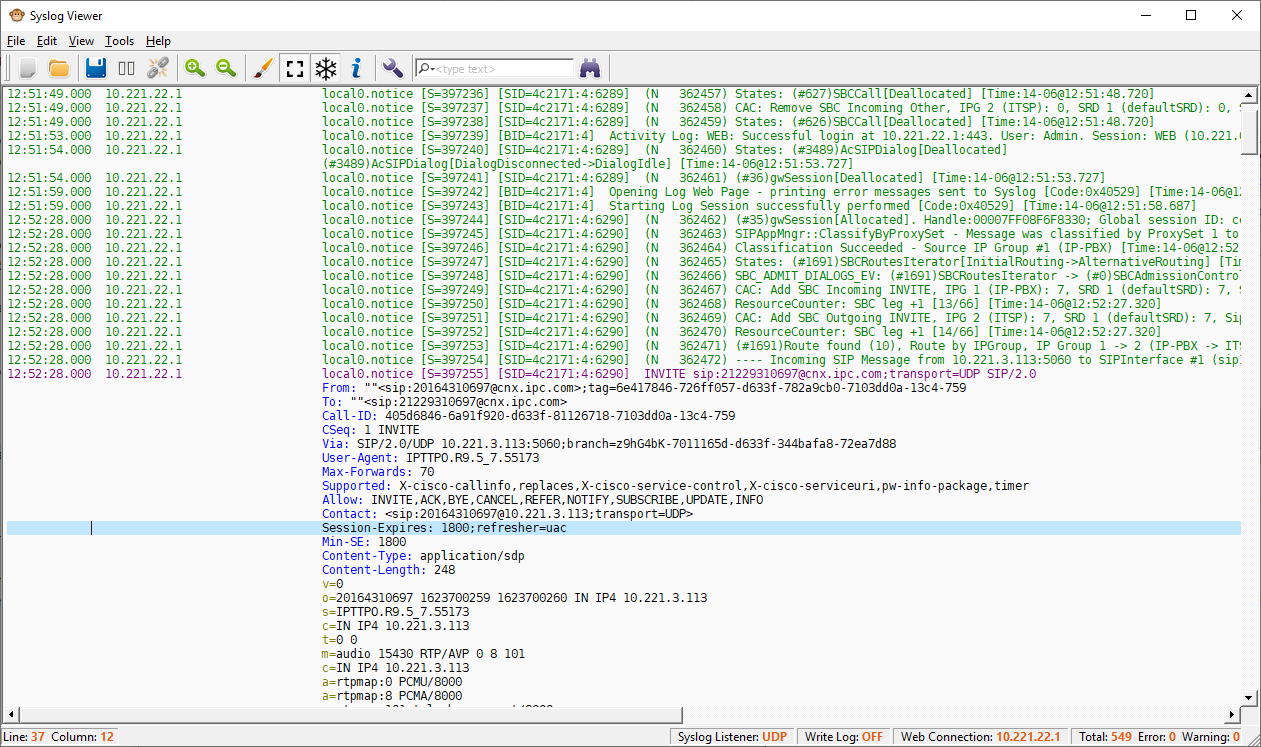
Once done hit connect and will start to see syslog info in the application
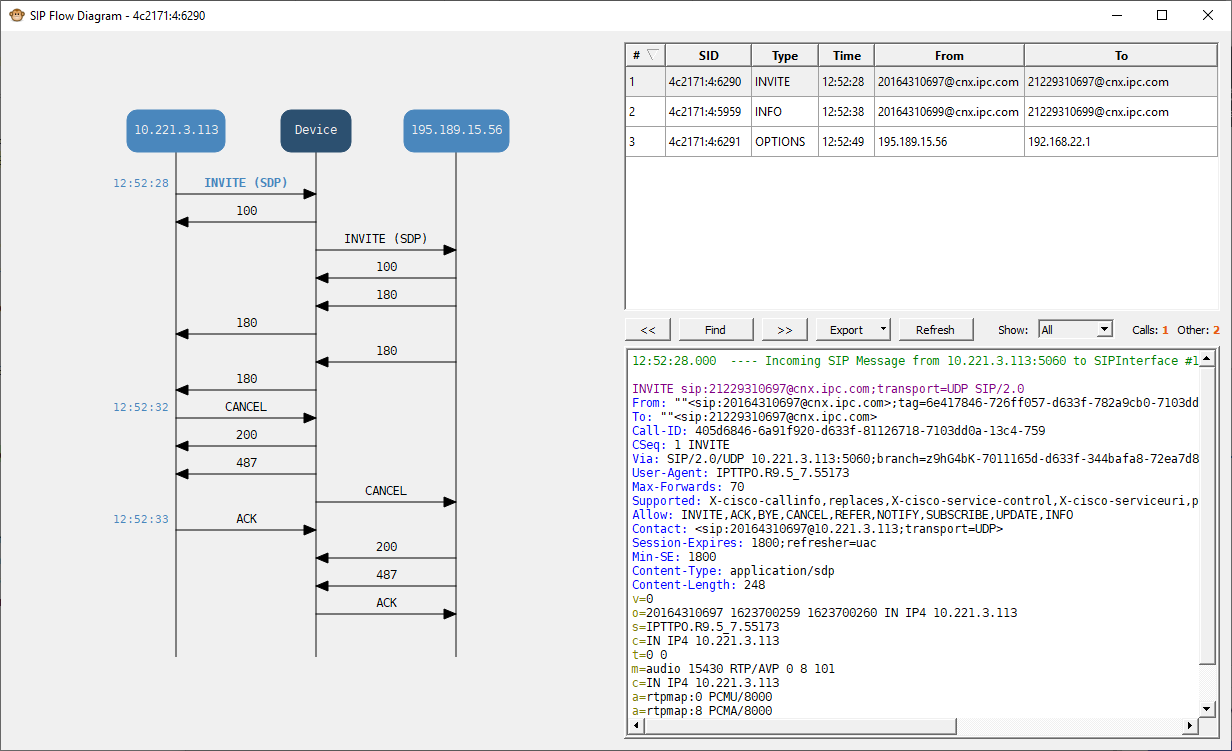
From the Tools menu select SIP flow or hit the i icon this will list the SIP flows and provide a diagram with the individual message details
This is the most useful tool in debugging the SBC and will work even when using TLS where Wireshark will not.
|