On-the-fly quick mode


On-the-fly quick mode |
|
| Trading and C&C > Turret Proxy To Open communication (TPO) > DDI Sharing > DDI Lines Coverage > Usage |
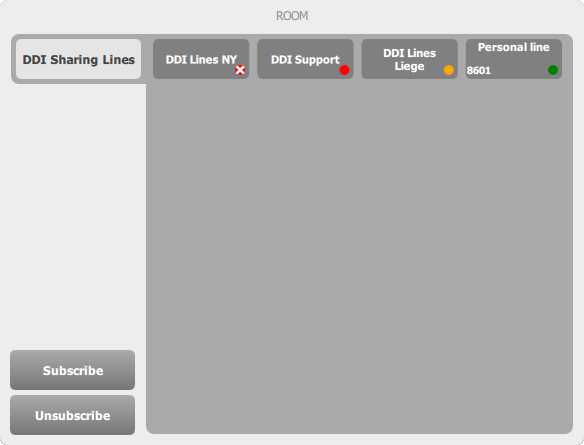
When enabled, the quick mode allows subscribing, unsubscribing and "monitoring" lines or groups of lines directly from the Room panel.
Line statesEach line state is represented by a colored bullet:
Monitoring linesThe quick mode introduces the "monitoring" state of lines. To switch between "monitoring" and "subscribing" a line or a group of lines, simply press the corresponding entry (here, the entry switches from monitored to subscribed):
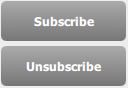
Subscribing (or Unsubscribing)To subscribe (or unsubscribe) to lines or groups of lines, press the Subscribe (or Unsubscribe) button:
Select the line(s) or line group(s) to subscribe (or un-subscribe):
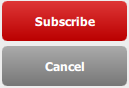
Press the Subscribe (or Unsubscribe) button again to confirm , or Cancel to abort and return to the normal mode:
Process may take a few seconds, then selected lines are subscribed (or unsubscribed).
Subscribing (or Unsubscribing) all lines at onceTo subscribe (or unsubscribe) to all lines of a group in one single step, perform a long press on the Subscribe (or Unsubscribe) button:
This will have the exact same effect as pressing the subscribe (or unsubscribe) button, selecting all lines and pressing the subscribe (or unsubscribe) button again like in the previous use-case. Line configuration panelA long press on a line or lines group's entry opens the Line configuration panel, just like in "classic" mode. See On-the-fly setup of DDI lines.
|