Search Call


Search Call |
|
| Voice Recording > Recorders Configuration > Nice NTR > Nice NTR Interface |
Search a call placed in a particular range:
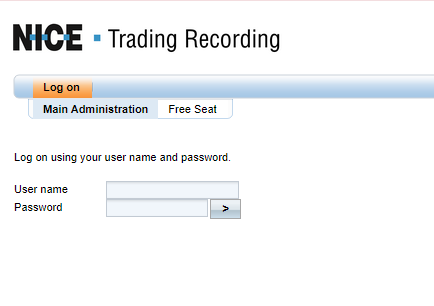
1. Go on Nice NTR recorder web interface using your internet browser:
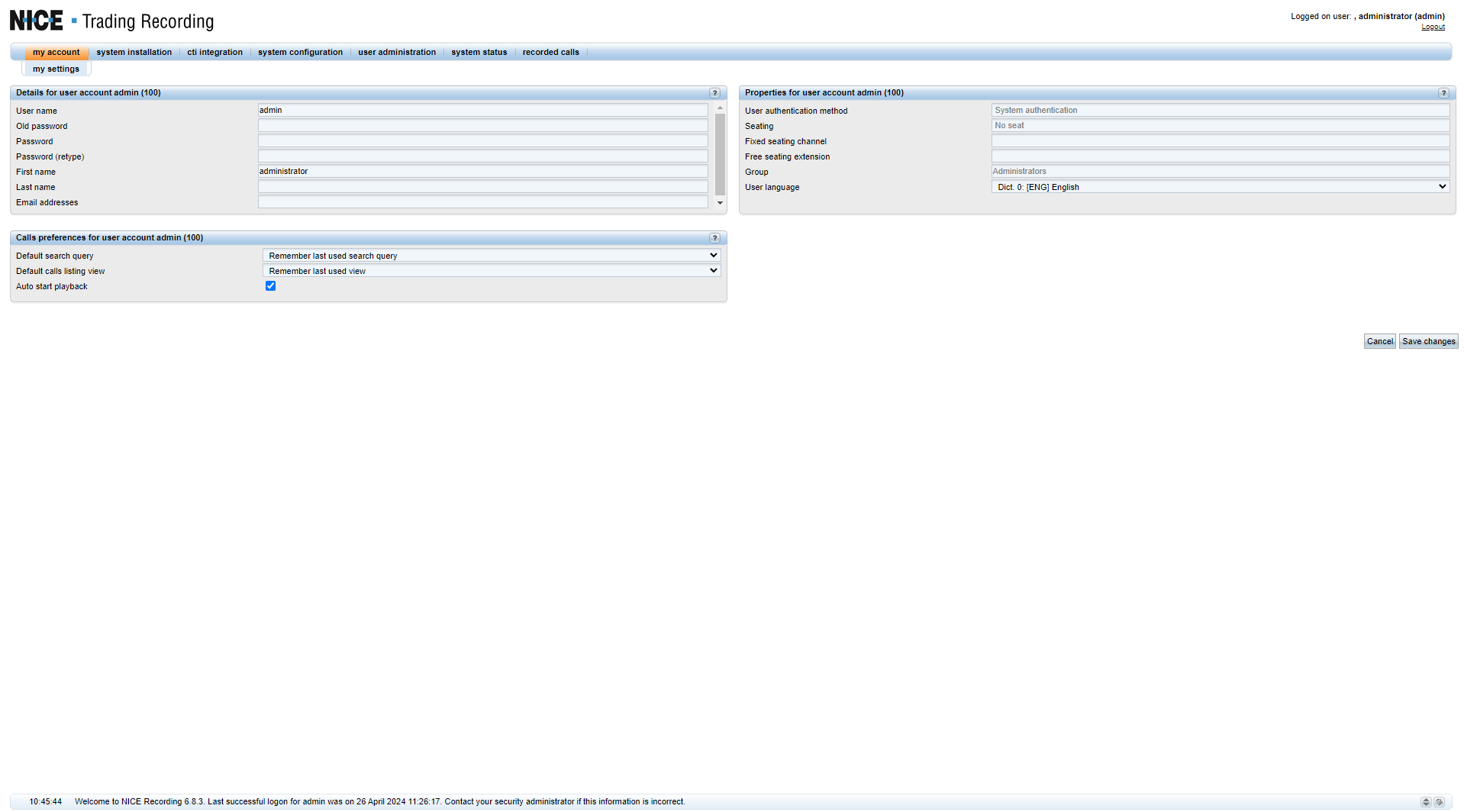
Enter the Log In credentials and press Enter and welcome page is automatically shown
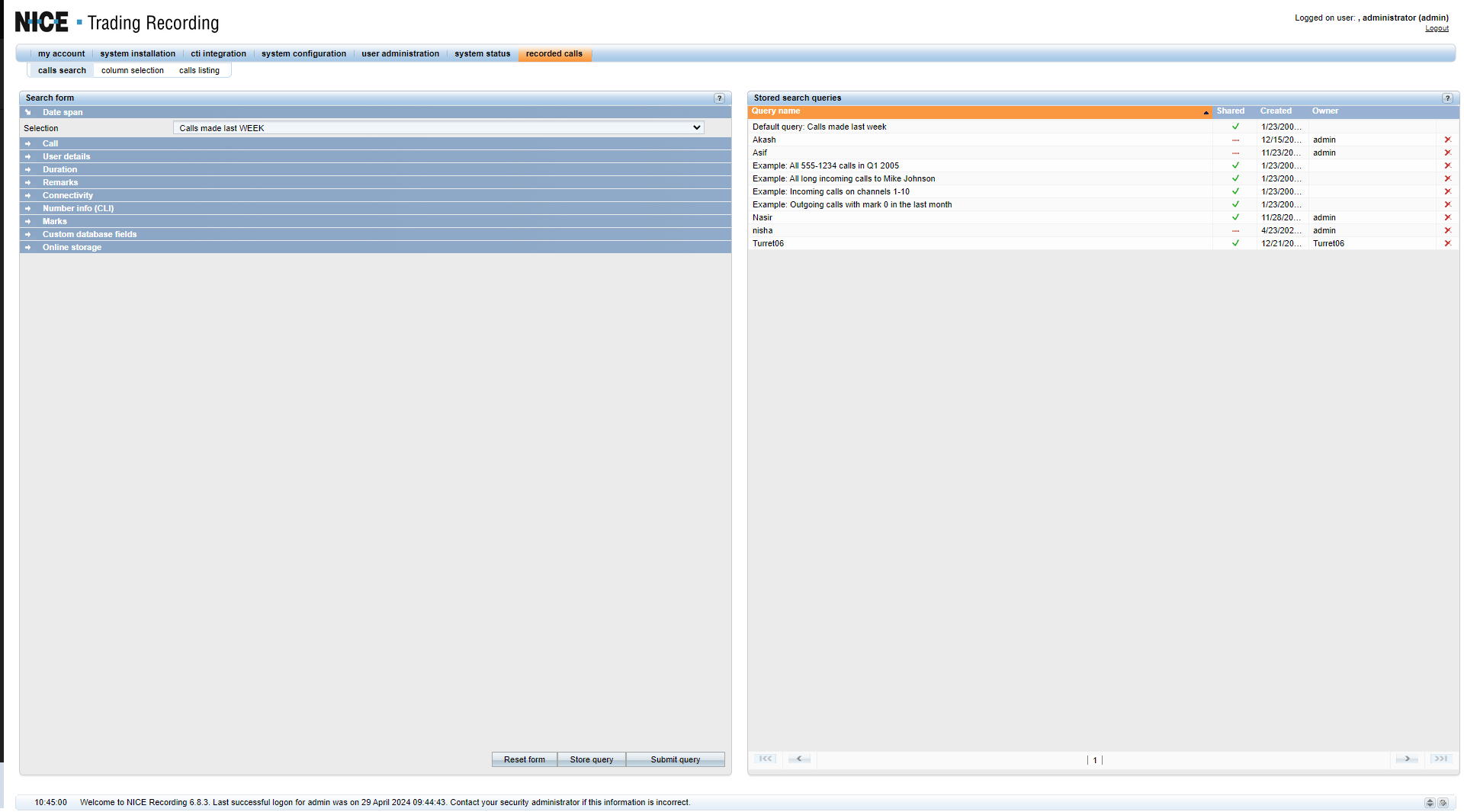
Click on to "recorded calls" Tab:
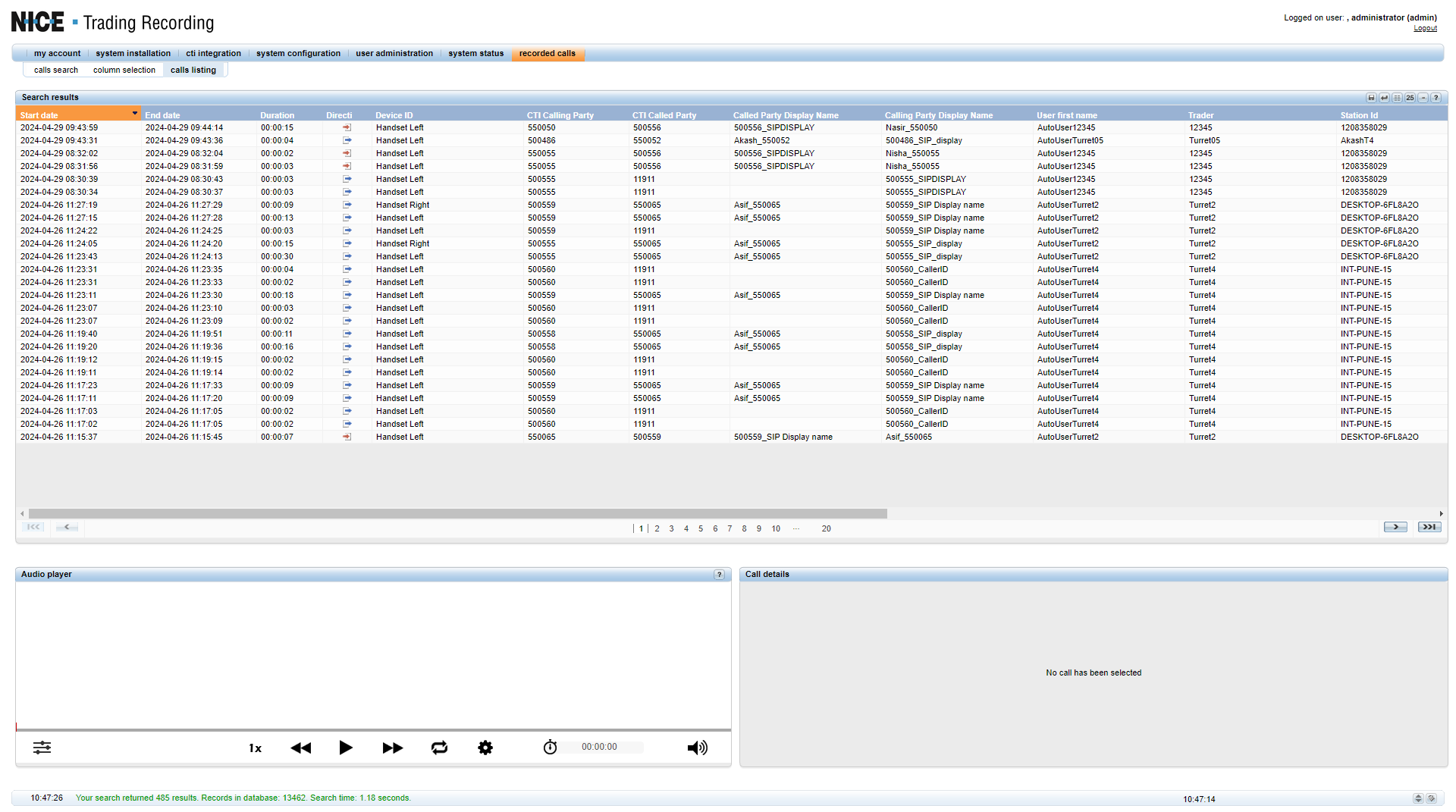
Select the Selection Tab and define the range for the call search and click on "Submit query" and the list of recorded calls would be displayed as shown below:
|