Creating Paritioning Table


Creating Paritioning Table |
|
| Solution Installation > TSS Installation > Install TSS on a standard server > Install Operating System > Windows Server 2019 |
OverviewThe operating system is installed on the C drive.
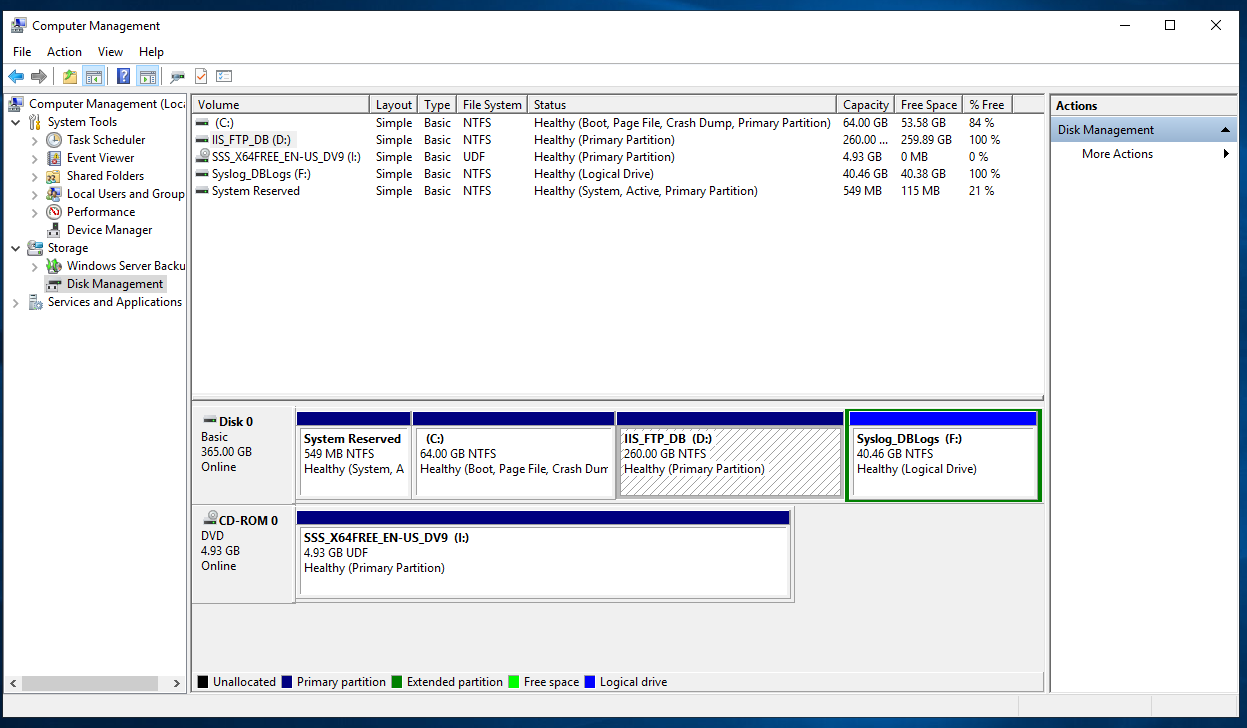
We recommend to create 2 additional partitions: •D with name DataIIS, that will contain SQL Server data files, IIS and FTP root directory; •F with name Logs, that will contain logs files.
You will probably have to change the CD-ROM letter… This partition scheme is mandatory in the case of using redundant TSS by using SteelEye.
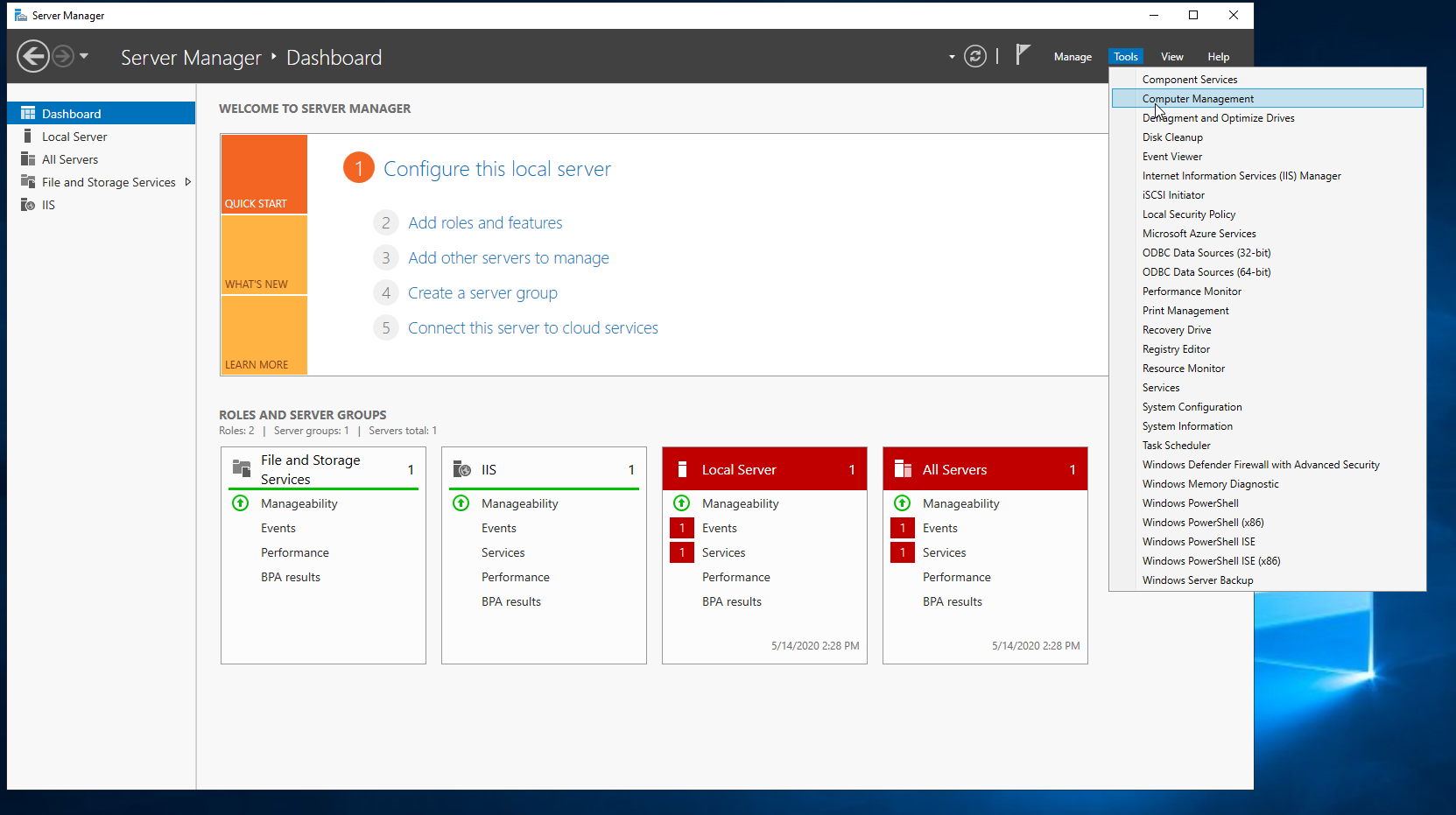
To Create the partitioning tableProceed as follows: |
Drive Letter |
Volume Label |
File System |
Minimum Size |
Description |
D |
Data |
NTFS |
260 GB |
SQL data, IIS data, FTP, ... |
F |
Logs |
NTFS |
40 GB |
TSS logs, syslogs, ... |