Retrieve exported shortcut file


Retrieve exported shortcut file |
|
| IT&Operations > Job Policies > Automatic shortcuts export |
This scenario illustrates how to retrieve export file of a scheduled job.
The description above assumes the following system configuration: ·A scheduled job has been executed successfully (see previous section).
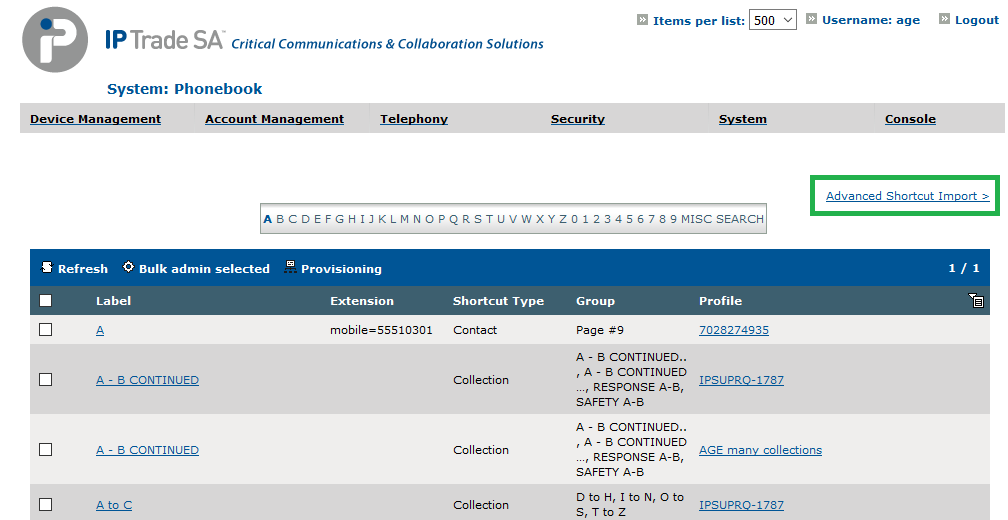
1.On System/Phonebook, press Advanced Shortcut Import.
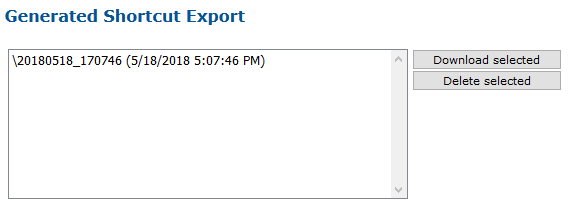
2.Select the file you wish to retrieve and press Download selected. Notice that the file name may contain the file prefix entered when defining the scheduled job.
|