Access is denied


Access is denied |
|
| Solution Installation > TSS Installation > Install TSS on a standard server > Troubleshoot |
Introduction
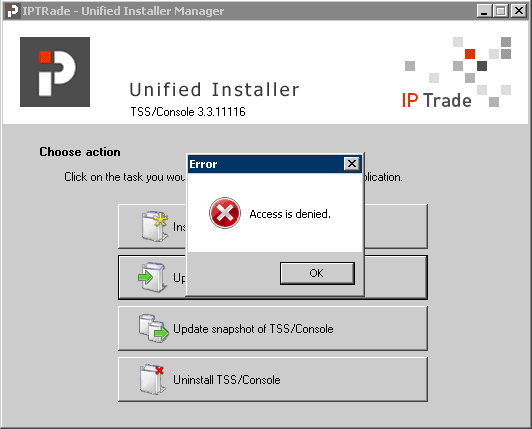
If you are running under Windows Server 2008 and UAC is not disabled you can have following error when launching UIM application.
Resolution
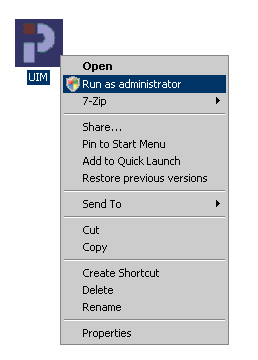
To resolve this, please use one of following method resolution : •Connect yourself with administrator account on Windows Server and run program as administrator (on application icon > Run as administrator – recommended way)
- or -
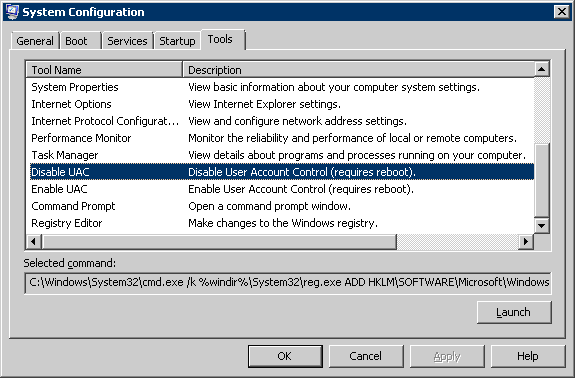
•Deactivate UAC component (msconfig > Tools > Disable UAC).
|