Displaying the history state on a call key


Displaying the history state on a call key |
|
| Enterprise Telephony > Common > Call History > Configure |
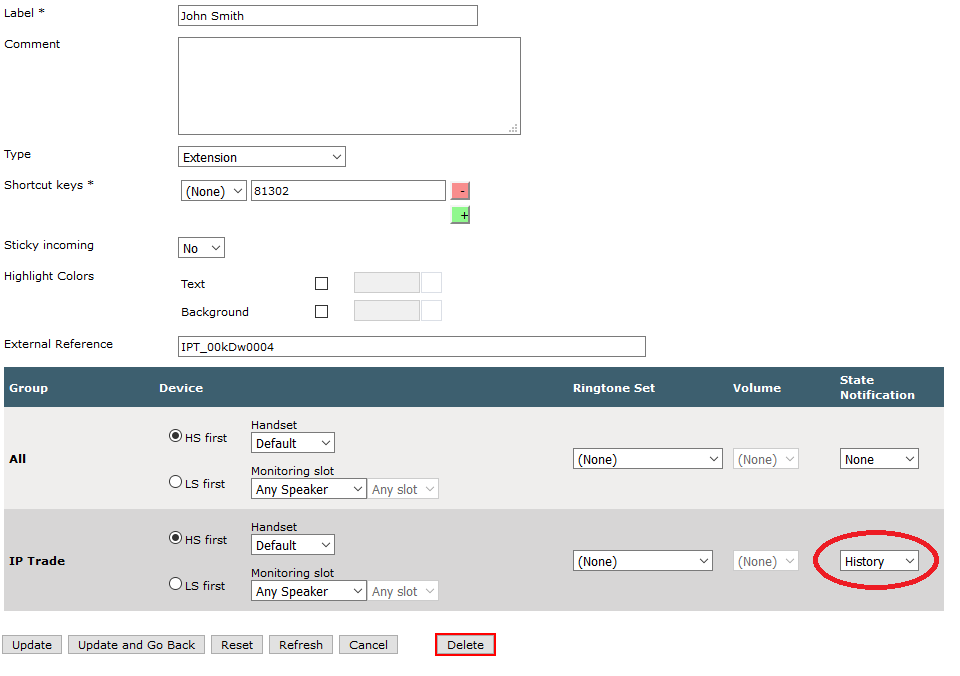
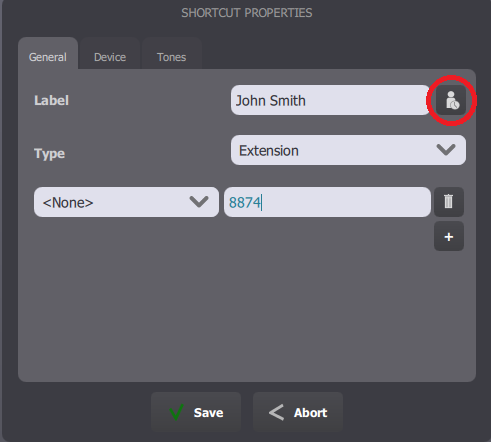
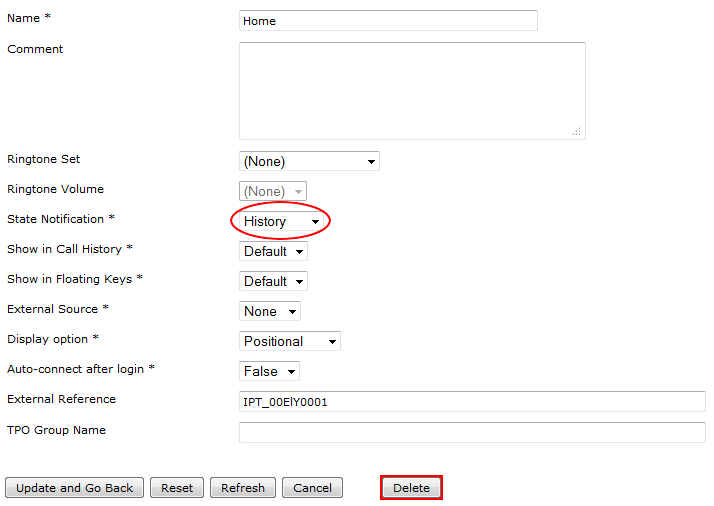
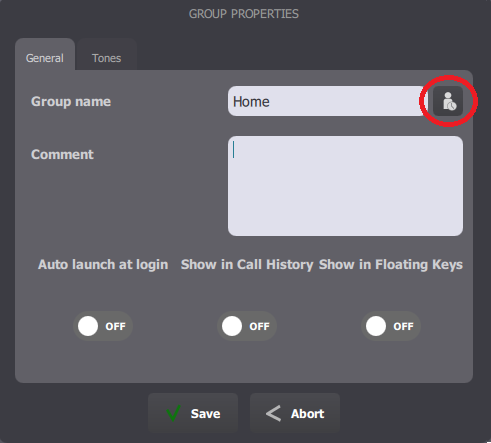
To enable the history state on call keys, two options are available. On on the call key itself, and one on the call key group.
Enabling the state on a call key allows to use it on a very small and specific amount of call keys, and is done either in the TSS Administration Console or on the turret itself:
Enabling the state on a call key page allows to use it on a large number of call keys, without having to edit each one. All call keys belonging to that group (as well as any call key having the same phone extension) automatically have the history state enabled. It is done either in the TSS Administration Console or on the turret itself:
|