Remote party has no functional webcam


Remote party has no functional webcam |
|
| Enterprise Telephony > PBX dependent features > Video Call > Usage > One user has a functional webcam |
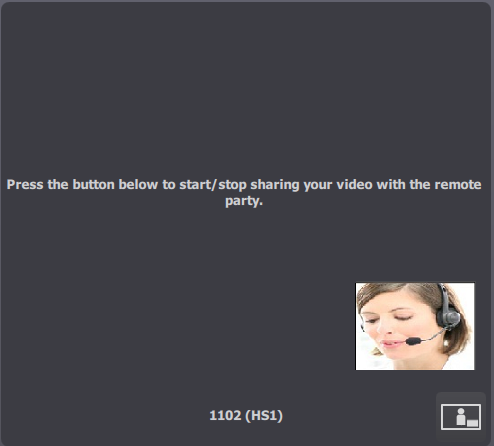
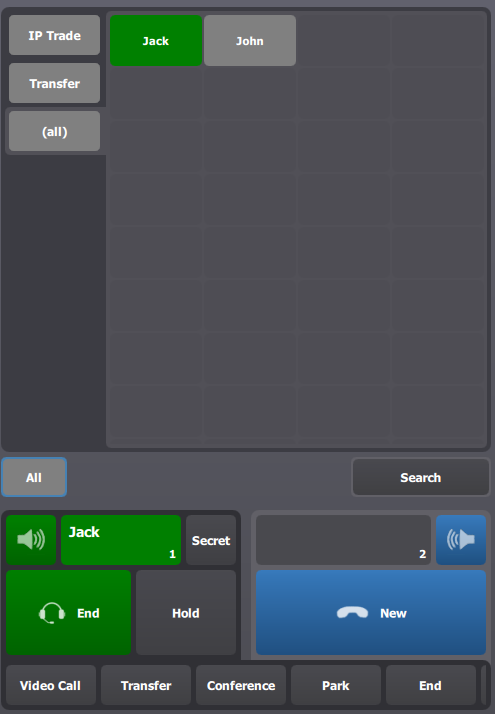
1.User A (1102) initiates a call to User B (8006) who has no functional webcam; video call is established in sending video state for User A and in receiving video state for User B.
2.If User A presses on button to stop sending video
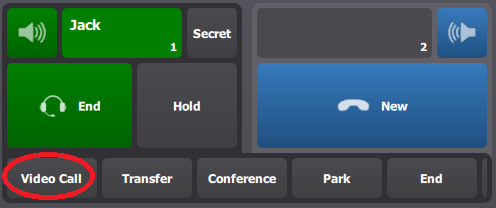
3.If User A wants to return to a video call, he has to press VideoCall button or on monitor entry if call has been placed on a monitor entry.
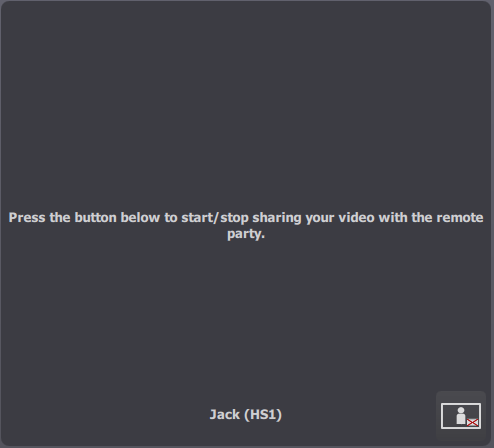
a)If User A has pushed on button to stop sending video and he wants to restart sending video, after pressing button VideoCall, he will see following display :
If he want to restart sending video, he has to press on button
b)If User A has placed call on a monitor entry, after pressing on monitor entry to return to video call, he will see same state as before placing call on monitor entry (maximum video state he can see is sending only video) ;
c)If User A has pressed on a shortcut page, after pressing button VideoCall, he will see same state as before pressing shortcut page. |