Usage

Top  Previous  Next
Enterprise Telephony > Common > Corporate Directory


Corporate directory search feature on terminals provides access to CUCM corporate directory as configured in the TSS settings.


Press “All” button in order to display shortcut groups.

Scroll down in the groups list until “Corporate Directory” group become available. This group is the last one in the list.


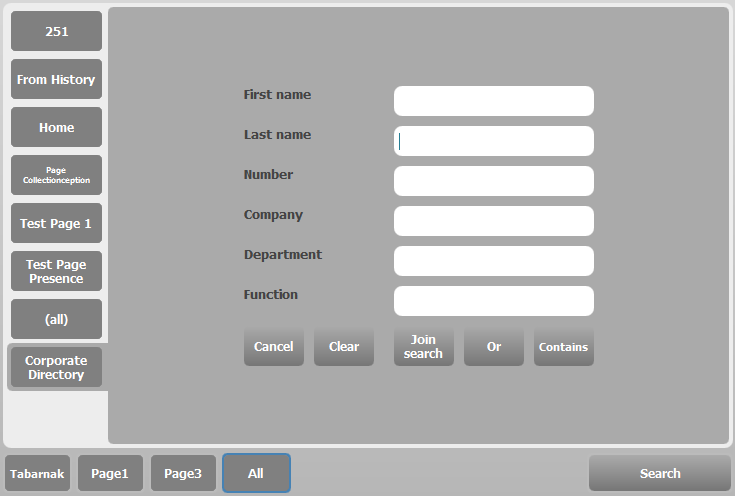
Pressing the “Corporate Directory” group button displays search form.

Fill in search criteria.


Press “Search” button in order to launch the search request to the corporate directory.

corporate_directory_search

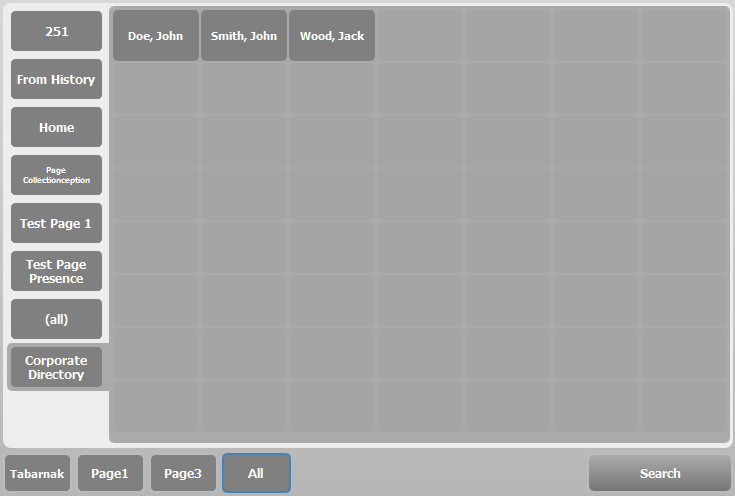
corporate_directory_results


Once the server has replied, IP Trade Terminal displays search results.

Results are available for browsing and initiating new outbound calls.

Presence and shortcut matching are not available on “Corporate Directory” search results.


Press “Search” button again in order to change search criteria or options.