SIP Private Wire Gateways


SIP Private Wire Gateways |
|
| Compliance > Assure > Inventory |
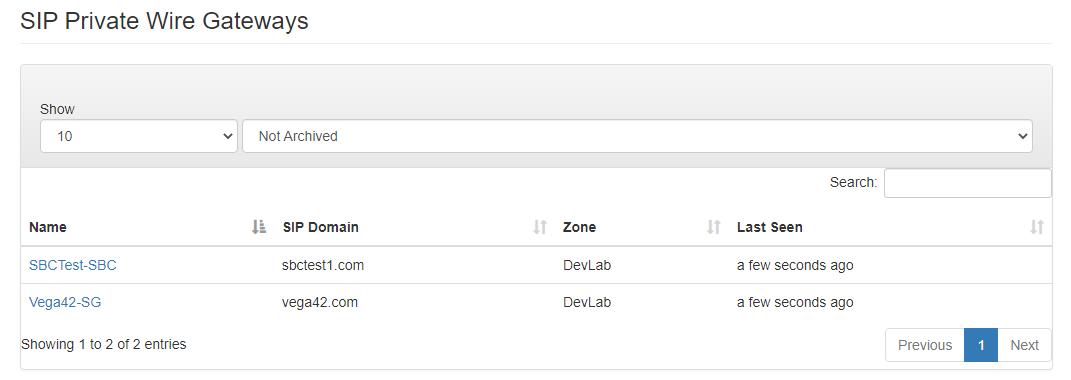
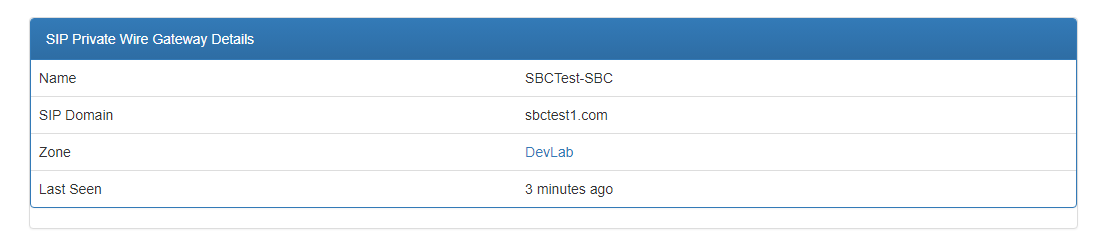
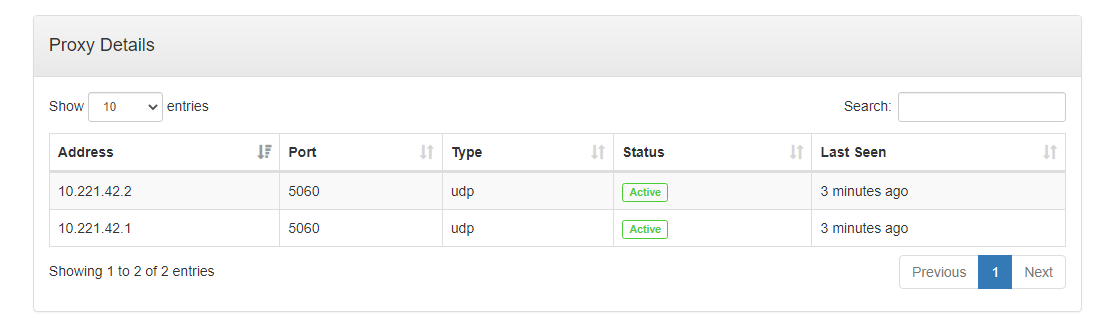
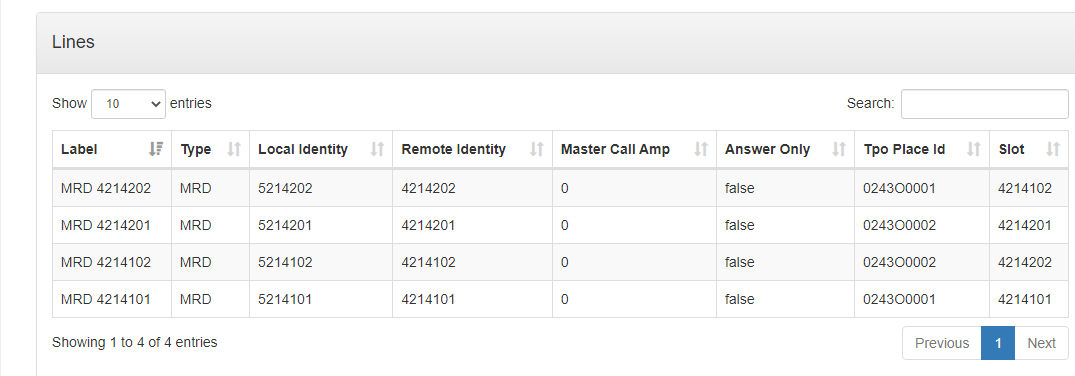
The SIP Private Wire Gateways page contains a searchable list of SIP Private Wire Gateways that Assure is aware of, and includes details of the services that are running on each one. Drilling down into a SIP Private Wire Gateway, by clicking on its link, displays more detailed information about the proxy and the lines configured on this SIP Private Wire Gateway.
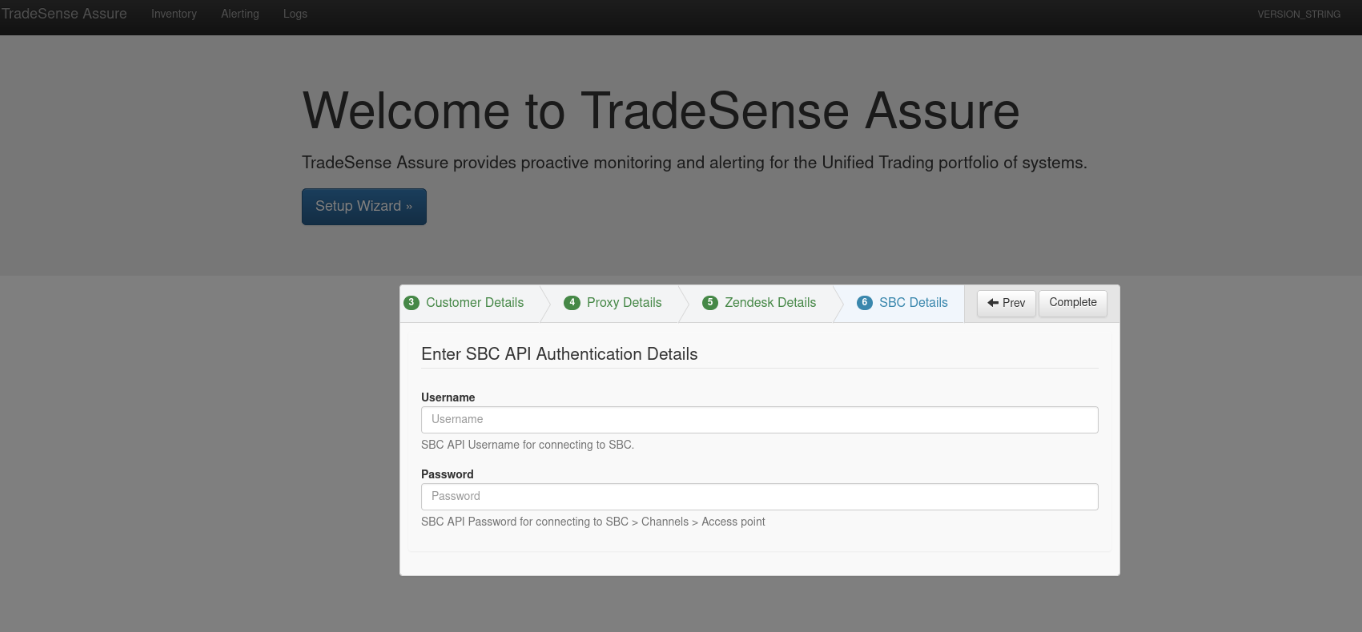
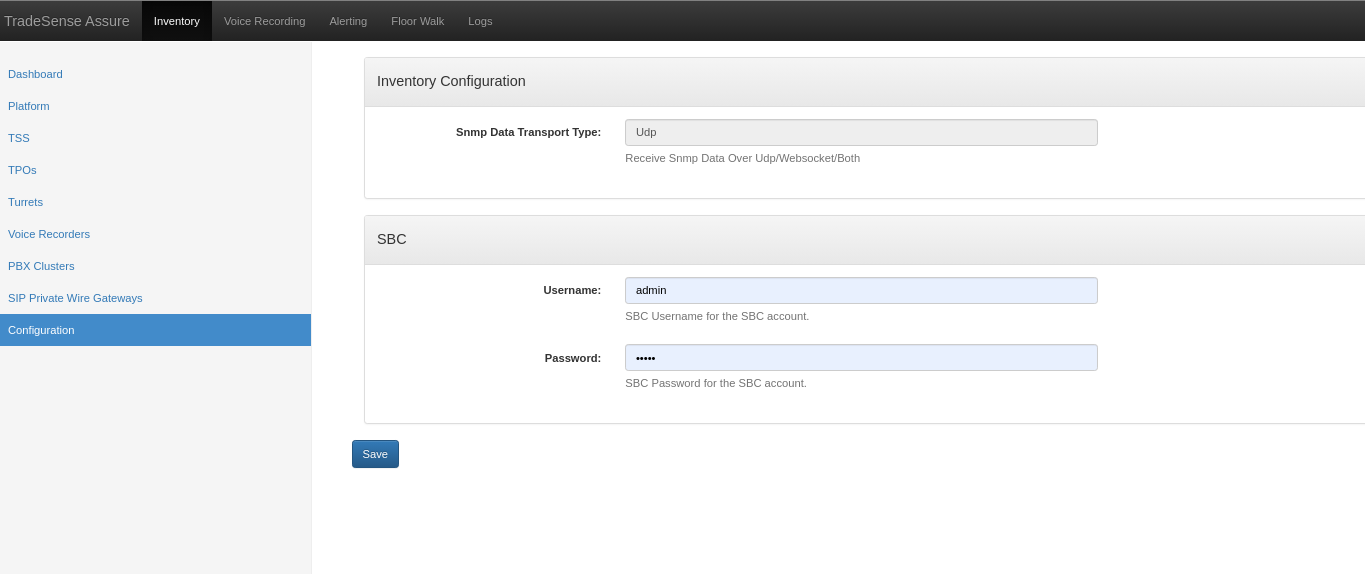
Credentials for SIP Private Wire Gateways (username/password) can be set up during the platform addition process or accessed through the inventory configuration page.
Note: Please ensure that all the SBCs connected on the platform will have same username/password. e.g if you are connecting to two different sbc with the following credentials SBC1 - admin/admin SBC2 - sbctest/sbctest
Then you have to ensure you need to create a read-only user on both of the SBC platforms with same username/password to monitor the device.
SBC1 - tradesense/tradesense SBC2 - tradesense/tradesense
Once after the above change is made please add the credentials in the below page
You can always change the credentials at the below page on inventory when ever there is a change.
SIP Private Wire Gateways Page
|