Usage


Usage |
|
| Compliance > Analytics > Extra Features > Call Tags |
Tags button on handset
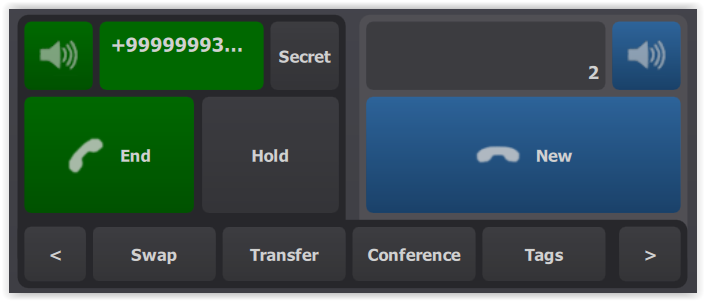
As soon as the call is established, the Tags handset button appears.
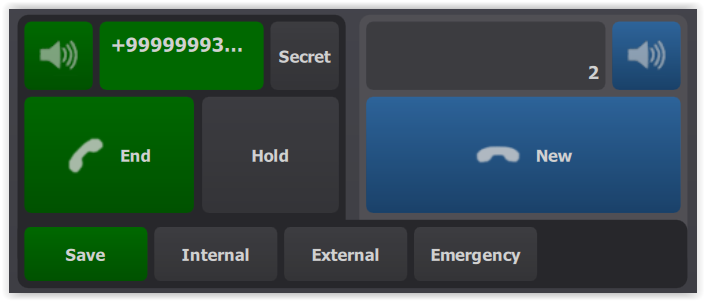
Press on Tags. All tags defined by the administrator are displayed.
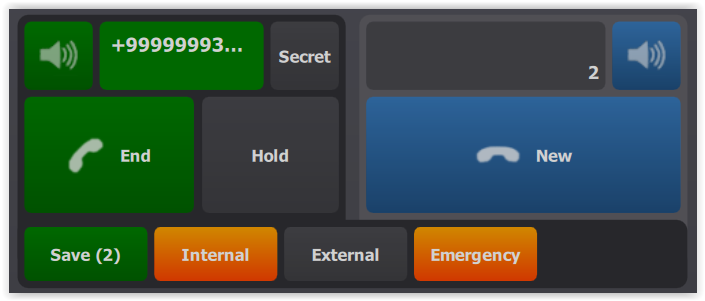
The user selects the needed tags and confirm by clicking on Save.
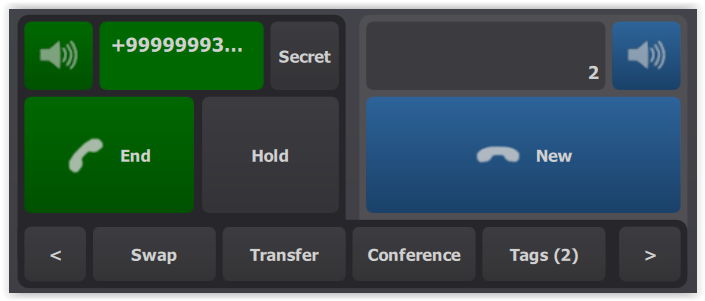
When confirmed, the number of selected tags is displayed on the Tags button.
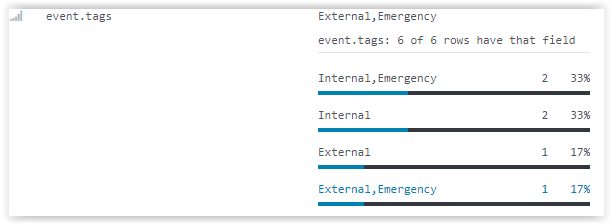
The user is able to add or remove tags on the fly. Analytics integrationTags values are forwarded to Analytics and updated in call records.
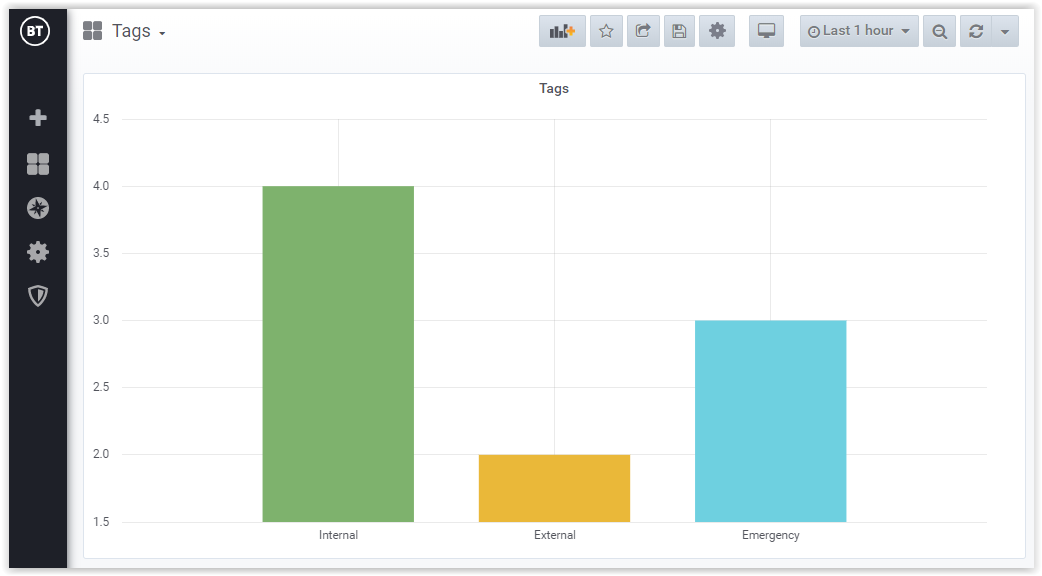
The administrator can create a dashboard to monitor the number of tags used in a period of time.
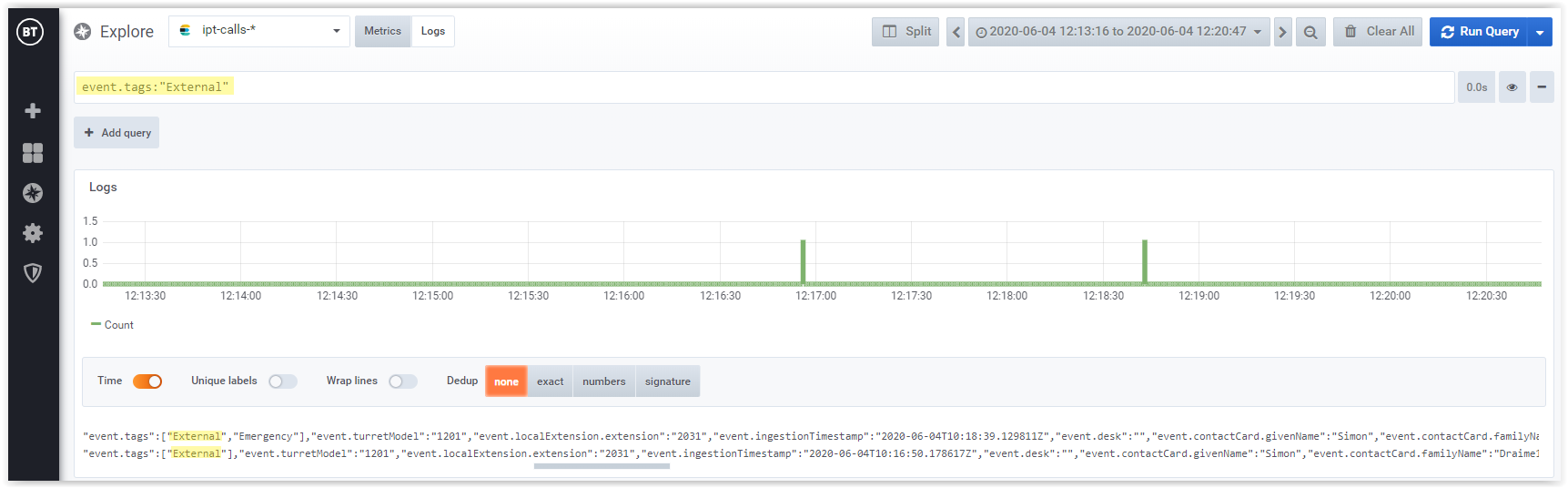
The administrator is also able to create filters to query Analytics and select the calls linked to a specific tag.
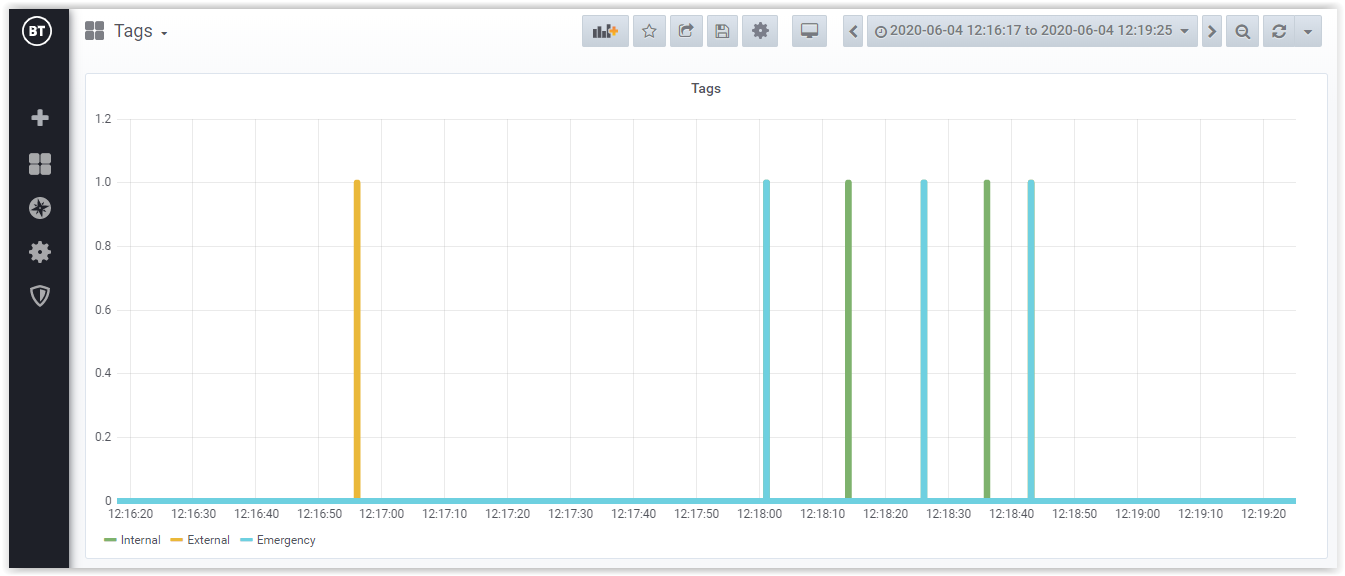
As Analytics store all tags status updates, an administrator can easily query the database to know the very moment when the call was tagged and untagged.
|