Configure


Configure |
|
| Compliance > Analytics > Extra Features > Call Tags |
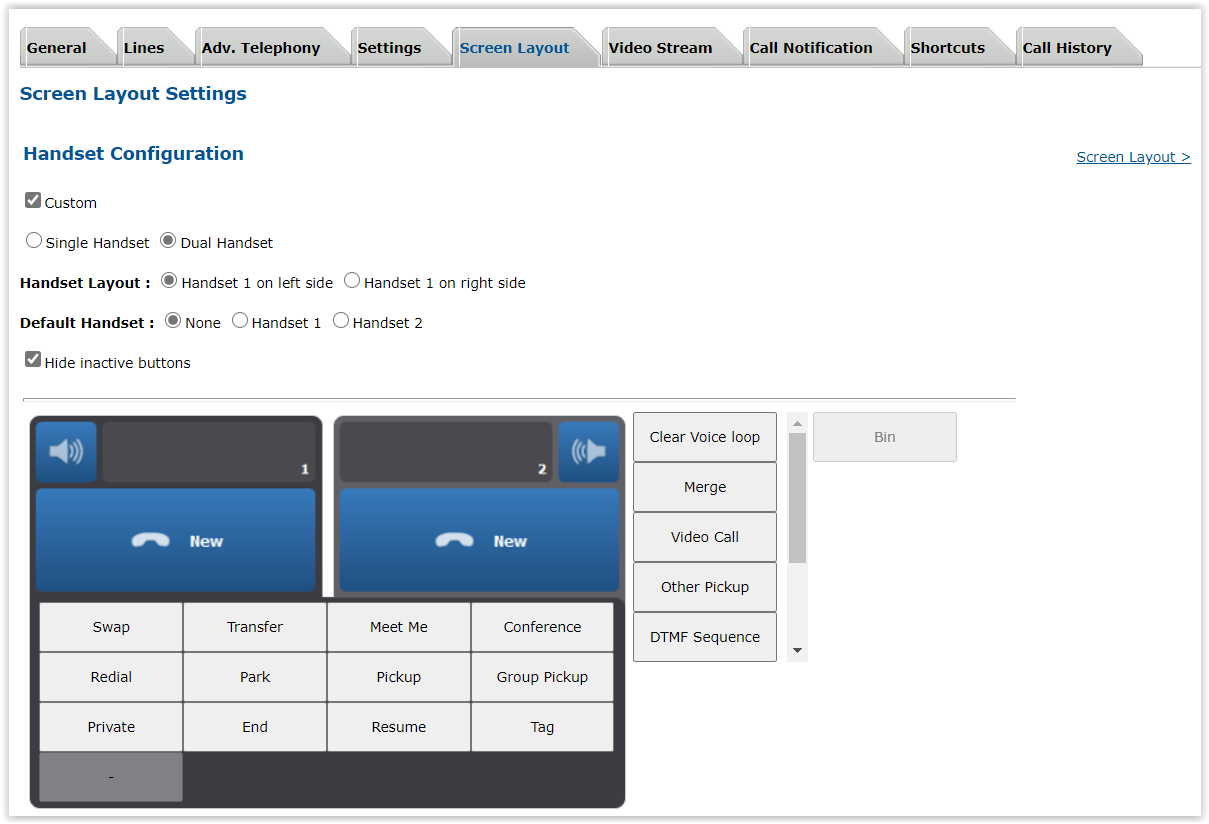
Handset buttonTo be able to use this feature, the Tags handset button needs to be added on the user profile.
•On the TSS console, go to a User or Shared profile •Go to the Screen Layout tab •Click on Handset Configuration •Enable to Custom Handset Configuration •Add the Tag button in the selected handset button on the left
SettingsThe tags that can be added by the user on the turret needs to be configured in the boot settings or the profile settings :
|
||||||||||