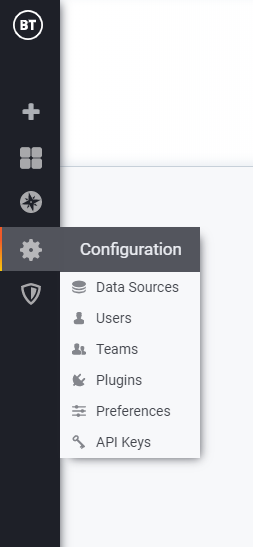
Configuration


Configuration |
|
| Compliance > Analytics |
Analytics provides a configuration tool accessible from the side-left menu
Data sourcesData source is the storage backend containing data pulled up from configured turrets. Analytics module provides a preconfigured environment with a data source for each existing data base in the system, such as:
• Ipt-calls • Ipt-collab-records • Ipt-conferences • Ipt-overview • Ipt-raw-events • Ipt-sessions • Ipt-subscriptions • Ipt-tags
Data sources are targeting Elasticsearch indexes. Elasticsearch is a search engine based on the Lucene library. It provides a distributed, multitenant-capable full-text search engine with an HTTP web interface and schema-free JSON documents.
PermissionsUsers have permissions that are determined by their:
• Role (Admin, Editor, Viewer) • Via Team memberships where the Team has been assigned specific permissions. • Via permissions assigned directly to user (on folders, dashboards, data sources) • The Admin (i.e. Super Admin) user flag. UserA user is a named account in Analytics. A user can belong to one or more organizations and can be assigned different levels of privileges through roles.
AdminThis admin flag makes user a Super Admin. This means they can access the Server Admin views where all users and organizations can be administrated. API KeysAuthentication for interactions between backend server and UI API is made with API Token.
|