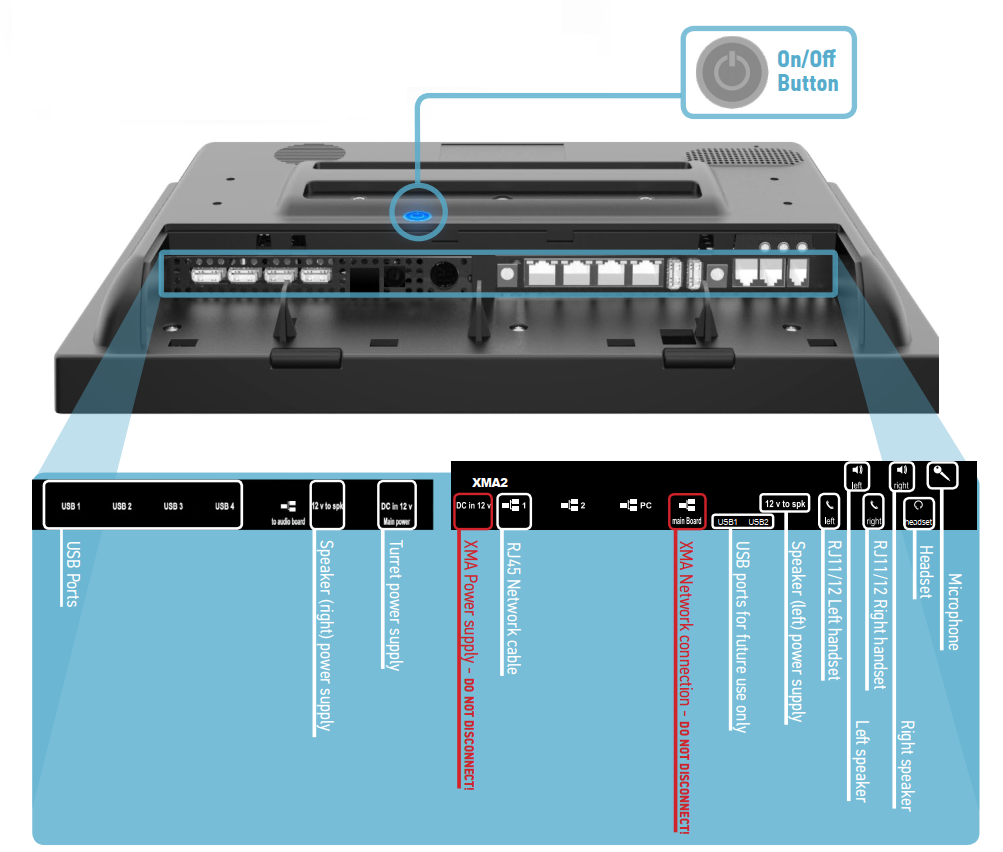
When connecting cables to the TouchPro, we recommend tilting the unit or placing it face down on the protective foam layer
(To avoid scratching the screen)
Take care to avoid placing any pressure on the speaker volume knob.
For Dual Network Connection please see: TouchPro Dual Network Connection
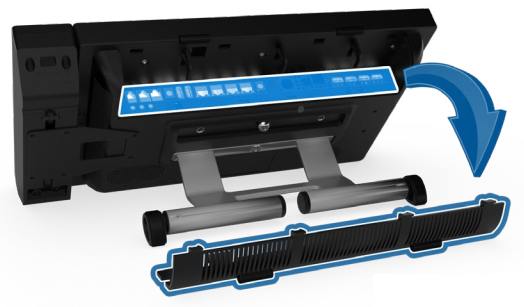
After attaching the Stand and the Speaker(s), Open the rear connector cover to access the cable sockets .
The rear connector cover has a space for feeding the cables through.