Authentication


Authentication |
|
| Software Solution > FlexCom > Usage |
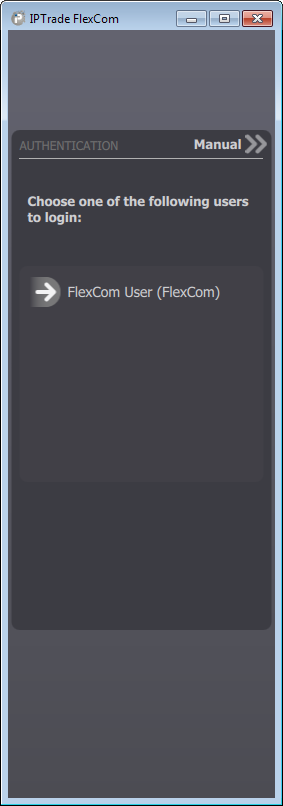
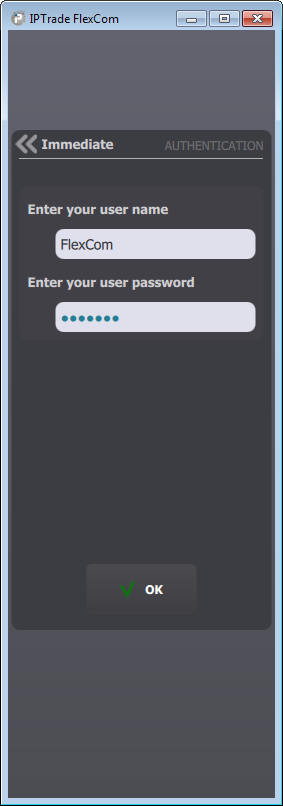
Three authentication modes are available for the FlexCom. Seemless loginThe FlexCom automatically authenticates the current windows user. No user action is required. This is the fastest and easiest way to authenticate. Instant login
Manual login
|