Limitations


Limitations |
|
| Attendant Features > Group Intercom Over Cisco intercom lines > Usage |
The talker talks to everybody in the group but the remote party configured in auto-answer mode only talks to the talker.
A user can reach a maximum of 5 remote parties.
Microphone already used
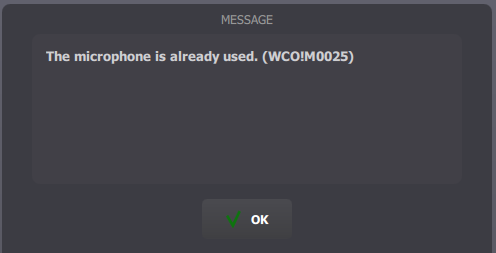
1)When another call already uses the microphone on the monitor panel or the handset "loudspeaker", intercom calls are not authorized because they need the microphone too. An error popup appears when user wants to reach a group of users by intercom and the microphone is already used.
2)If the remote party talks with the microphone and is configured with auto-answer mode, when he receives an intercom call, he can't talks back. He listens to the talker but if he wants to talks back, he first needs to free the microphone.
3)If the user talks to a group of users with intercom, he can't activate microphone on the monitor panel or the handset "loudspeaker" button. If he try to do it, the previous error popup will appear.
Change intercom
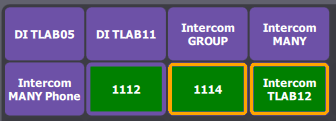
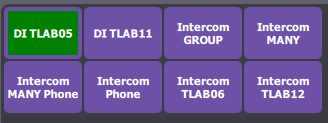
If the user talks to one user or a group of users and he presses another group intercom, group intercom over CISCO or direct intercom over CISCO shortcut, first calls are terminated as the user has pressed on the shortcut and the calls of the last shortcut pressed are established.
|