Leave Group Intercom


Leave Group Intercom |
|
| Attendant Features > Group Intercom Over Cisco intercom lines > Usage |
The remote party wants to leave intercom. He has to press the shortcut of talker to answer and a second time to close call (see Answer and Close an Incoming Call).
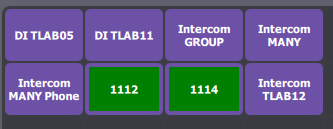
On the talker's display, the shortcut of the remote party who leaves become violet.
Remote party talked back
If the remote party (e.g.: 1114) talked back :
1)no other remote parties talk back, the shortcut of group intercom become green with shortcut name.
2)one or several remote parties talk back, the shortcut of group intercom change the remote party's name with the name of another remote party who talks back.
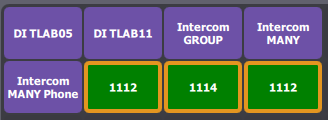
Here are the shortcuts when remote parties 1114 then 1112 talk back :
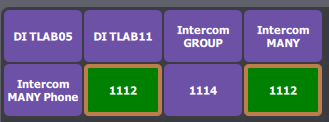
If 1114 leaves intercom, here are the shortcuts :
"Group intercom show popup message" option
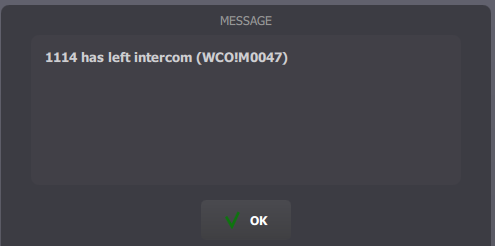
If the "Group intercom show popup message" option is activated (see configuration), a popup appears and indicates which remote party left.
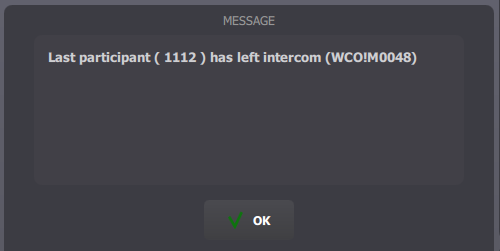
If the remote party was the last participant, another message appears and shortcuts of group intercom and remote party become violet with shortcuts' names.
|