Line Selection


Line Selection |
|
| Solution Integration > Text messaging > Usage |
The system allows each operator to handle (monitor) several lines. User's messaging lines are listed in the Room panel, along with his direct lines and his presence groups, inside a Messaging Lines tab.
Each line appears with its display name and its extension number.
An "active" button indicates that the trader is currently registered to line notifications; otherwise the line button is grayed out.
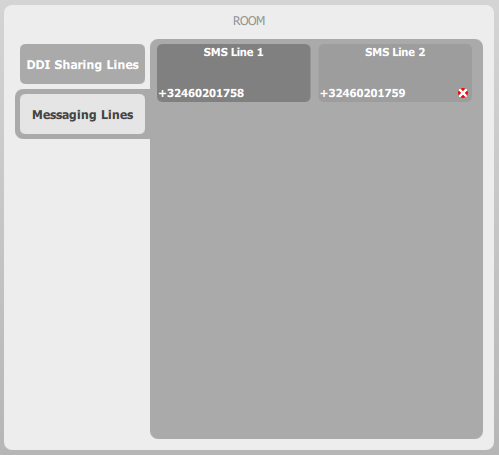
From this panel, a long press (more than two seconds) on a line button brings the Line configuration panel, as shown below.
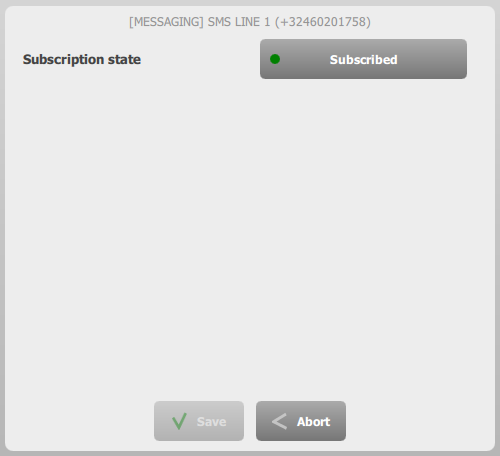
The user can, at any time, subscribe, or unsubscribe the line. The changes are applied once the trader presses the Save button.
|