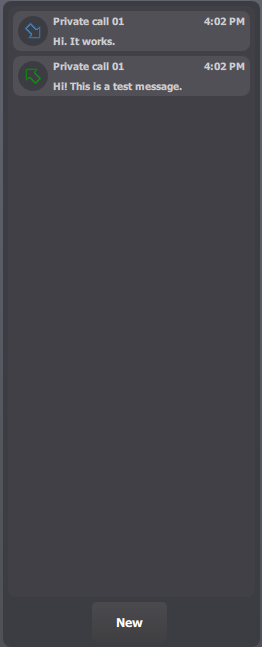
The Radio Messages applet is divided into three main parts.
The first one is the list of messages (sent and received). It provides the user with a convenient way to see new inbound messages, read them, and consult history of what has been sent and received during the current user's session on the console.
The second part is the message reading - writing pane. It allows the user to read the full content of a message, as well as write a new outbound messages.
Finally, the third part is the action buttons. They provide the user with actions depending on the current context: send a new outbound message, reply to a message, call the originator of a message, etc.
|