IP Trade Terminals access LDAP server in order to load contact information accordingly to shortcut groups which are defined as LDAP external source. Connection information is stored in shortcut group data and thus can be different for each group.
LDAP shortcut group can be defined as preferred as any other shortcut group.
Let’s consider a shortcut group “LDAP” which is not part of preferred groups.
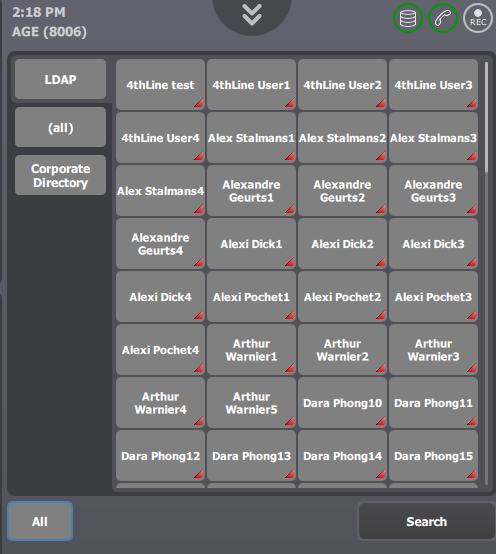
Press “All” button in order to display shortcut groups.
Scroll down in the groups list until “LDAP” group become available.
Pressing the “LDAP” group button displays contacts loaded from LDAP accordingly to the group configuration.
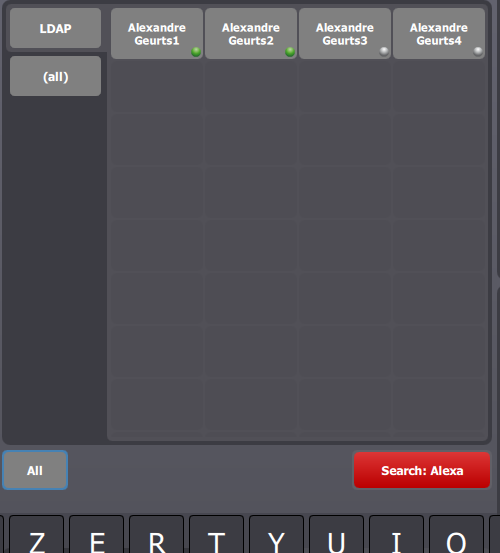
Use “instant search” feature in order to find a particular entry in the shortcut group:
•Press “Search” button
•Group content is updated while filter is typed-in
Results are available for browsing and initiating new outbound calls
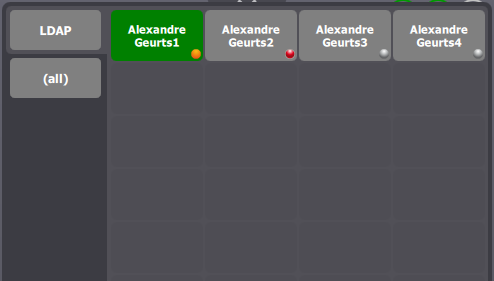
Presence can be activated through the corresponding shortcut group property.
Shortcut matching mechanism uses LDAP shortcut group content to represent calls. Thus, all features available on “internal” contacts are available on LDAP contacts as well.