In TSS administration console:
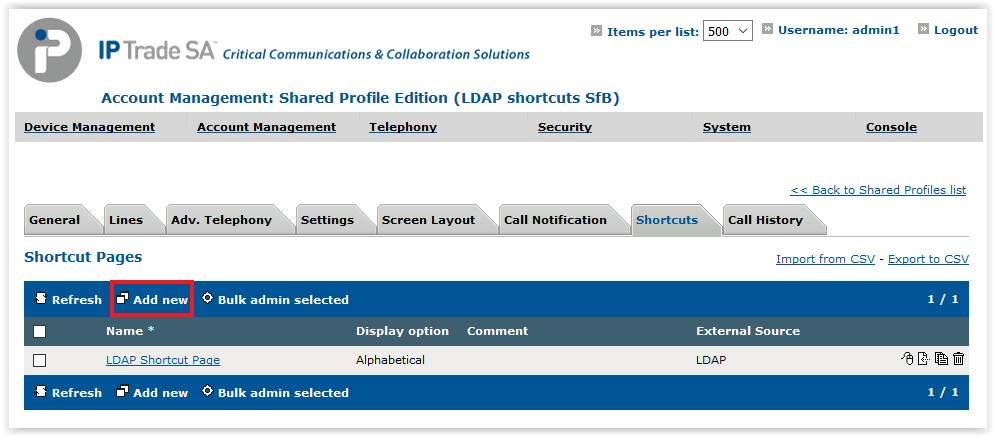
•Go in Account Management > Shared Profiles or Users •Click on a shared profile or a user •Select Shortcuts tab •In Shortcut Pages part of the form click Add new button
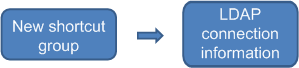
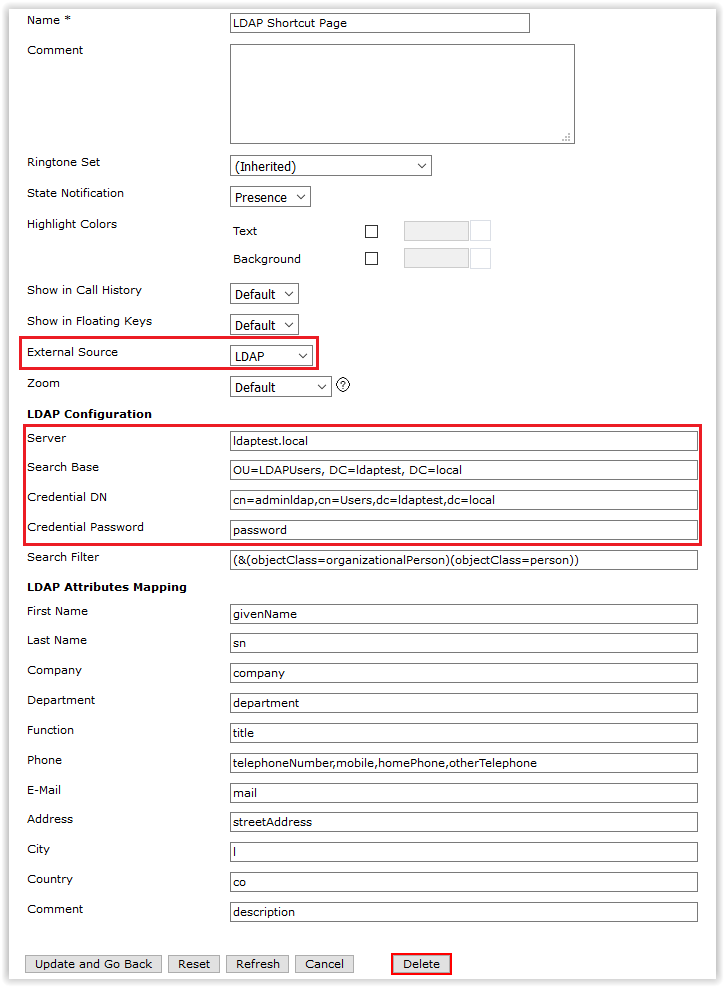
•Type in a Name for the new shortcut group •Change External Source to LDAP •All LDAP related fields are prefilled with corresponding Global LDAP search configuration •In order to access a particular sub-tree, change Search Base field
To specify an LDAPs connection, use this kind of notation :
"ldaps://iptrade.local"
To specify a specific port, use this notation :
"iptrade.local:636"
These notations could be used together.
Remarks:
1.A LDAP entry is ignored if it doesn’t contain any of the three following fields: a)First Name b)Last Name c)Phone
2.As terminal only subscribes to the very first phone number of the LDAP contact, the key point is to provide “Phone attributes” list in the most relevant order. When the user clicks on the LDAP shortcut, the IP trade terminal tries to reach the first “phone attribute”. |