Trunks


Trunks |
|
| Solution Integration > PBXs > BT Call Server > Web UI > Configuration |
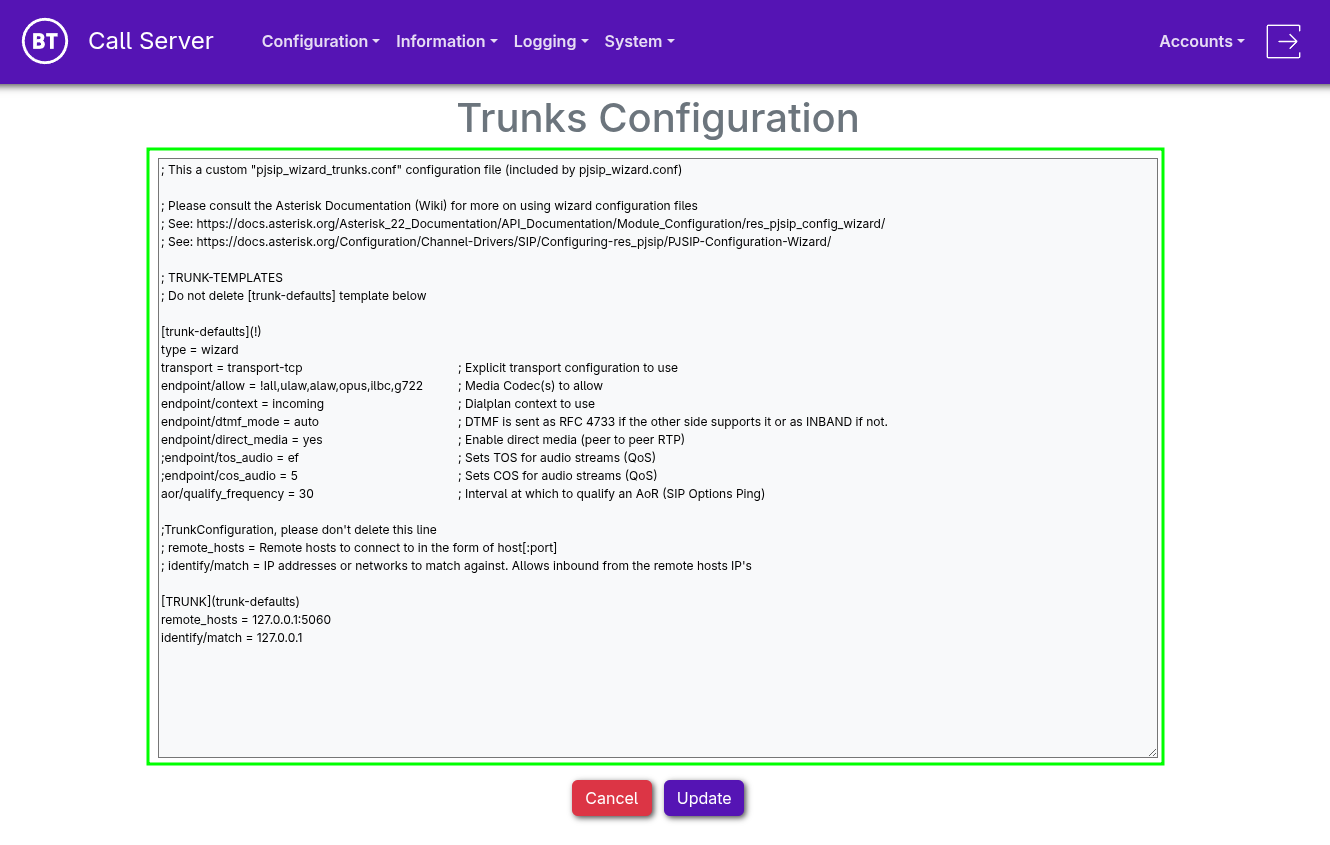
Trunks Configuration
•Trunks Configuration provides full advanced control over settings related to trunks.
•A default template, "trunk-defaults", is available to simplify management by applying global settings to all trunks.
[trunk-defaults](!) type = wizard transport = transport-tcp ; Explicit transport configuration to use endpoint/allow = !all,ulaw,alaw,opus,ilbc,g722 ; Media Codec(s) to allow endpoint/context = incoming ; Dialplan context to use endpoint/dtmf_mode = auto ; DTMF is sent as RFC 4733 if the other side supports it or as INBAND if not. endpoint/direct_media = yes ; Enable direct media (peer to peer RTP) ;endpoint/tos_audio = ef ; Sets TOS for audio streams (QoS) ;endpoint/cos_audio = 5 ; Sets COS for audio streams (QoS) aor/qualify_frequency = 30 ; Interval at which to qualify an AoR (SIP Options Ping)
•A new Trunk can be added with the settings adapted to your needs
;TrunkConfiguration, please don't delete this line ; remote_hosts = Remote hosts to connect to in the form of host[:port] ; identify/match = IP addresses or networks to match against. Allows inbound from the remote hosts IP's
[TRUNK](trunk-defaults) remote_hosts = IP_address_PBX:5060 identify/match = IP_address_PBX
NOTE: Each additional Trunk added should define which template to pull its global settings from. In this case (trunk-defaults)
•Once editing is complete, press Update
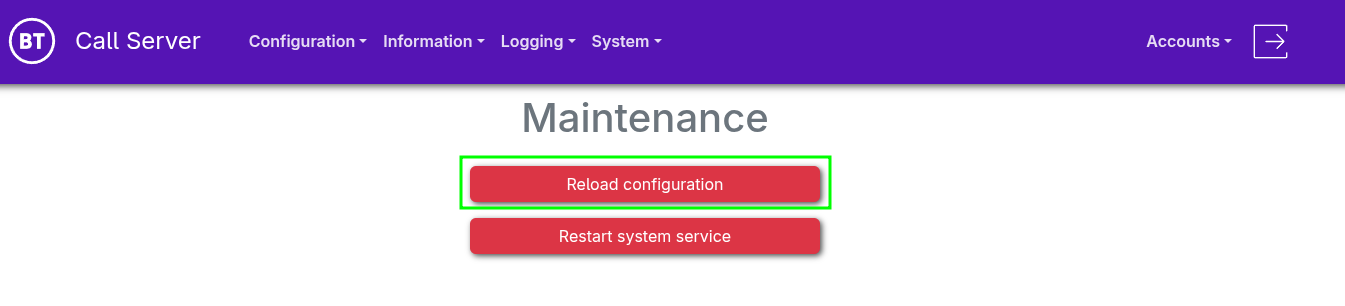
•From the navigation menu, select "System > Maintenance" •Select "Reload configuration"
If connecting to a SIP based Carrier you may also have to set up an AudioCodes SBC configuration which can be found at SIP PSTN Trunk SBC Configuration
|