Route (Dial Plan)


Route (Dial Plan) |
|
| Solution Integration > PBXs > BT Call Server > Web UI > Configuration |
Route (Dial Plan)
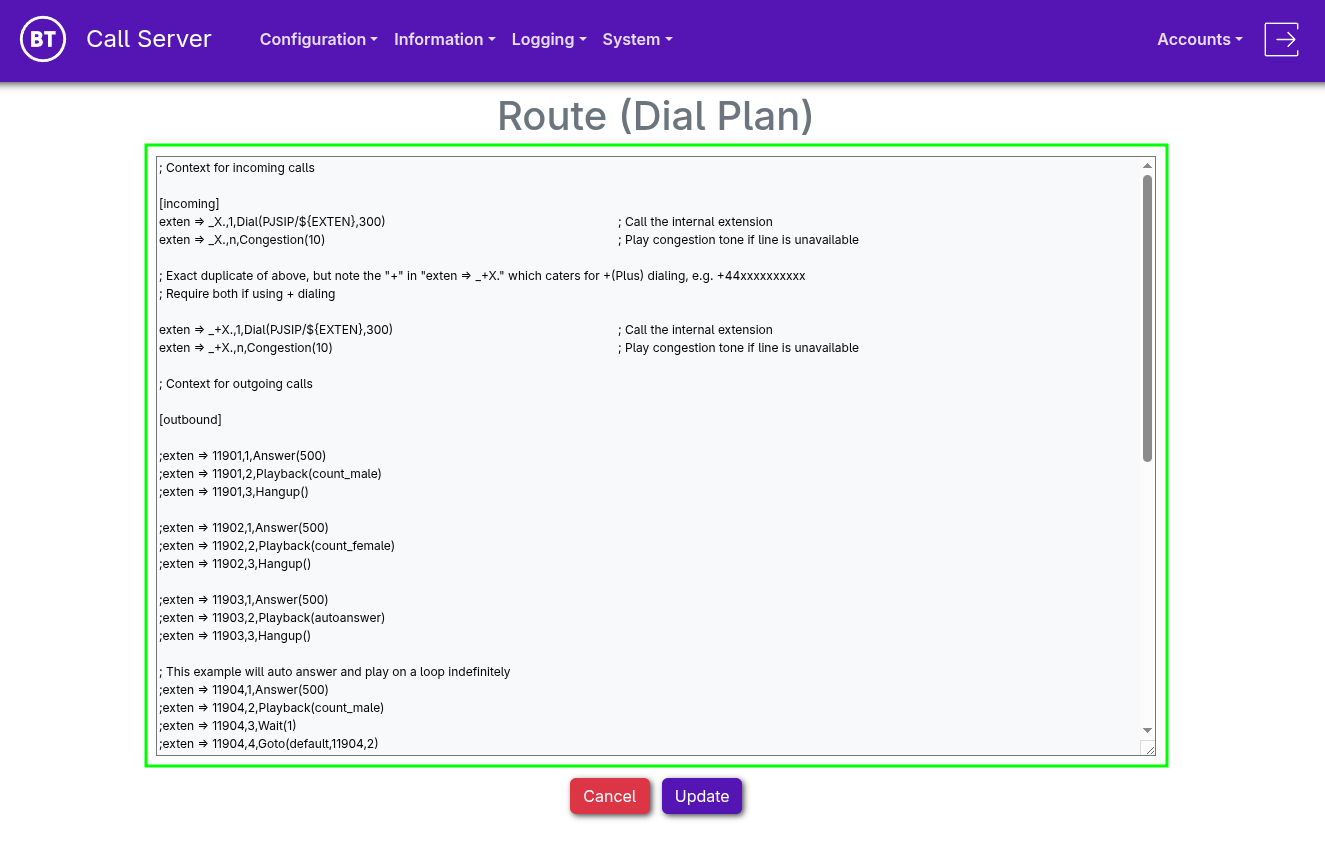
•Dial plan routing is configured through "Admin UI > Configuration > Route (Dial Plan)".
•Asterisk processes the dial plan sequentially.
[context_name]
exten => number,priority,application([parameter[,parameter2...]])
•[context_name] : These are context that needs to be specified on •Number patterns : o_ : First statement of a pattern oX : matches any digit from 0-9 o. : Wildcard that match one or more digits/letter •Priority is a number specifying the order to execute the actions. Can be replaced by “n” for ‘next’ after a line with a number. •PJSIP/${EXTEN} : Specifies to search the right number in the extensions
The BT Call Server VA comes with Default Route Configuration to/from a single Trunk with either single or dual nodes.
For further guidance, please refer to the Official Asterisk documentation.
•Once editing is complete, press Update
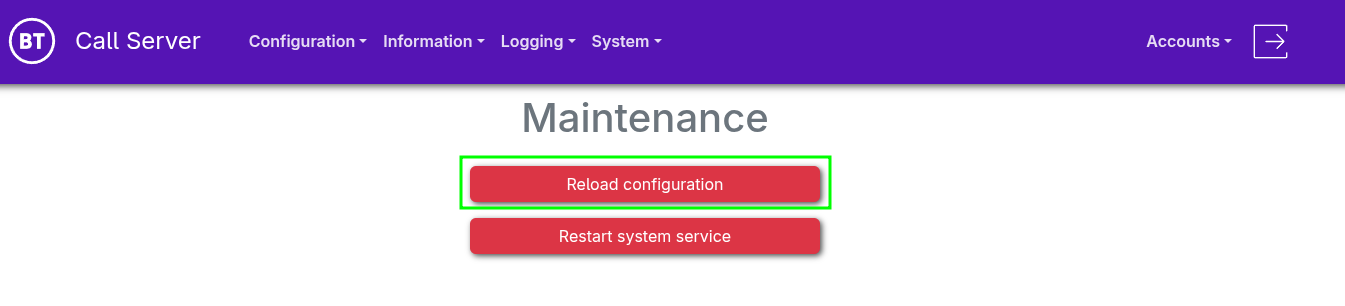
•From the navigation menu, select "System > Maintenance" •Select "Reload configuration"
|