Syslog Configuration


Syslog Configuration |
|
| Solution Integration > PBXs > BT Call Server > Web UI > Logging |
Syslog Configuration
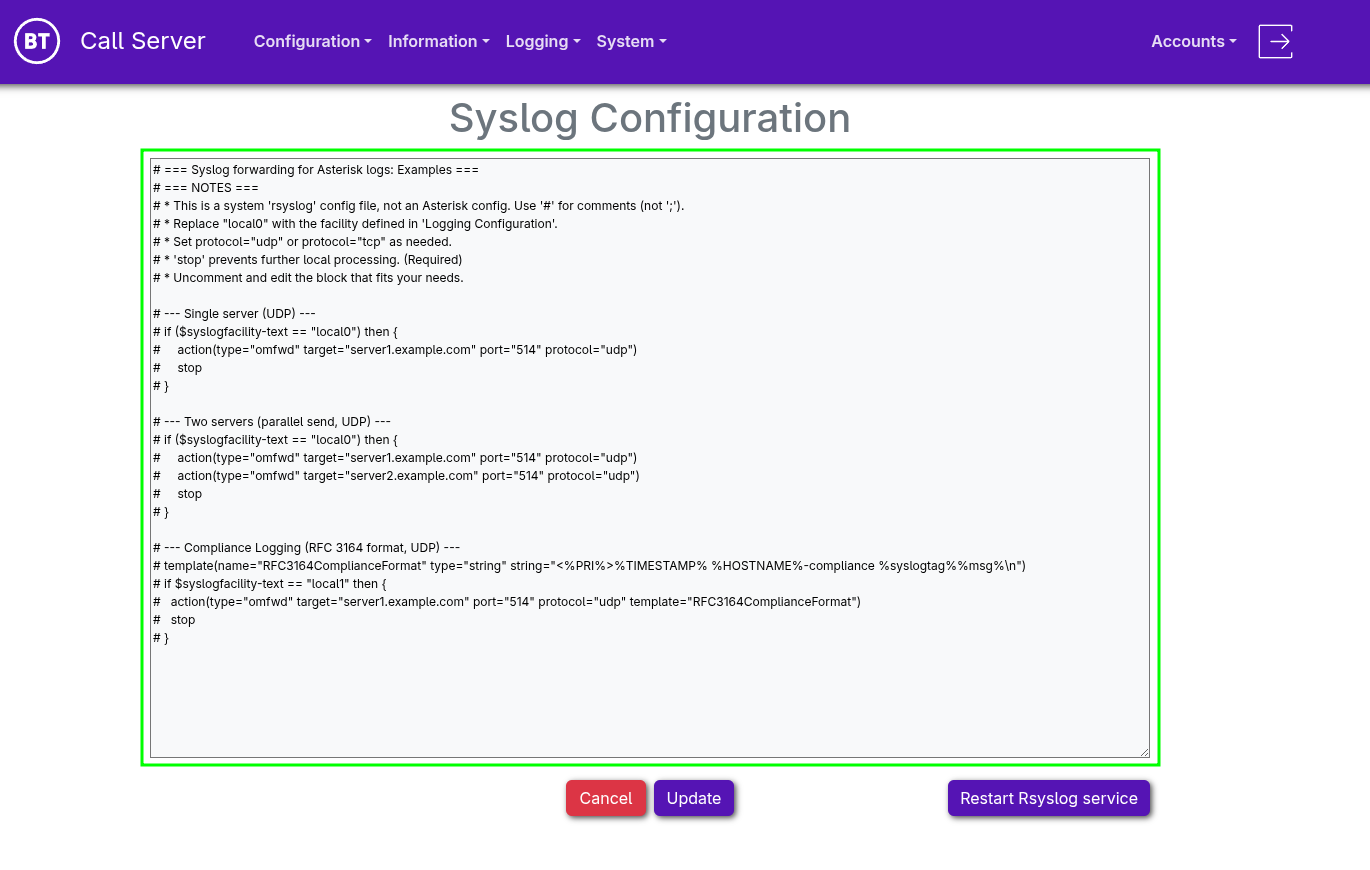
This section allows direct editing of a custom Rsyslog configuration file.
Note: This is not an Asterisk configuration file. It belongs to the native Linux application Rsyslog, and therefore comments use the hash symbol (#) instead of the semicolon (;) used in Asterisk configuration files.
The default file includes multiple usage examples for sending syslogs to one or more external servers over TCP or UDP.
To forward Asterisk logs, you must first enable the appropriate logging configuration under Logging > Logging Configuration, ensuring logs are mapped to a corresponding Syslog facility.
Any changes to this file requires the Rsyslog service to be restarted. You can do this directly from the interface using the Restart Rsyslog Service button.
|