Redundancy Setup


Redundancy Setup |
|
| Solution Integration > PBXs > BT Call Server > Web UI > System |
Redundancy Setup
The BT Call Server can be deployed in a 1+1 scheme for redundancy.
This redundancy is basic - it allows the TPO to switch from one BT Call Server to the other if a failure occurs, but it does not preserve active calls.
To set up redundancy:
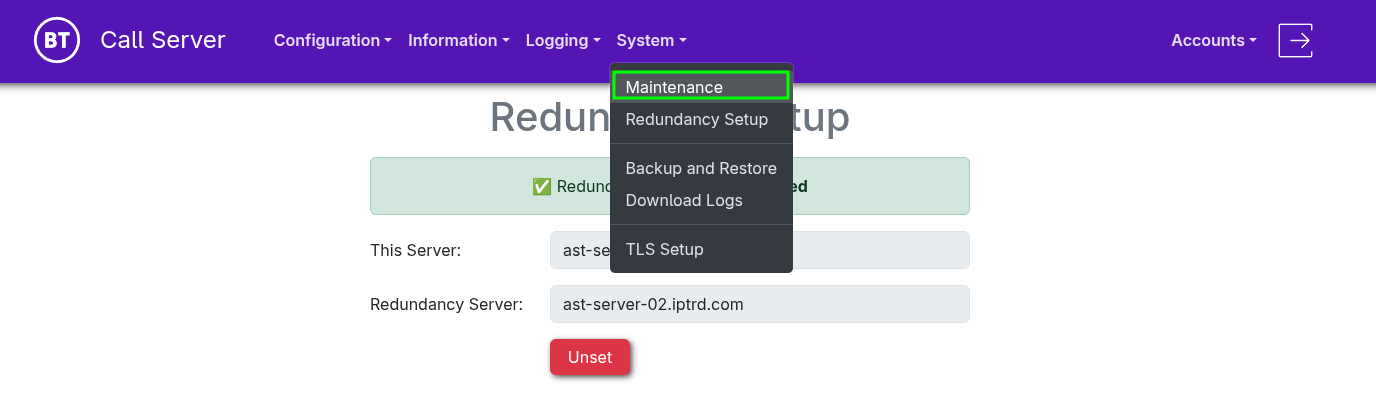
•Deploy two Servers. •Connect to the Web UI of the Primary BT Call Server. •From the navigation menu, select "System > Redundancy Setup".
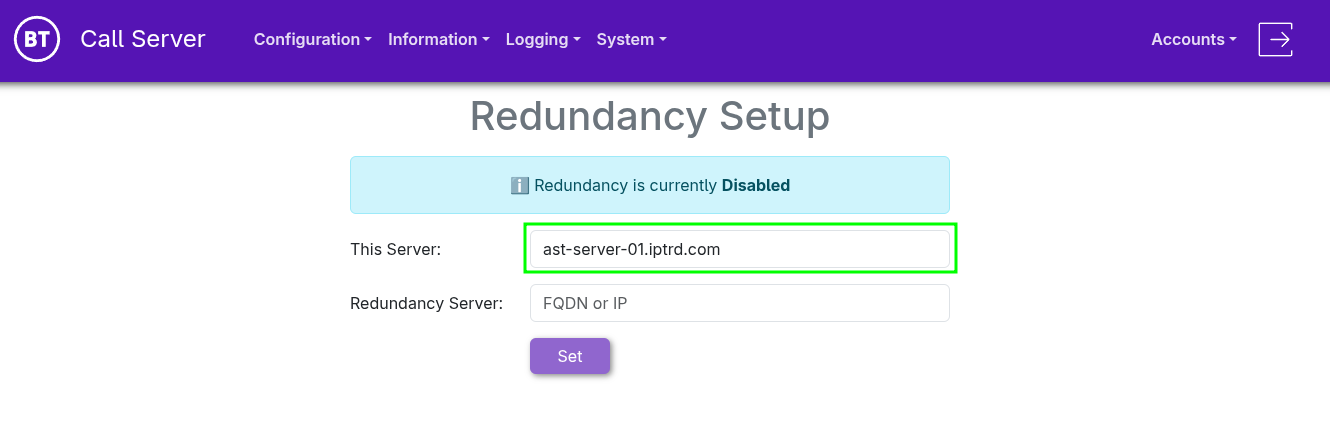
•The system will attempt to automatically detect the FQDN or IP of "This Server". If detection fails, manually enter the full FQDN or IP. •The current redundancy status is always displayed on the page.
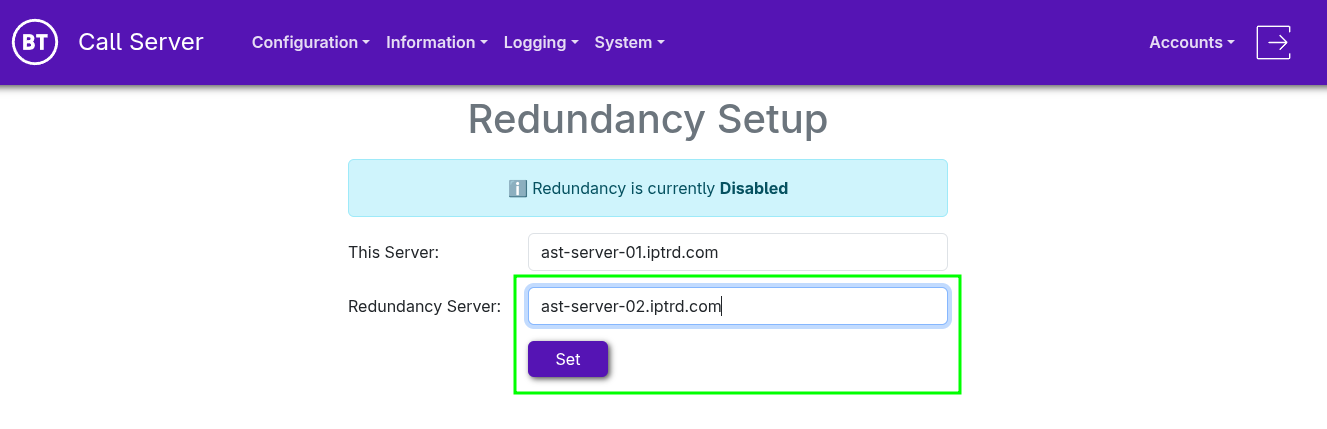
•Fill in the full FQDN or IP for the "Redundancy Server", then press "Set"
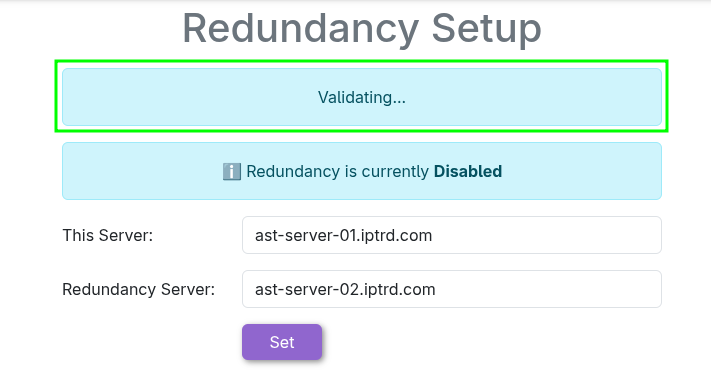
•The system will display a validation notification during the process.
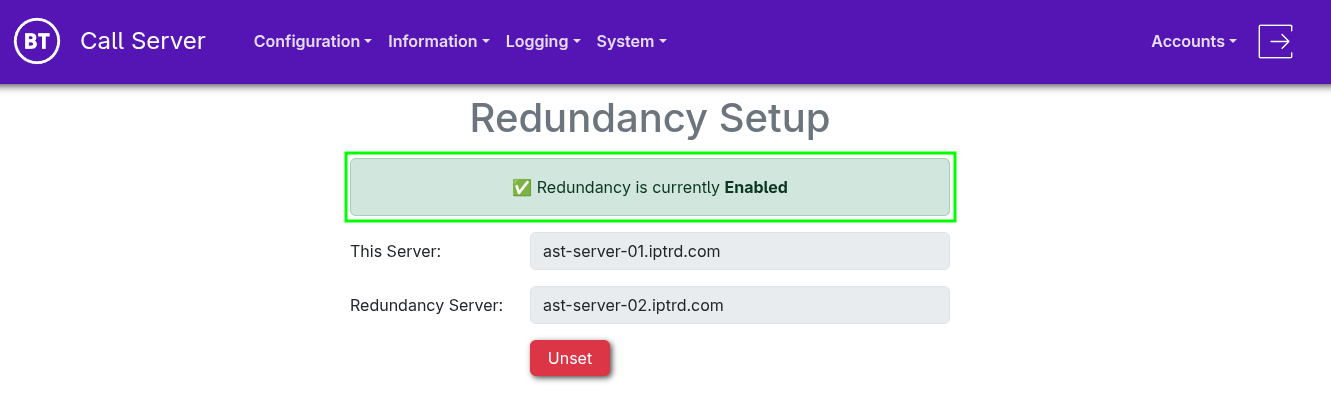
•Once the system is successfully configured with redundancy, the current status will be shown as Enabled.
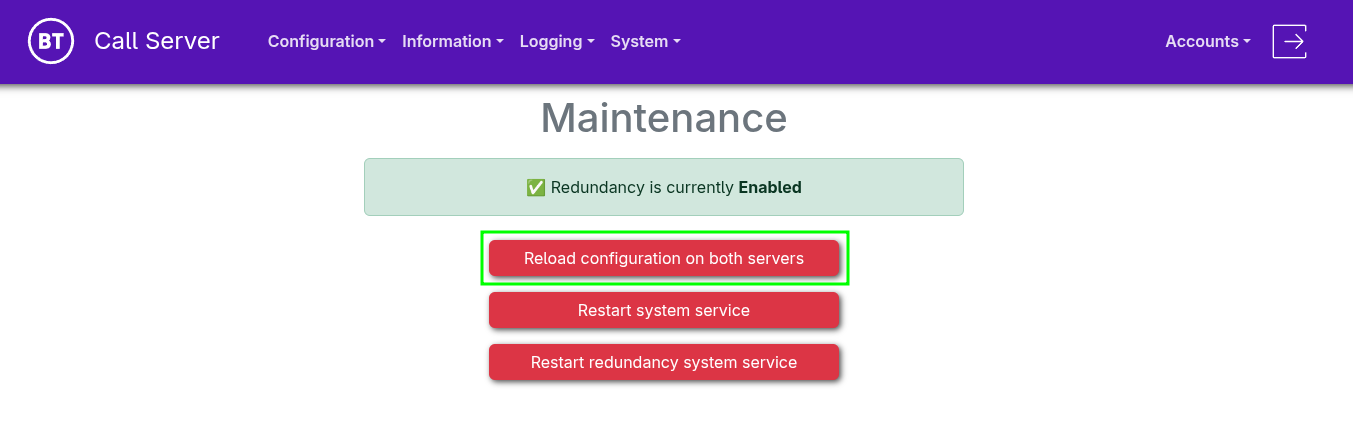
•From the navigation menu, select "System > Maintenance"
•To synchronize the configuration across both servers, select "Reload configuration on both servers". •This ensures both servers share the same settings and applies the configuration to the Asterisk service on each system.
Once a Secondary BT Call Server node is set up and connected, all configuration changes made on the primary node are automatically copied to the secondary (When committing a reload configuration in System > Maintenance) Note: There is one exception - The Transport configuration is not copied between redundant servers. This must be managed separately on each server, since changes require a full service restart.
Trunking can be configured with multiple trunk nodes to allow failover: if one Asterisk node fails, the other can take over the trunk.
This creates a chain of redundant systems capable of handling failures at multiple connection points:
TPO redundancy ensures that if a TPO fails, it will reconnect to an available Asterisk node. Asterisk node redundancy allows the TPO to detect an Asterisk failure and reconnect to the secondary node. Trunk redundancy enables Asterisk to connect to a redundant trunk, ensuring trunk restoration if either an Asterisk node fails or a trunk leg goes down.
|