Change admin password


Change admin password |
|
| Solution Integration > PBXs > BT Call Server > Web UI > Accounts |
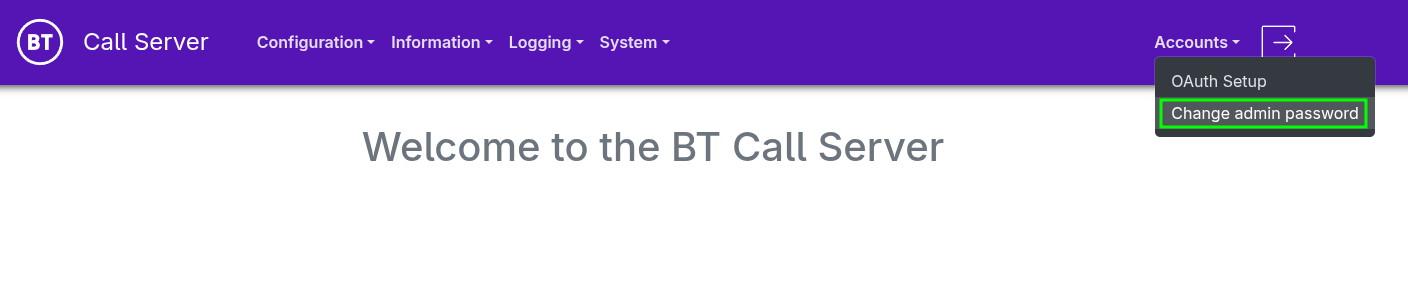
•Once logged in, from the navigation menu, select Accounts > Change admin password
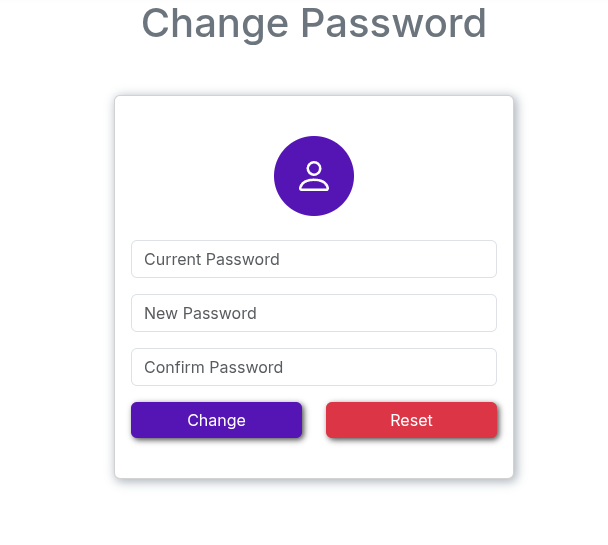
•Enter the Current, New, and Confirm password fields, then click Submit.
•A notification will be displayed indicating the status of the password change.
|