Panels dump


Panels dump |
|
| Standard > Troubleshooting Data: References > Turret > Turret Debug Information > System Information |
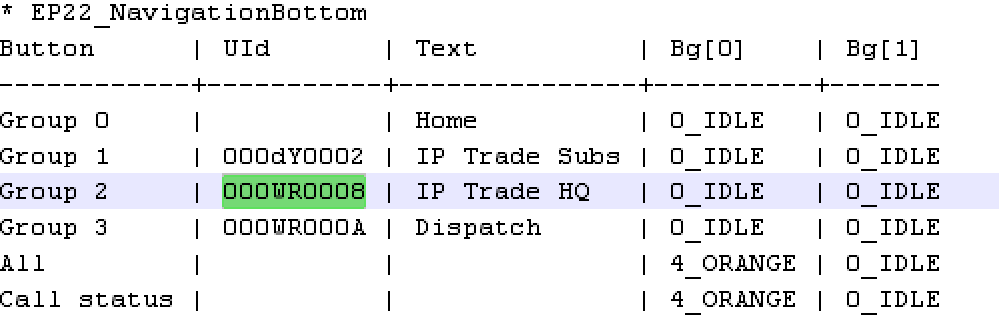
EP42_PreferredShortcutsSelection: it will shows information on the shortcuts state on the central panel (shortcut id , text and color…).
Text[0] reflect the first phase of a blink while Text[1] reflect the second phase. If both text are equal it means that in the two phases of a blink text remain steady. You may also see in this sample at index 6 that Bg[0] and Bg[1] are not equal. This reflect an incoming call on shortcut 00WR001P blinking in orange. The same information may be found for applets of shortcuts (example:Applet.1.0: EP43_PreferredShortcutsAppletSelection). Next to EP42_preferedshortcusselection you find the id of the group displayed on the screen. Thus with the following table you know which group is actually displayed:
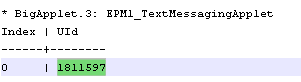
With this information, you can figure out what the user is seeing on the screen without taking a picture. Note that any shortcut / shortcut page mentionned in the dump file is automatically detailed in the Useful shortcuts / Useful shortcut pages sections. EPM1_TextMessagingApplet: shows what is currently displayed in the Text Messaging (SMS) applet. For each visible row in the applet, the table shows the Id of the corresponding message.
This message Id can be found in detail in the Text Messaging section. |