Search Call


Search Call |
|
| Voice Recording > Recorders Configuration > Verint 15.2 > Verint 15.2 Interface |
Search a call placed in a particular range:
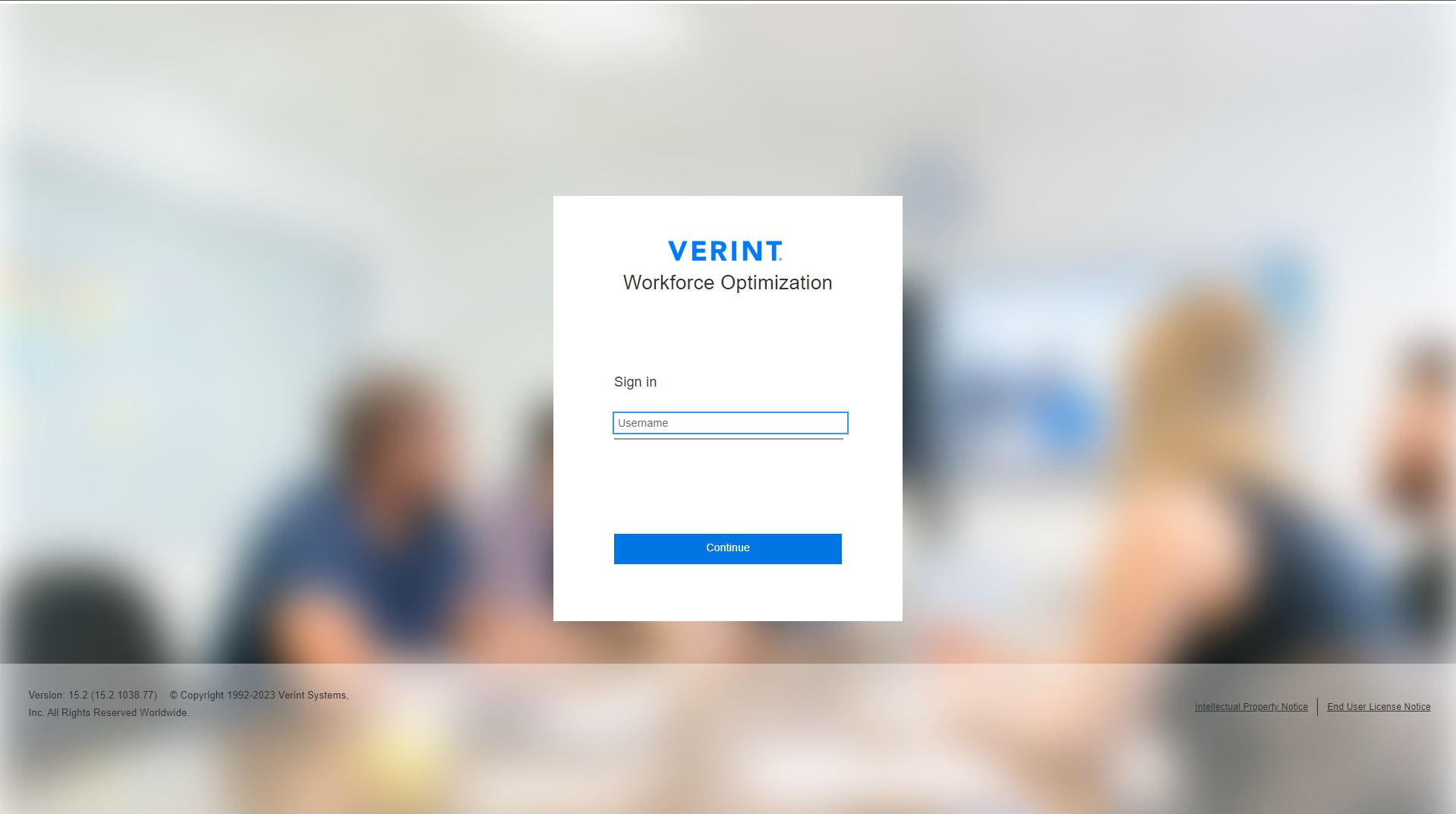
1. Go to Administrator login page on your internet browser:
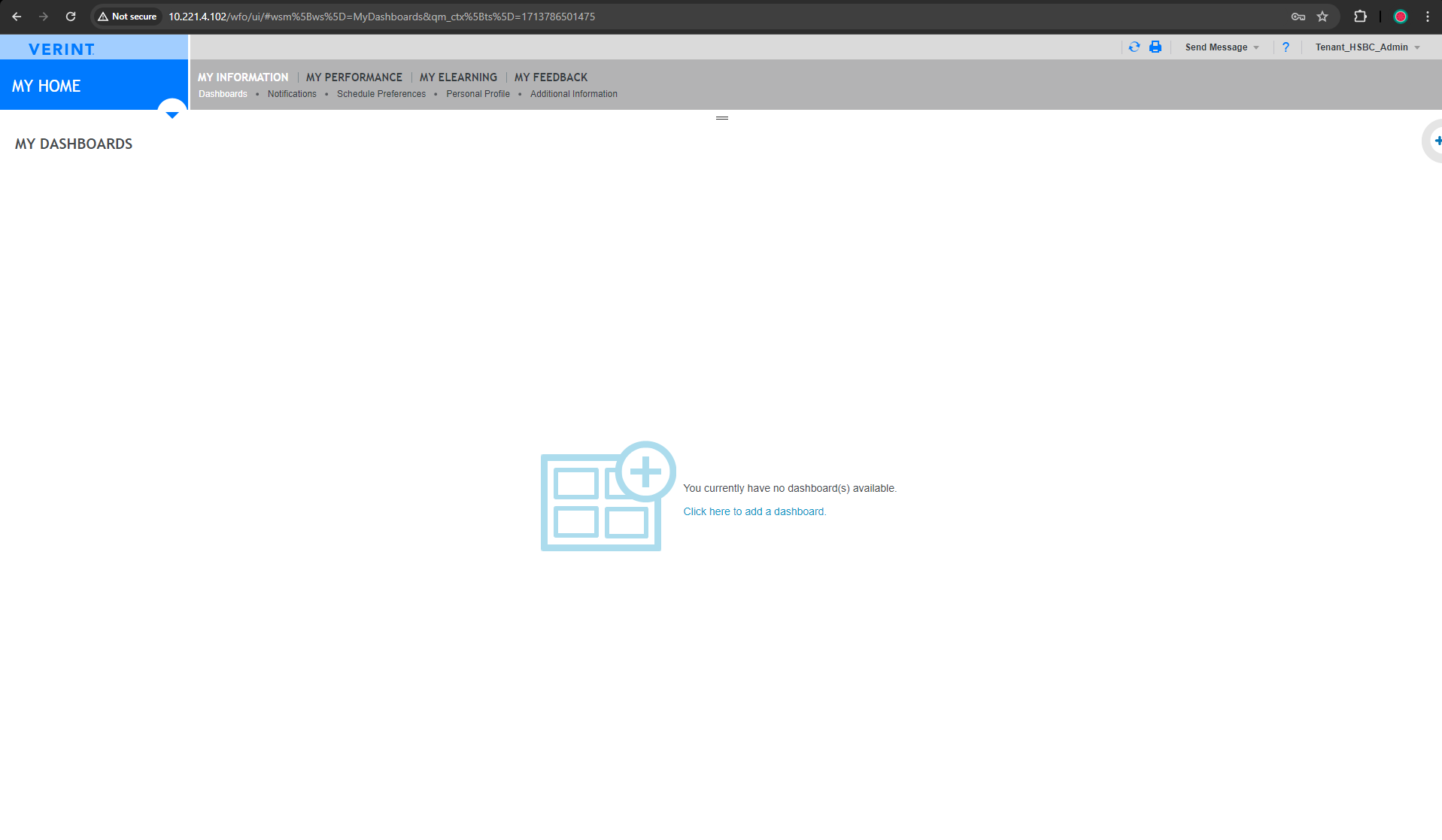
2. Enter Username and Password to Login:
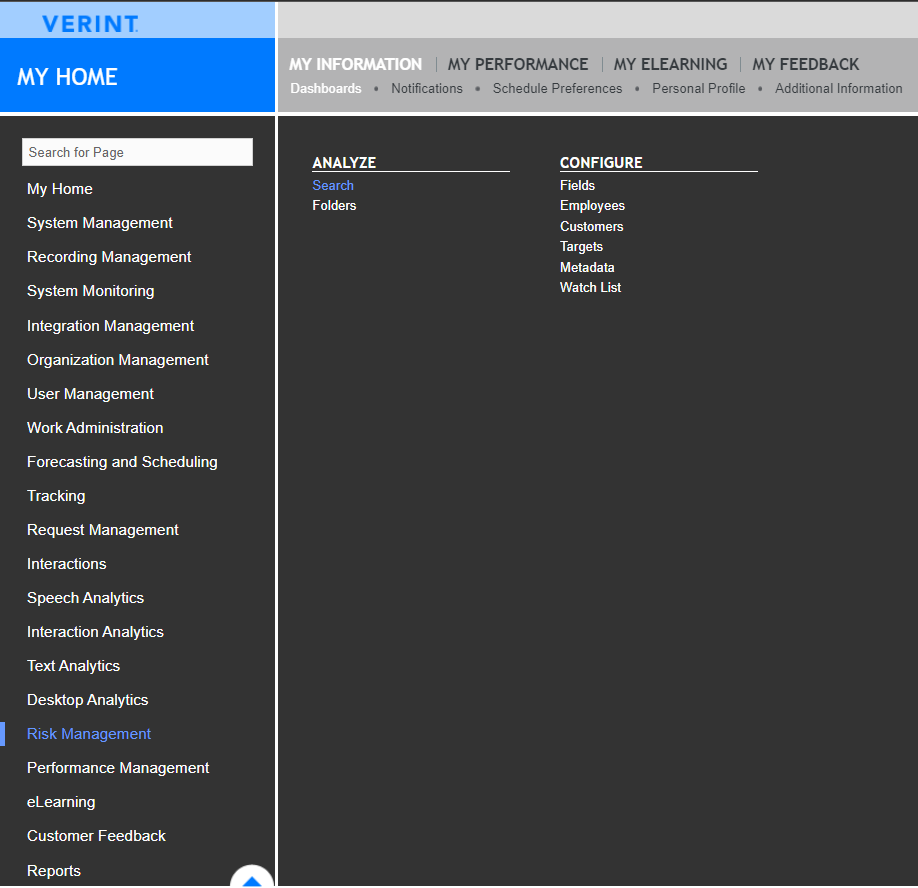
3. Click on the Dropdown Button
4. Select the "Recent Searches" or "Save Searches" or Create a new Filter and click on "Search" to search the calls.
5. In this case one call is displayed to IP Phone 550100 from DDI Line 455015.
|