Highlight Held calls

Top  Previous  Next
User Options > Automatic actions > Usage

This scenario illustrates how the feature operates.  It is assumes that  

•The profile option specify a held highlight timer set to 15 ;

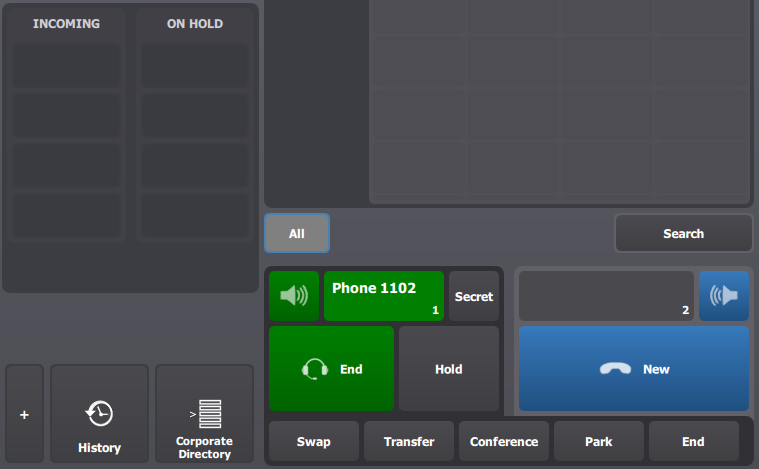
•A user is logged on a turret and has a call active on the left handset ;

highlightHeldCalls1


User presses the hold button to place the call on hold.


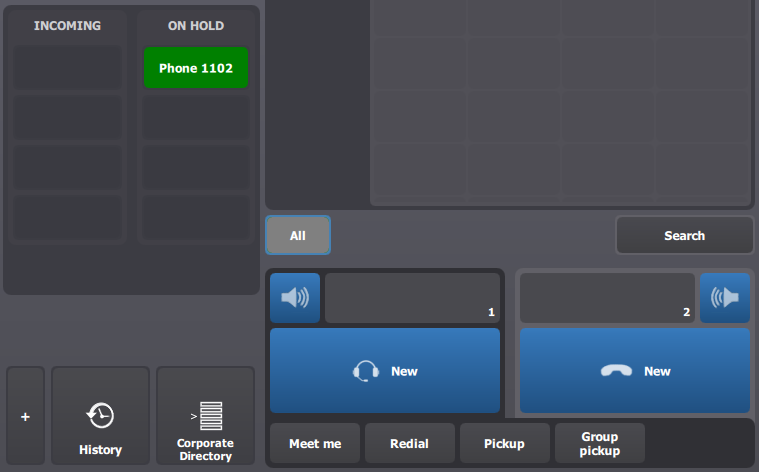
The call remains in held calls list during 15 seconds.

User has the capability to resume it.

highlightHeldCalls2


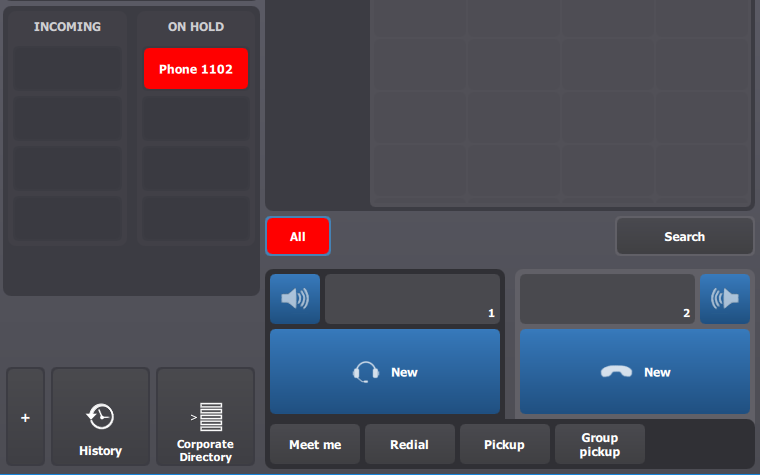
highlightHeldCalls3


After 15 seconds, the turret automatically turns the button color to red in order to highlight the call.

Of course, user keeps the capability to resume it.