Auto-forward of held calls


Auto-forward of held calls |
|
| User Options > Automatic actions > Usage |
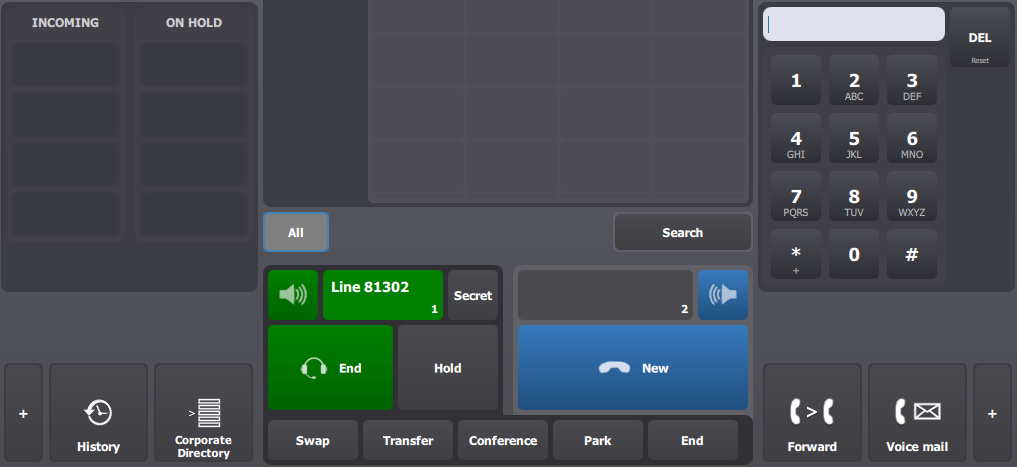
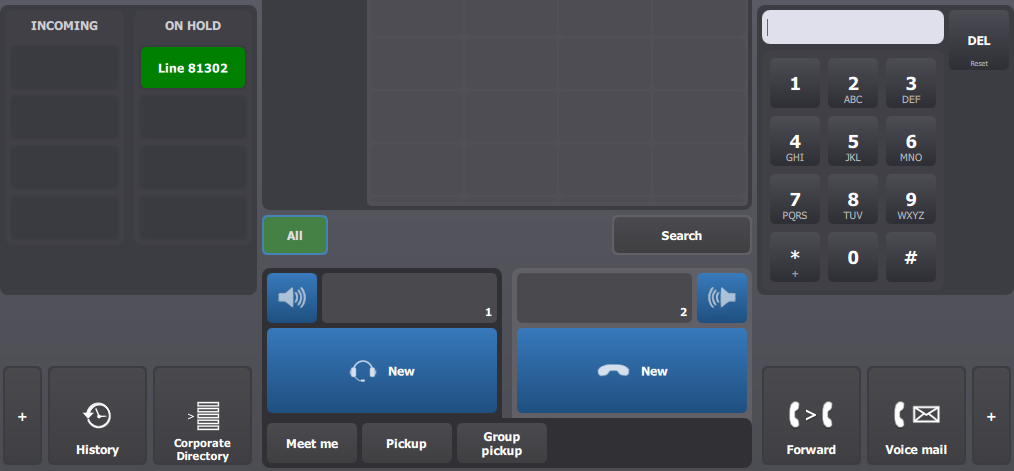
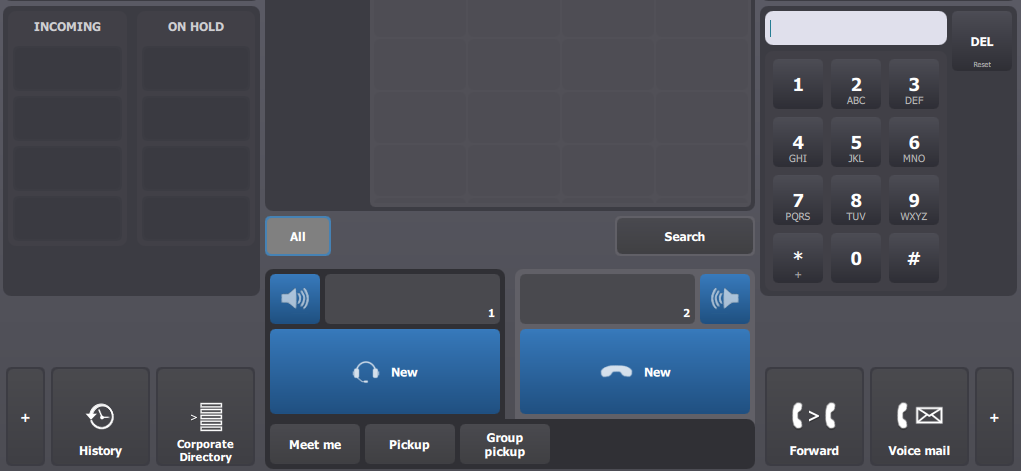
This scenario illustrates how the feature operates. It is assumed that •The profile option specify a forward target set to 1102 ; •The profile option specify an autoforward timeout set to 15 ; •A user is logged on a turret and has a call active on the left handset ; •The IP Phone with extension 1102 is registered on the PBX ;
|