Device Pairing


Device Pairing |
|
| User Options > Peripheral devices > Wireless Push To Talk > Usage |
What's pairing?Pairing is the operation that links Base and Hand device uniquely and makes them recognize each other. Without pairing, Hand device signal isn't recognized by Base and doesn't generate action on turret device.
Pairing operation is required before using Hand Device with a turret (and its corresponding Base)
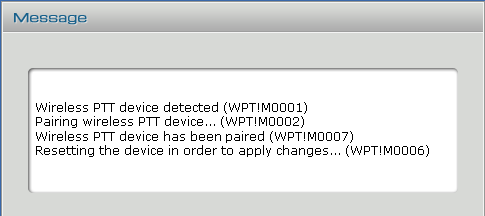
WPTT device remains paired as long as both Base and Hand device are powered. How to proceed?On a properly configured and cabled turret, plug the Hand Device using the proper USB cable. If no user is authenticated and turret shows login screen, pairing is executed silently. Otherwise, if a user is authenticated, pairing progression messages are displayed in turret interface.
As soon as Hand Device is detected but the system pairing starts
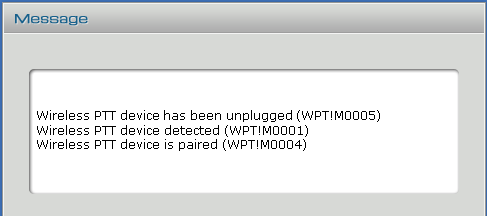
Reset operation may stand for few seconds but is required in order to validate pairing in both Base and Hand devices It leads to device restart and following messages sequence
The hand held device can now be unplugged, ready for use.
|