Usage


Usage |
|
| Trading and C&C > Turret Proxy To Open communication (TPO) > Voice Loops |
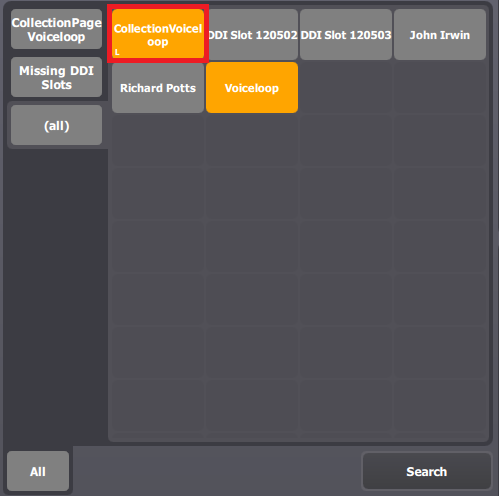
Initiate a Voice Loop conferenceTo initiate a Voice Loop conference, perform a simple press on the dedicated collection shortcut key.
A Voice Loop conference is initiated with the pre-configured participants.
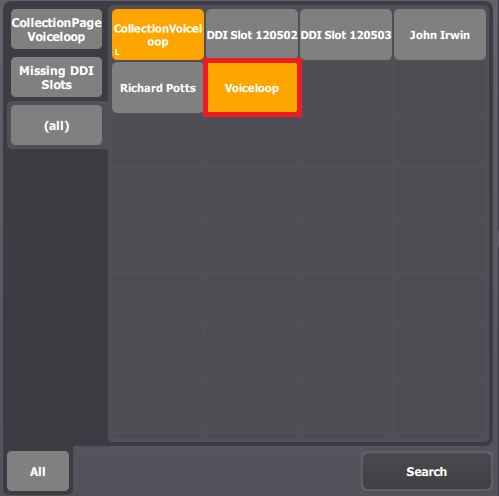
Add participants to the Voice Loop conferenceOnce connected to the Voice Loop conference, adding new participants is done by using the simplified conference functionality : simply press the participant target shortcut key. Any user connected to the conference can add new participants. Join a Voice Loop conferenceJoining an existing conference is done by pressing on the DDI slot shortcut targeting the Voice Loop.
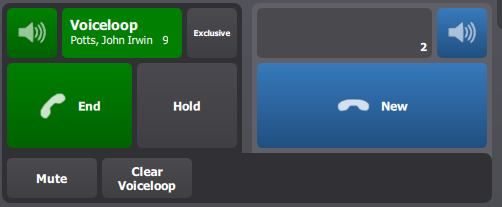
Clear the conferenceClearing the conference (i.e. removing all participants) is done by pressing the dedicated Voice Loop clear button in the handsets buttons bar. Note that the user must be connected to the conference to clear it.
|