Usage


Usage |
|
| Trading and C&C > Turret Proxy To Open communication (TPO) > Manual Ringdown |
The Configuration section below describes the setup for this usage.
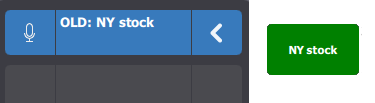
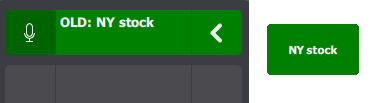
From The trader (e.g. TLAB01) point of view, a shortcut (Open Line Type) is linked to his private wire, for example, “NY stock”. Login After login, the trader has his Private Wire shortcut “connected”. The shortcut is Orange, which means that the Private Wire is usable.
Reaching the Private Wire The trader selects monitor entry and presses on the Private Wire shortcut, e.g NY Stock
Sending Hook Flash For sending a hook flash event to the remote party, the trader presses on the shortcut
Talking trough to line For talking on the line, he presses on the microphone button
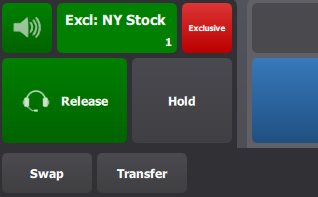
Exclusive mode If the Trader wants to speak privately, after taking the call on the handset, he presses on the Exclusive button.
|