This is the default turret behaviour, no additional settings are needed.
Access Room panel by pressing Room button.
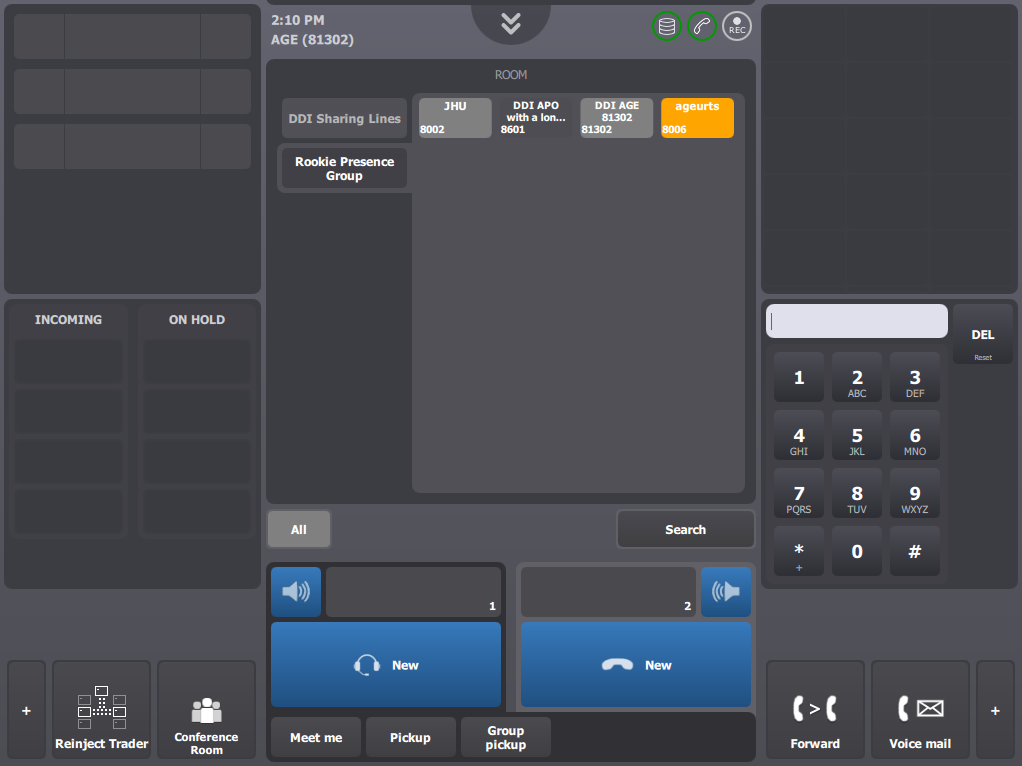
In the room panel, the boss selects the presence group rookie belongs to.
He presses the key associated to the rookie’s turret
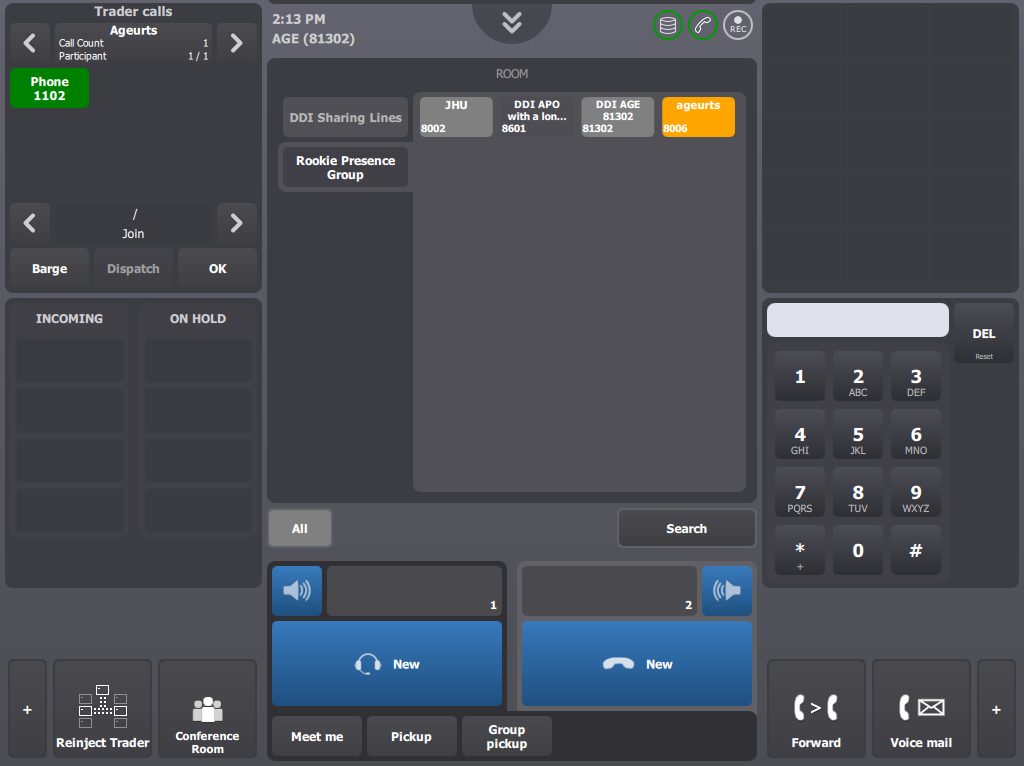
The Trader calls applet related the rookie is displayed.
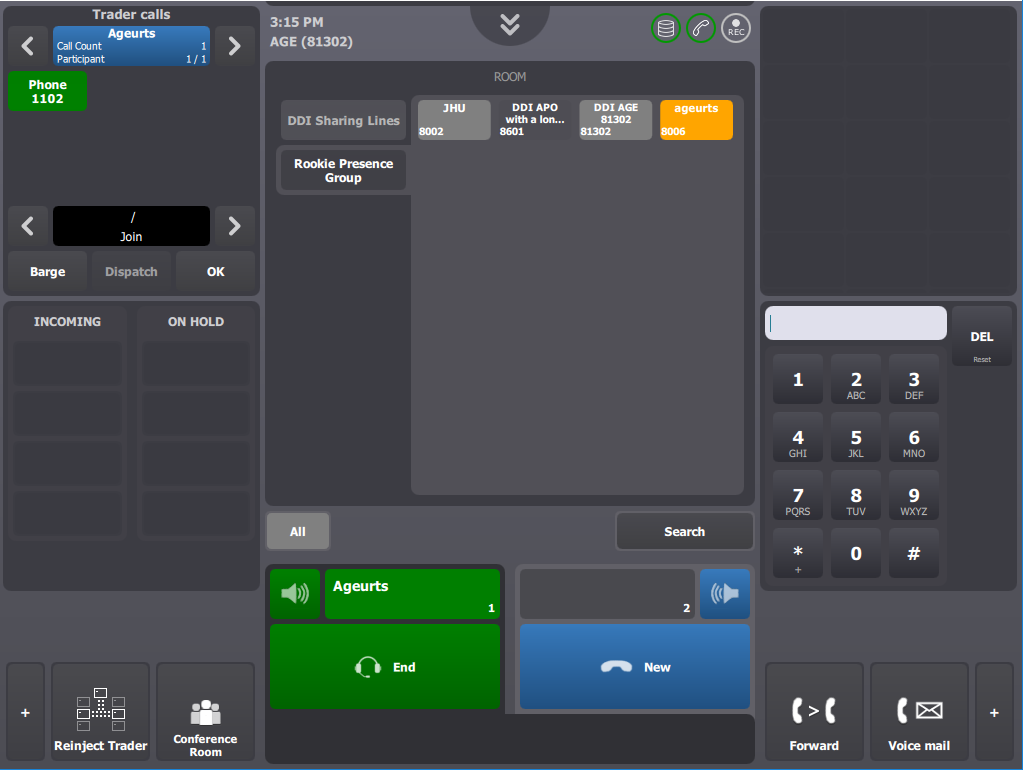
In Trader calls applet, the boss hits on the central text area which shows the user identifier of the rookie trader.
Supervision call is initiated and remains open until boss hangs it up or until rookie logs out.
All new TPO calls initiated on rookie's turret are mixed within the supervision call so boss can listen to them.