Configure


Configure |
|
| Trading and C&C > Netrix > Voice Recording |
Zone Settings:application.global.recorder.keepalive true application.global.recorder.keepalivemaxinative 31000 application.global.recorder.sendstartbackup false application.recorder.compatibility iptrade application.recorder.ddi.wait.mastercallid true application.recorder.startrecordingatlogin true
Profile Settings:profile.setting.recorder.defaultmixingcodec 0 profile.setting.recording.adddeviceidinfo true profile.setting.recording.addmixingmode true profile.setting.recording.addcalltypeinfo true
Optionally enable or disable dual stream mode profile.setting.recording.dualstreammode true
By default we send the userid however if we want to send the username set to true. Depends on the voice recorder configuration profile.setting.recording.userNameInSUID true
Channel Configuration After the basic configuration is added. You must configure each recording channel, starting with channel 0 (Below is an example to put both handsets on channel 0). profile.setting.recording.channel.0.devices HS1;HS2
Netrix supports the following devices in the channel configuration setting.; •handset1 - HS1 •Handset2 - HS2 •Intercom - HFI •Speaker1 - HF1.1;HF1.2;HF1.3;HF1.4;HF1.5;HF1.6;HF1.7;HF1.8 •Speaker2 - HF2.1;HF2.2;HF2.3;HF2.4;HF2.5;HF2.6;HF2.7;HF2.8 •Speaker3 - HF3.1;HF3.2;HF3.3;HF3.4;HF3.5;HF3.6;HF3.7;HF3.8 •4 Internal Speakers - HF3.5;HF3.6;HF3.7;HF3.8 Netrix cannot have more than 8 streams in a single channel, handsets count as 2 streams, speakers as one. So the use of default.channel is not recommended with Netrix.
To set specific codec per recording channel use the following setting. Replace N with the channel number. profile.setting.recording.channel.N.codec = 0
Codecs supported by Netrix are 0 PCMU, 8 PCMA, 18 G729 and 116 iLBC. Voice Recorder Selection at user level:
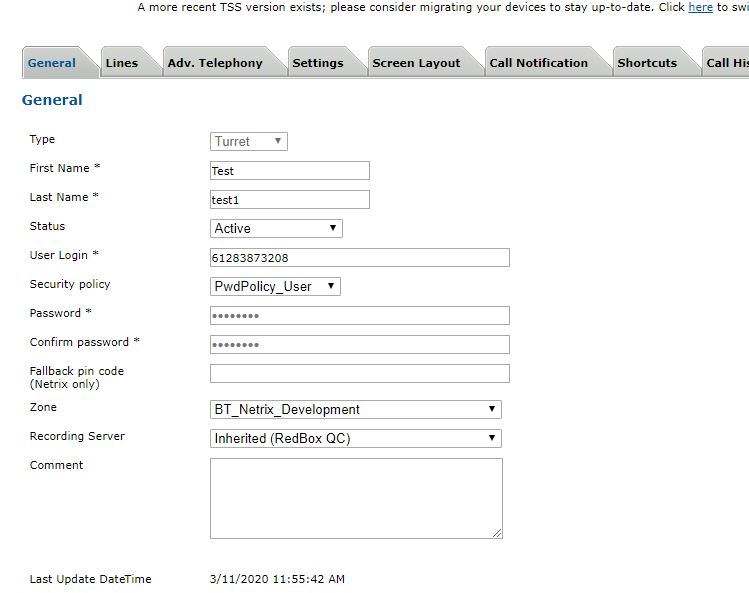
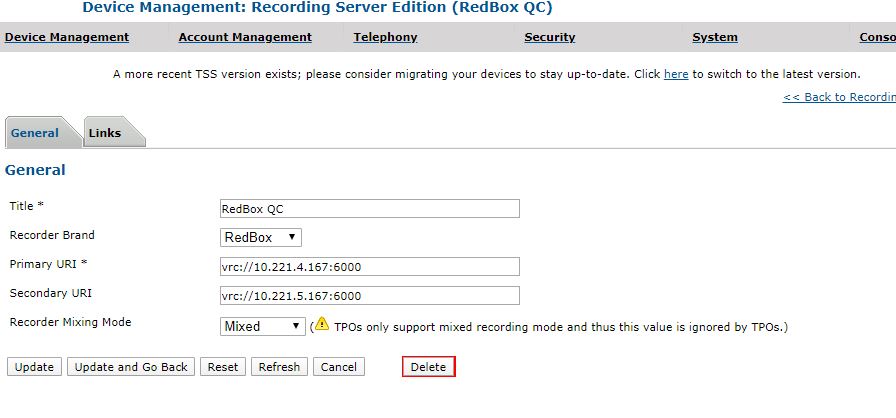
Multiple Recorder configuration:
|