Configure


Configure |
|
| Trading and C&C > Netrix > Divert |
DiversionDivert on lock can be configured from the TSS by admin, as explained below:
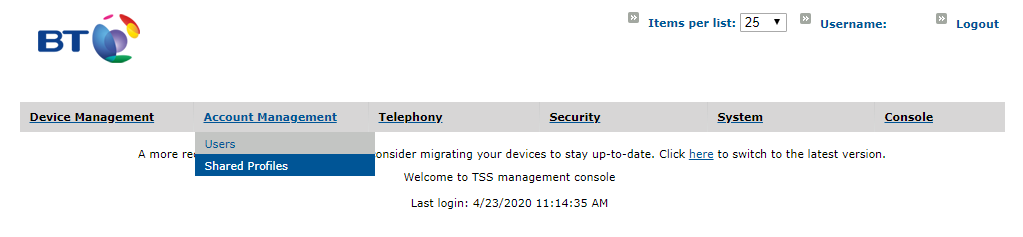
1. On the TSS console go to "Account Management->Users". Select the user for which divert on lock has to be set.
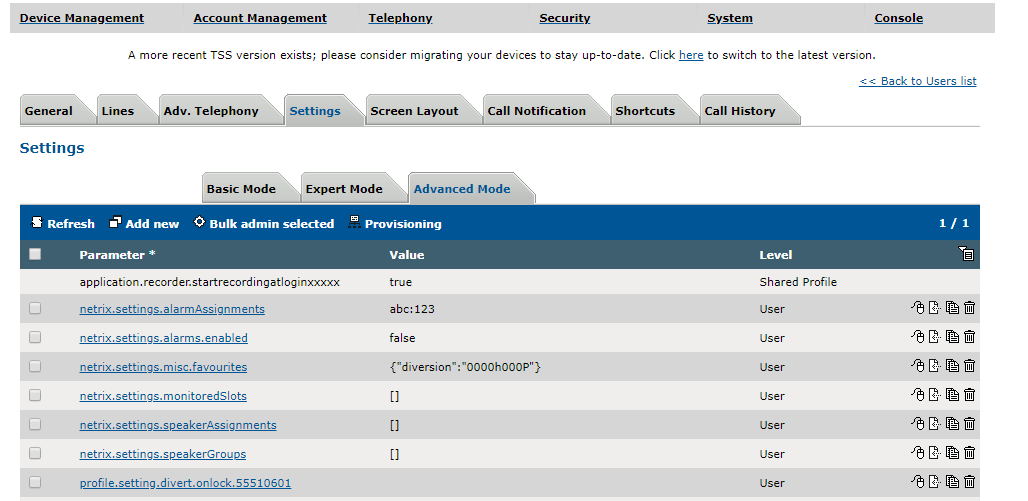
2. Go to "Settings->Advanced Mode".Click on 'Add new'.
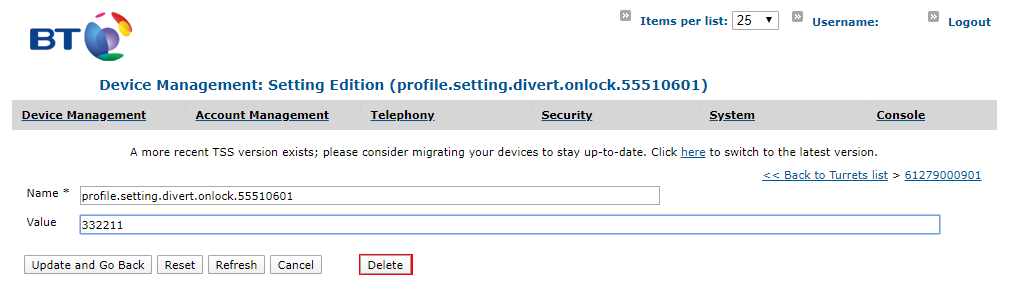
3. Enter 'Name' in the format "profile.setting.divert.onlock.55510601", where 55510601 is the line to be diverted. Enter 'Value' as the line to which 55510601 has to be diverted. Make sure the 'Name' is in the format "profile.setting.divert.onlock.XXXXXX", where XXXXXX is the line to be diverted. Click on 'Update and Go Back'.
4. Log off the user from the turret if already logged in, and log in to reflect this on the turret.
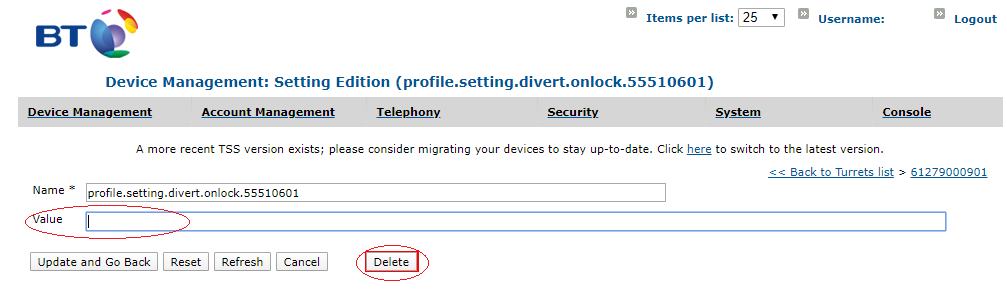
To remove divert on lock setting from TSS for a line for a user, either delete the entry for that line or empty the 'Value' field as shown below:
WhitelistThe whitelist features in Netrix is limited to the below list of features. •Enabling Forward Whitelist •Differentiate Transfering actions from Forwarding actions •Forward Wildcard Configuration of the above can be found here. |