Configure


Configure |
|
| Trading and C&C > Net Broadcast |
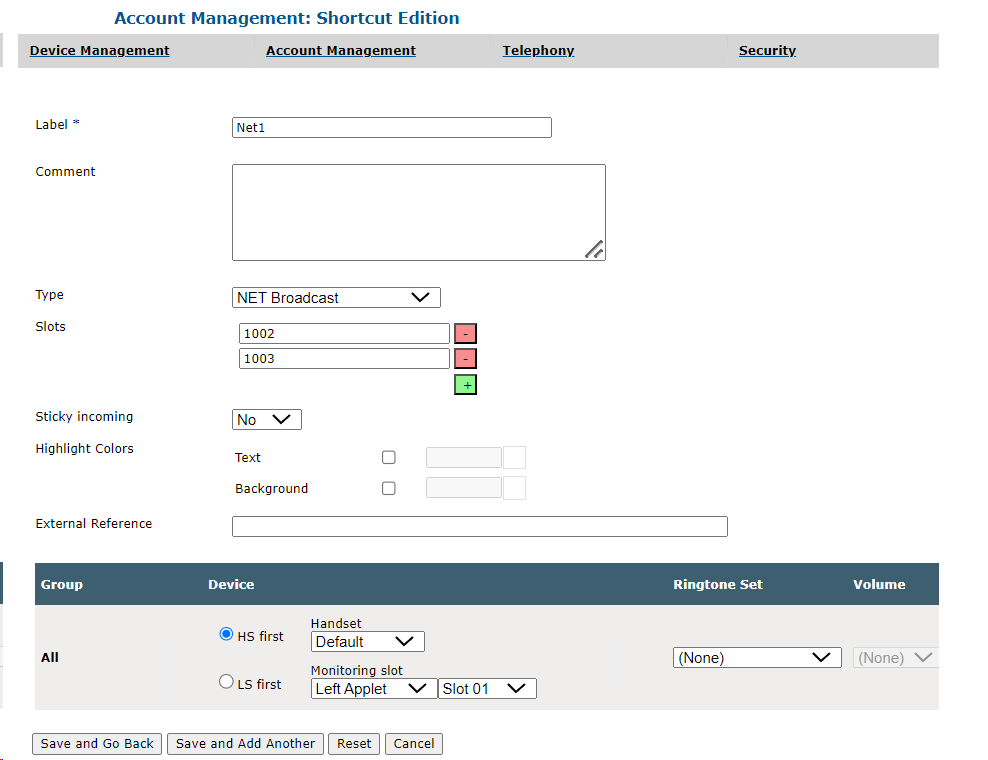
Adding a NET Broadcast shortcut via the TSS
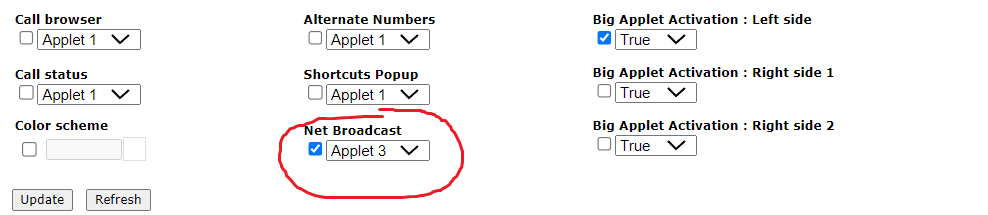
In the user's configuration form, under tab "Screen layout". Select check-box for Net Broadcast and select the position of the applet by using the drop down. Big Applet Activation on the left side can also be chosen.
Creating net broadcast shortcut in TSS |