Usage


Usage |
|
| Trading and C&C > Group Shout |
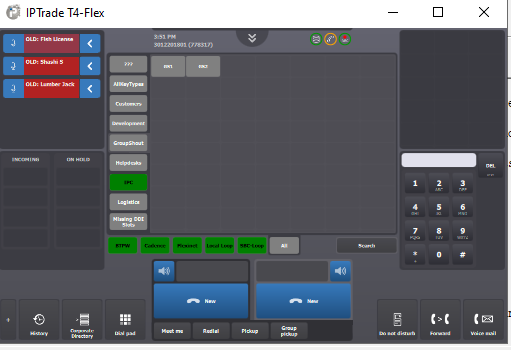
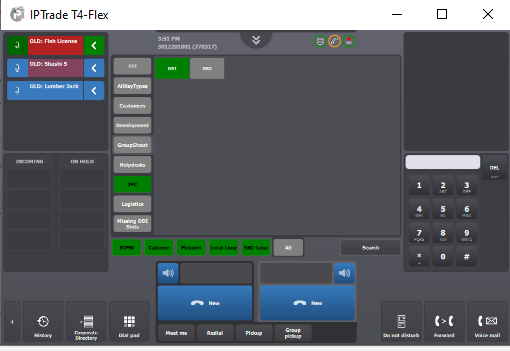
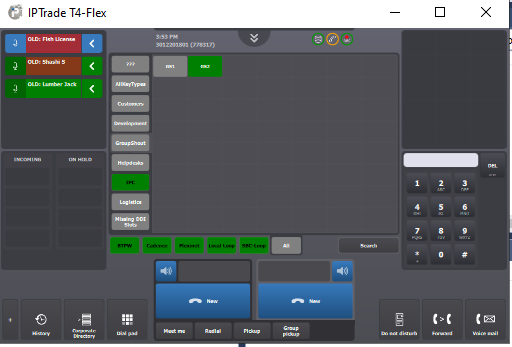
This scenario illustrates how Group Shout keys can be used to broadcast voice messages to a selection of distant parties who are already connected to speaker channels. The description above assumes the following system configuration •Three lines labeled Line1(11901) ,Line2 (11902),Line3 (11903)are defined and associated to speaker channels spread across two monitoring applets; •Two Group Shout keys labeled GS1, GS2 are defined and programmed as follows: GS1 [Line 1], GS2 [Line 2,Line 3];
Notes (1)If a second Group Shout key is pressed whereas a first one is already engaged, the speaker channels associated with this second Group Shout key are cumulative with the ones opened when pressing the first Group Shout key. (2)If configured, speaker channel ducking applies when using Group Shout keys ;
|