Programming


Programming |
|
| User Options > Peripheral devices > Foot Pedals |
Depending on the model, the foot pedal's generated scan code can be re-programmed. Basically, FTT-200 can while FTT-100 cannot.
Here is the process to reprogram the scan code using a PC running Microsoft Windows.
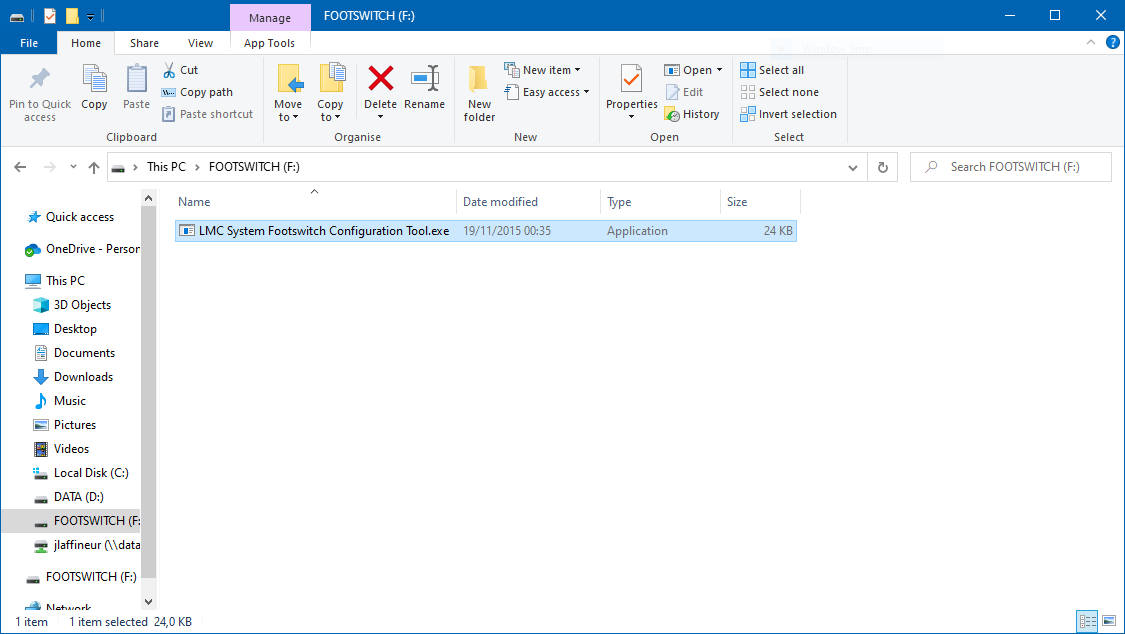
1.Plug the foot pedal into a computer's USB port. A new drive appears in My Computer (This PC under Windows 10). 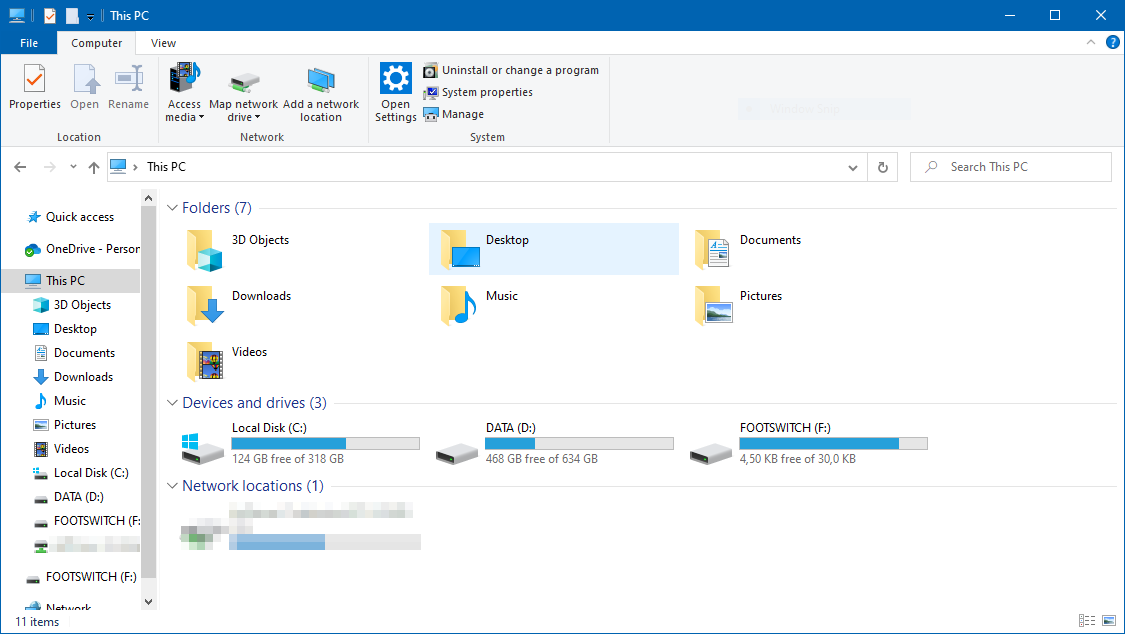 2.Open the FOOTSWITCH disk drive. 3.Open the executable file named LMC System Footswitch Configuration Tool.exe by double-clicking it.
4.The program opens. Check that the Status is Footswitch Detected.
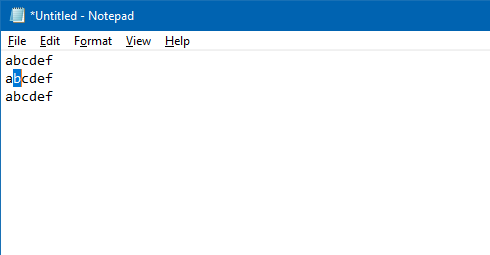
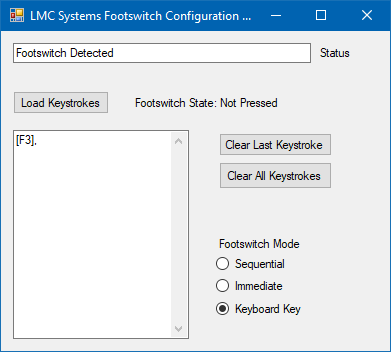 5.Select Keyboard Key as the Mode. 6.Press the desired key on your keyboard. Remember to use a key that is not already used by another peripheral device and one that does not produce a printable character (see Configuration). 7.Press Load Keystrokes. 8.To test the new scan code, open Notepad and use the foot pedal to trigger an action. Here, with F3 programmed, the action triggered is Find Next.
 9.You can now use your foot pedal on your turret.
|