Placing an outbound call


Placing an outbound call |
|
| User Options > Peripheral devices > External Keyboards > Usage |
Only a handset is required in this use-case.
1.Log the user on the turret; 2.On the external keyboard, press the New button (left side);
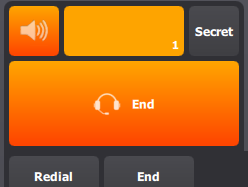
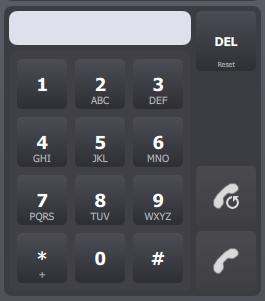
The handset turns orange, and the Keypad panel appears.
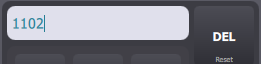
3.Compose the target phone extension, using the hard digit keys on the external keypad.
The extension appears in the Keypad panel's extension field.
4.Press the New button, again.
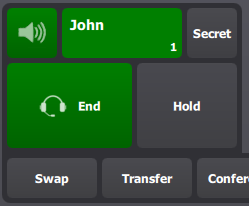
The outbound call is initiated.
|