Set profile ringtone set


Set profile ringtone set |
|
| User Options > Ringtones > Usage |
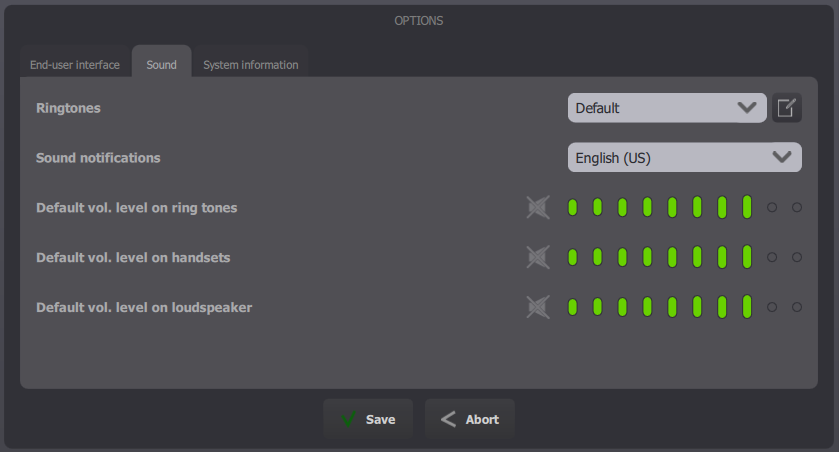
From a turret
Open the Options panel
Go to Sound tab
Select your ring tones set, then click Save.
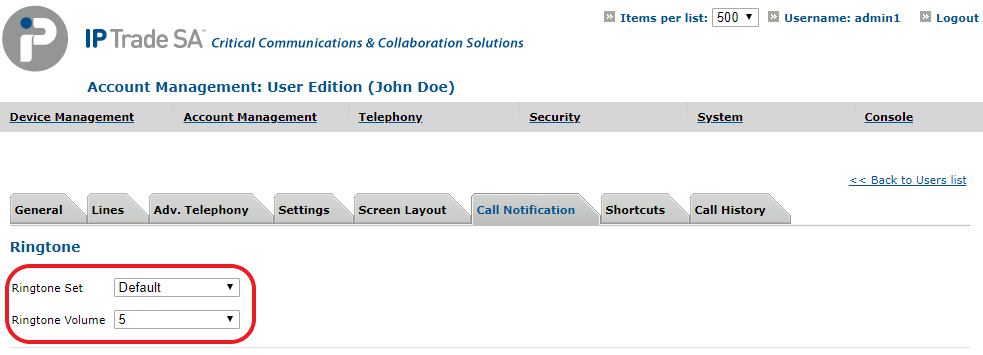
From TSS Console
Select your user, in Account Management > Users, navigate to the Call Notification tab and choose your ringtone set and volume.
Then click Update or Update and Go Back. |