TSS Certificate


TSS Certificate |
|
| IT&Operations > Security > TSS Virtual Appliance |
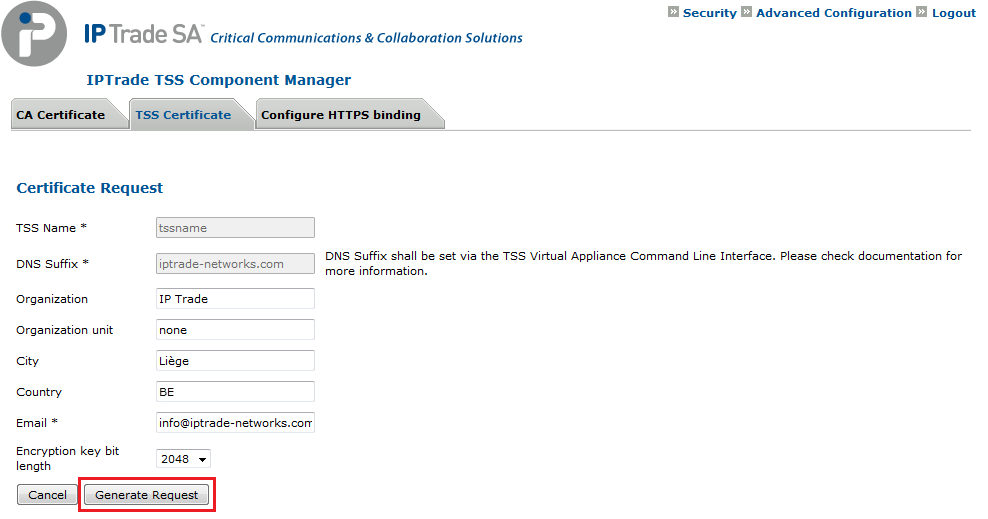
To install a TSS Certificate: •Open the Component Manager (i.e.: http://SERVER_IP/IptradeNet) with your preferred web browser •Log in •Go to Security \ TSS Certificate •Press the Generate New Request button •Fill the Certificate Request form and press the Generate Request button
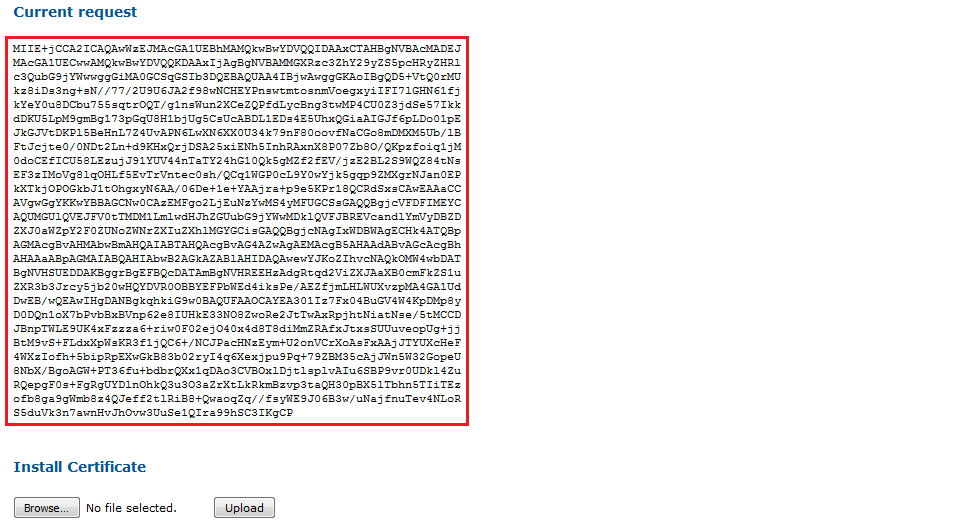
•A request code is generated. You can obtain a certificate with this request code from the Certification Authority.
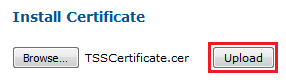
•Once you have obtained a certificate file (CER), press the Browse... button and select the file on your machine
•Press the Upload button
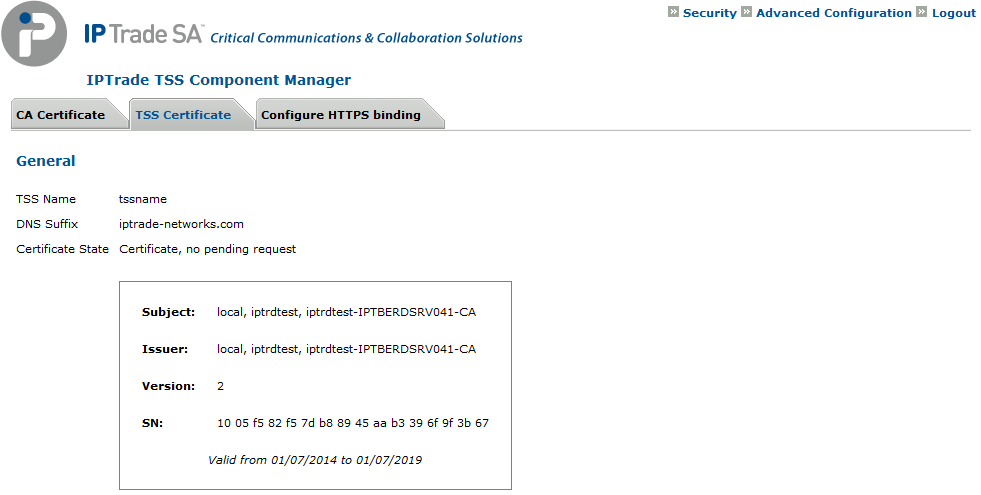
•The certificate is installed on the TSS machine. You can renew it at any moment by pressing the Generate New Request button.
|