Search Call


Search Call |
|
| Voice Recording > Recorders Configuration > Verba > Verba Interface |
Search a call placed in a particular range:
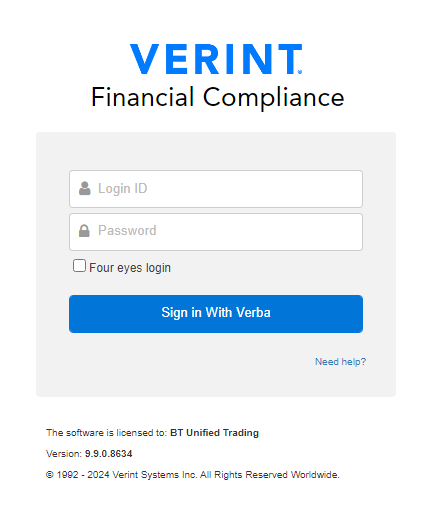
1. Go to Administrator login page on your internet browser:
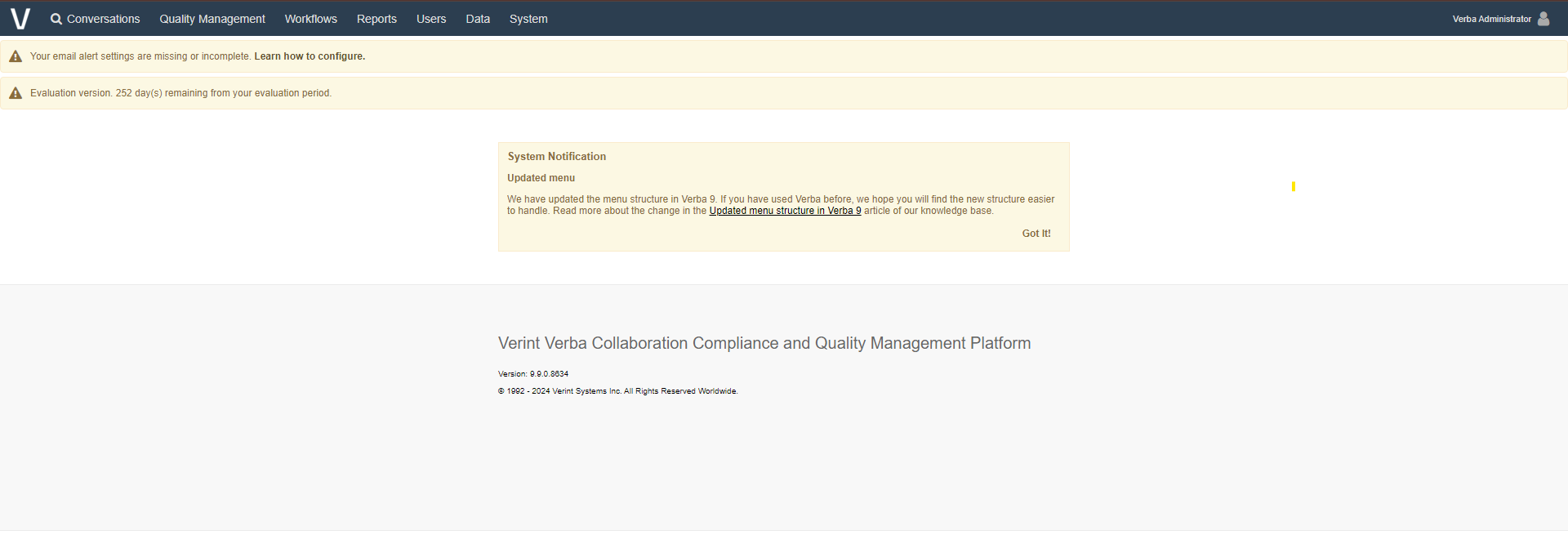
2. Press on "Login" button:
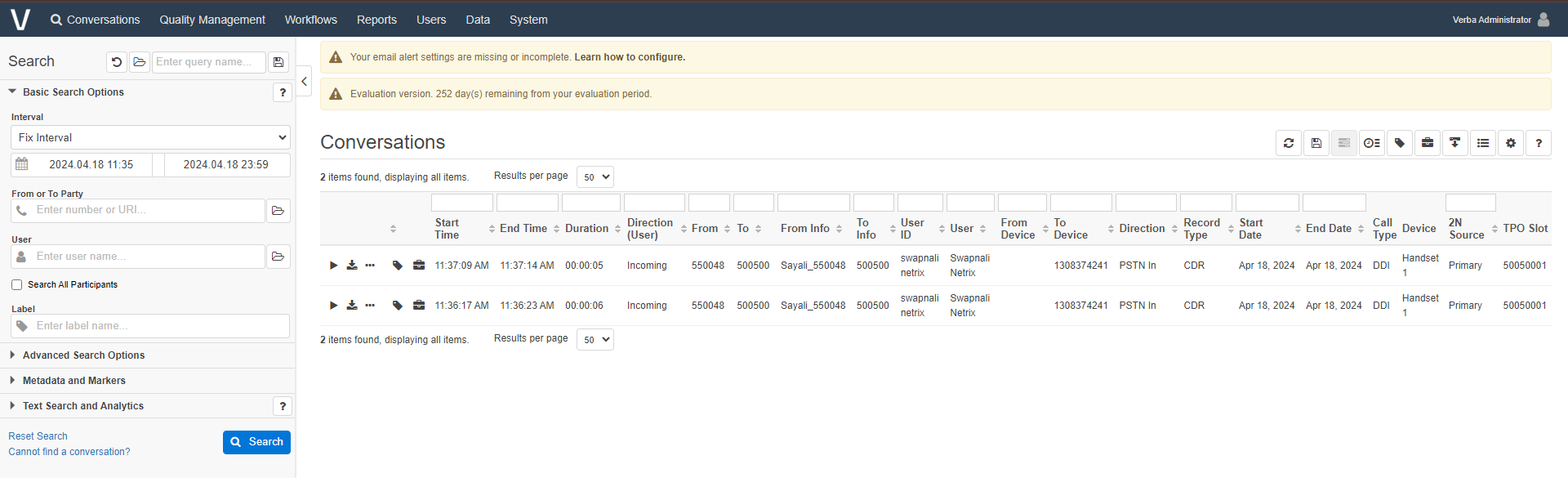
3. Go to "Conversations" tab and click on "Search" tab and define a range, in following picture list shown all calls placed the 18th April 2024:
In this case just two calls are shown, placed at 11:35 AM from IP Phone 550048 to DDI Line 500500. |