Search Call


Search Call |
|
| Voice Recording > Recorders Configuration > Call Cabinet > Call Cabinet Interface |
Search a call placed in a particular range:
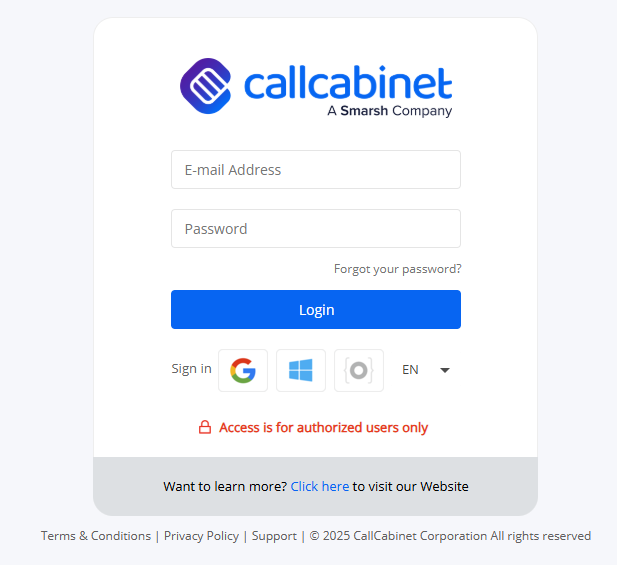
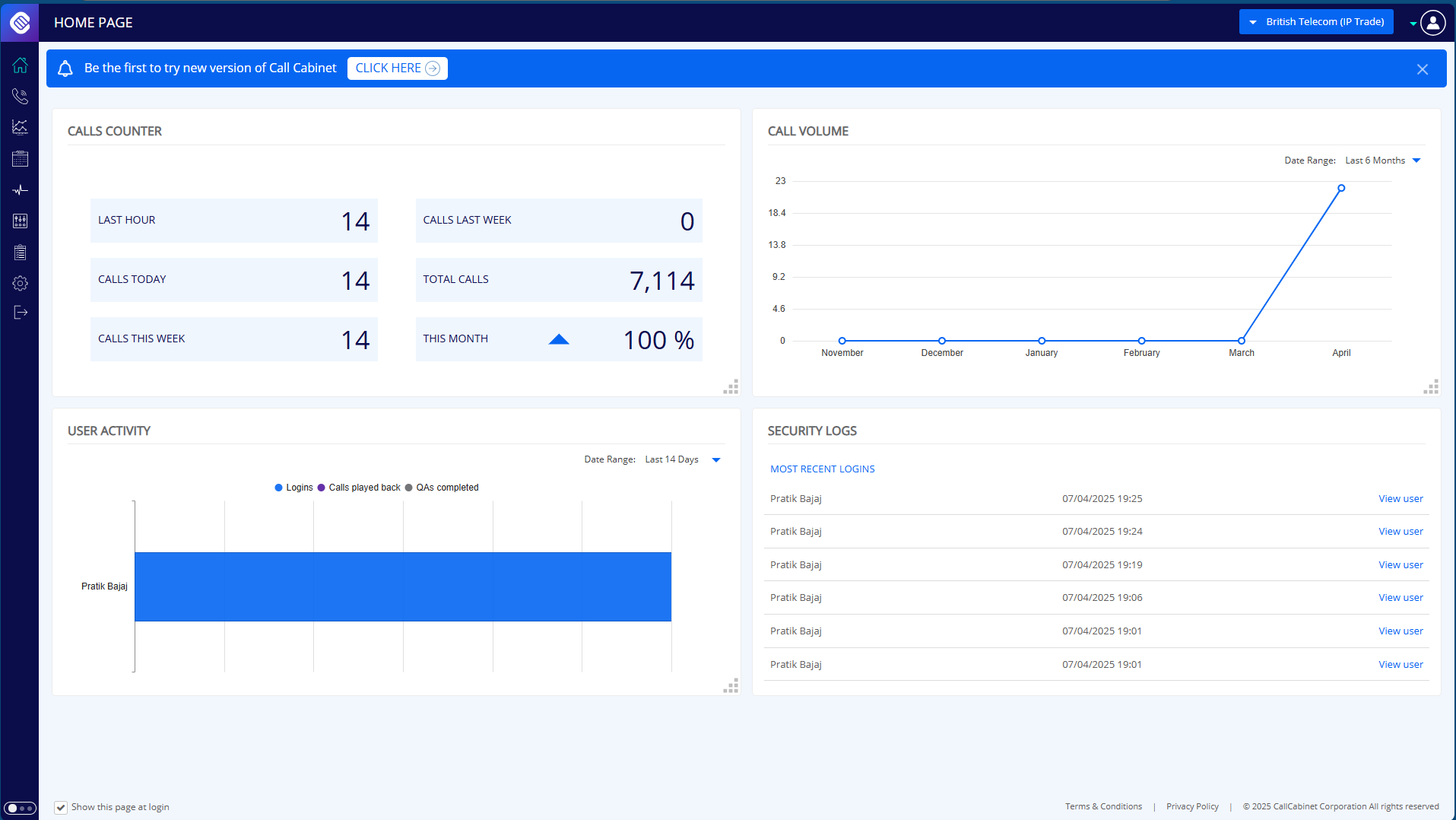
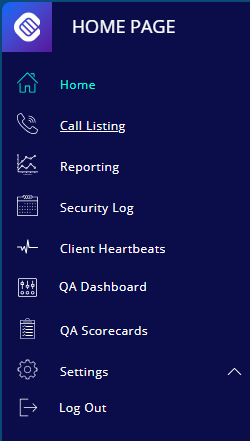
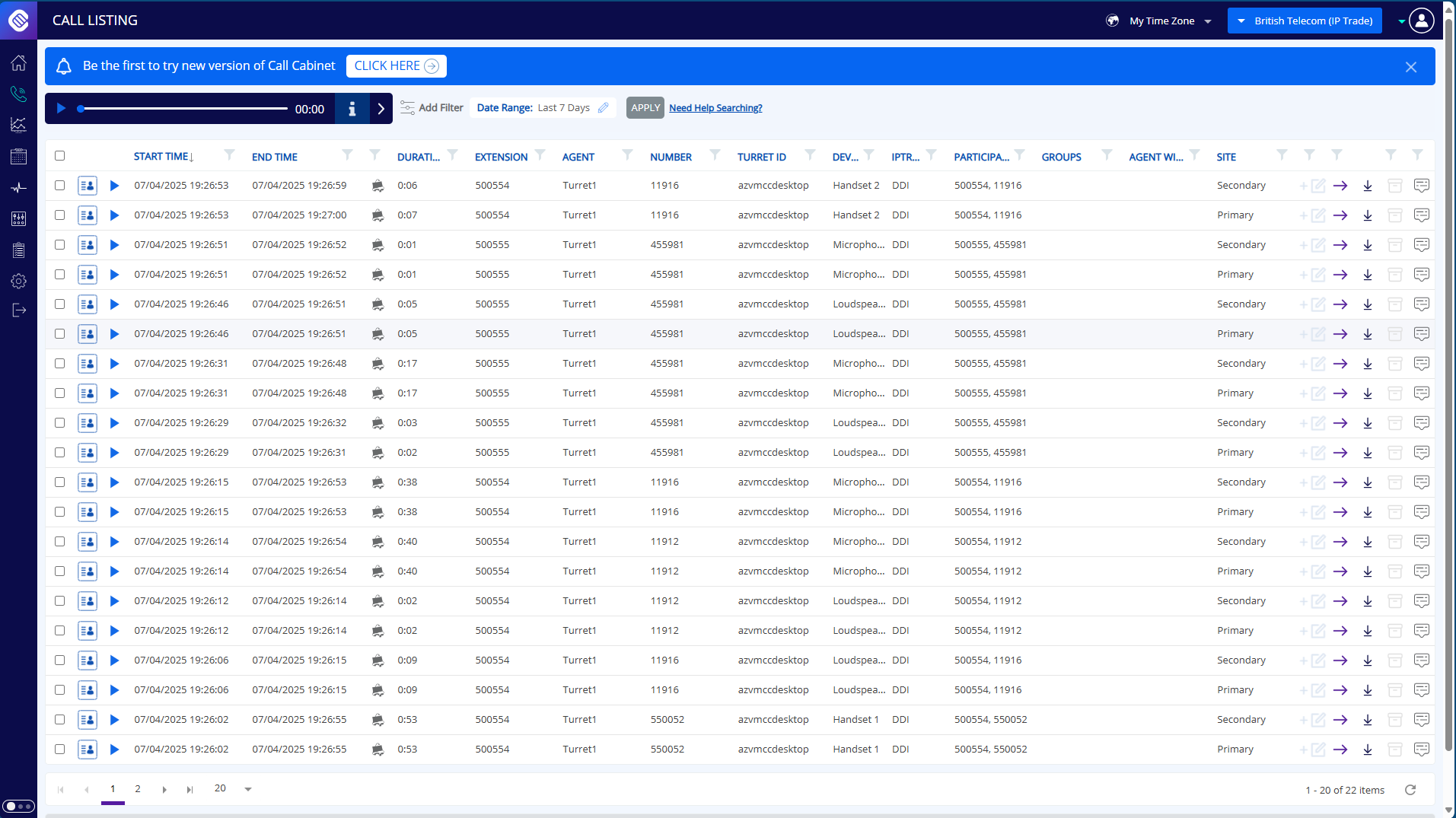
1.Go to Administrator login page on your internet browser: 2.Enter Username and Password to Login: 3.Click on Login and Call Cabinet Home Page is displayed 4.Hover to the side panel on the left: 5.Click on Call Listing and Call Recordings should be loaded with the default filter range:
|