Recorder


Recorder |
|
| Voice Recording > Recorders Configuration > Carin > Configuration |
Configuration step to do on recorder.
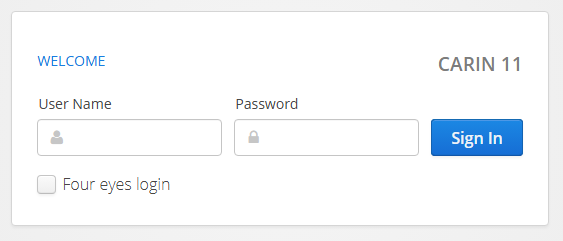
1. Go on Carin recorder web interface using your internet browser:
insert:
•ID = Administrator •Password = Carin123!
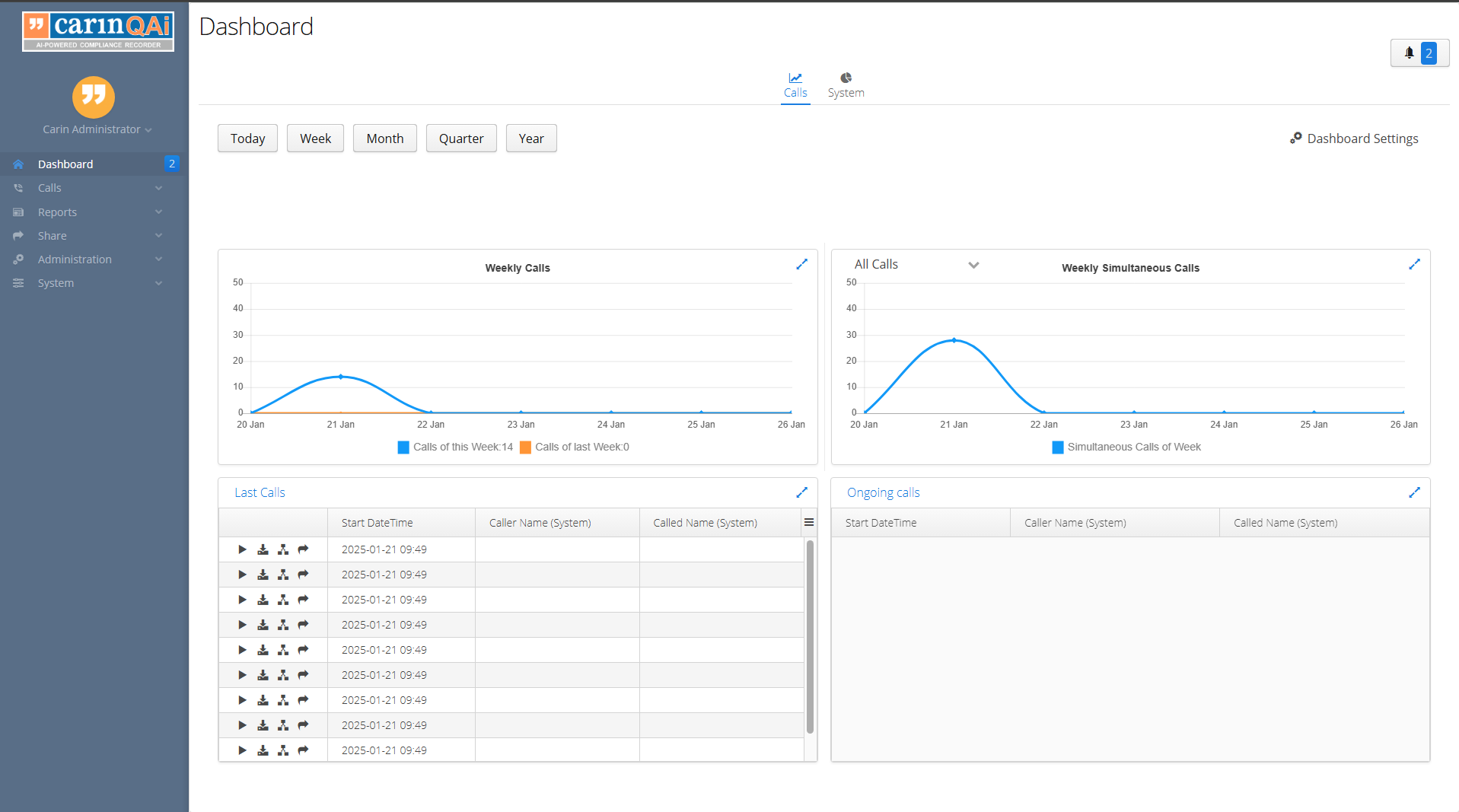
and Welcoming page will be shown:
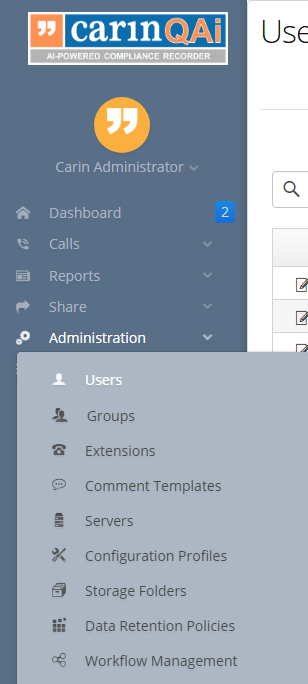
2. Go To Administration -> Users:
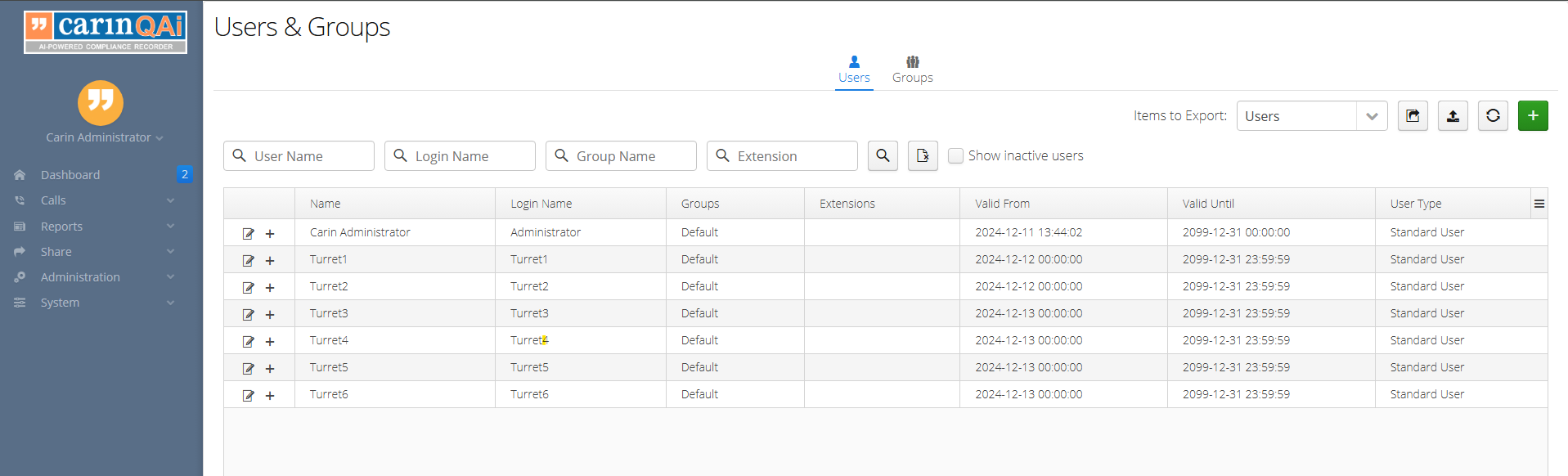
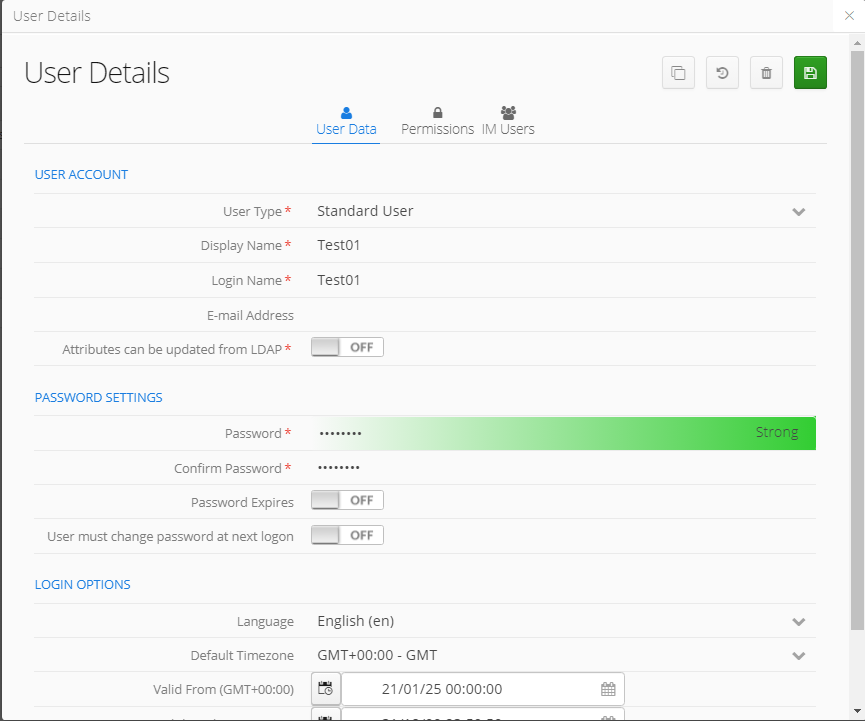
3. For each user recorded, a corresponding user has to be created inside Carin system for being recognized at login. For instance for user Test01, press on
Inside "User Data" configure "User Data" with :
•Type = Standard •Display Name = Test01 •Login Name = Test01 •Password = Test@!01 •Confirm Password = Test@!01
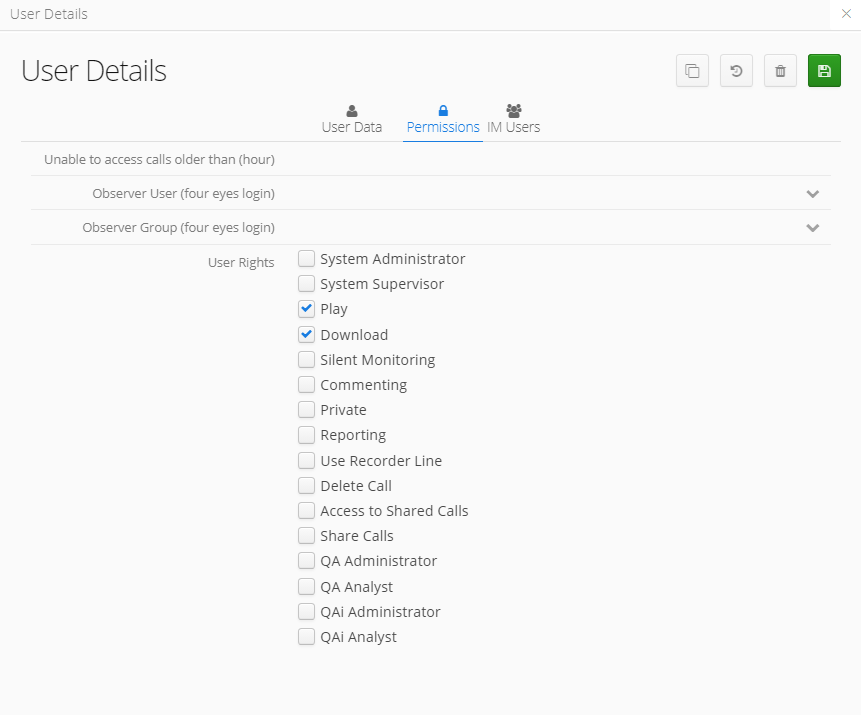
and under "Permissions" check the following: •Play •Download
and press on
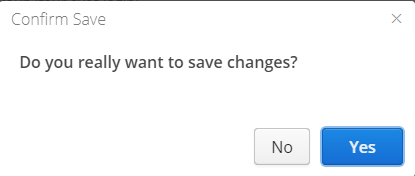
Confirm Save by clicking "Yes".
|