Channel Monitoring


Channel Monitoring |
|
| Voice Recording > Recorders Configuration > Redbox > RedBox Interface |
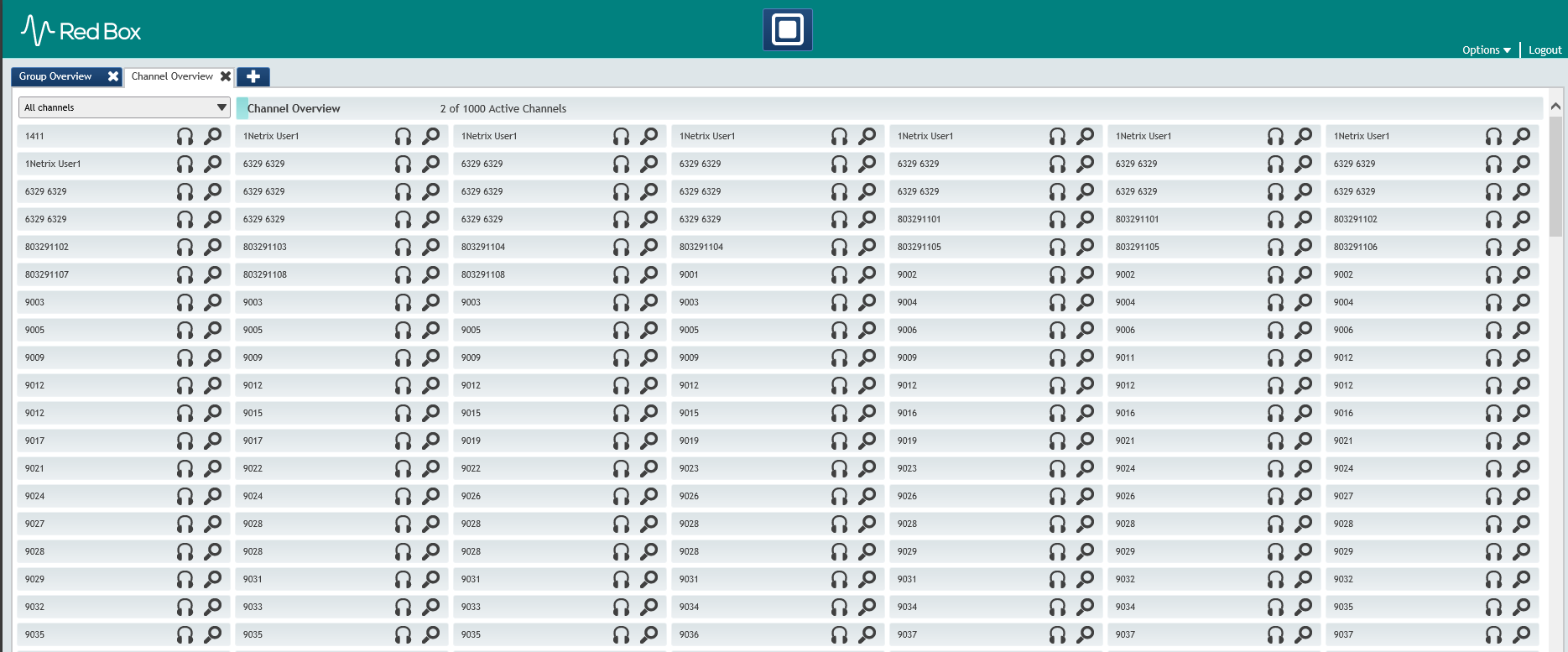
Channel Monitoring allows to check how many channel are available on RedBox recorder.
1. Press on
in this case we have 1000 available channels and 2 established calls.
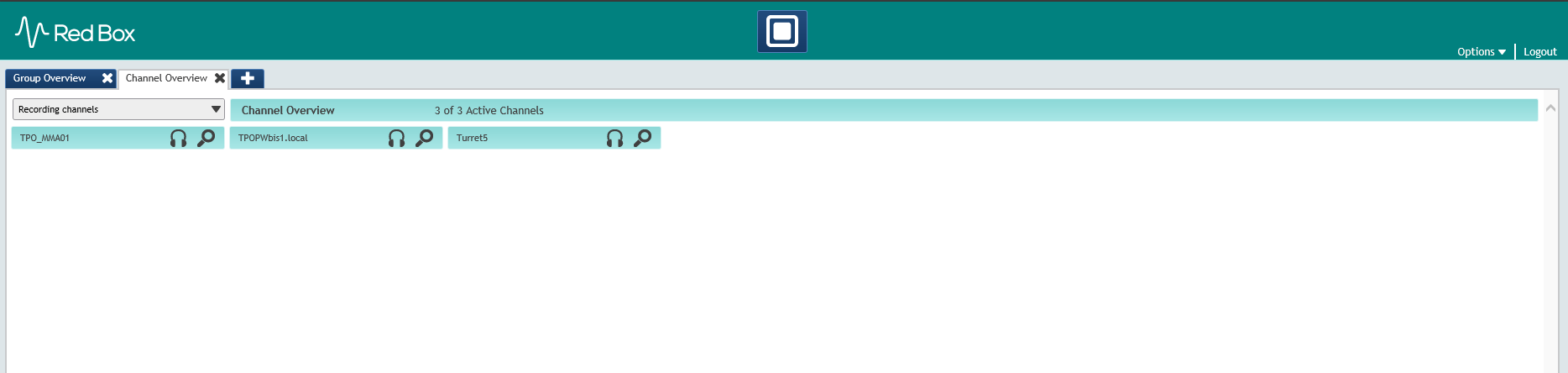
2. Make a call on a IPTrade turret correctly configured for RedBox recording and from the drop down select Recording channels:
|