Replay more audio data


Replay more audio data |
|
| Voice Recording > Instant Replay over TPO > Usage |
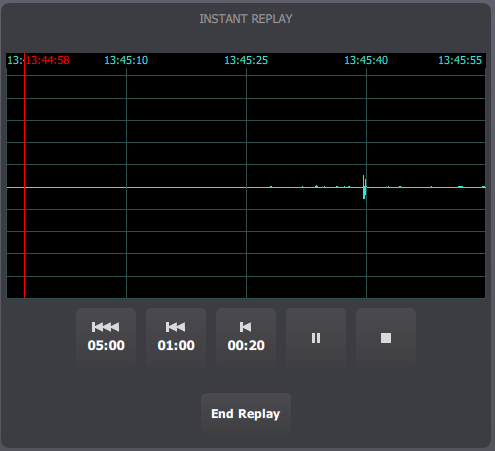
By default, 20 seconds of data are requested when performing a replay. The three Back buttons allow requesting more data if needed.
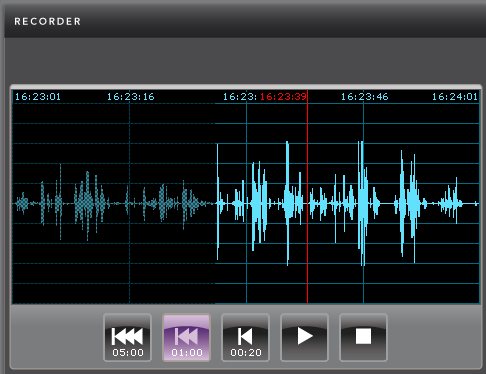
For example, if the interesting audio part took place more than 20 seconds ago, user presses the 1:00 Back button to request one minute of data:
Here, replay data now goes from 4:23:01 PM to 4:24:01 PM.
The same duration can be requested again if needed. In that case, note that the audio graph will be different, because the data is always requested based on the current time. In other words, if the user requests one minute several times, he will see the graph shift from right to left at every request.
Replay data validity
As the TPO only keeps the last 5 minutes of audio data on each call (see TPO configuration), this data expires as time goes on. On turret side, the data becomes invalid, i.e. cannot be replayed anymore.
Here, the left-side portion of the replay data has expired and is now invalid. It is grayed out and cannot be accessed anymore. Once all the replay data has expired, the only options are either to discard the replay session by pressing the End button or to request a newer replay session by pressing one of the Back buttons.
|